User manual
SANTEC IP cameras
_________________________________________________________________________________
- 97 -
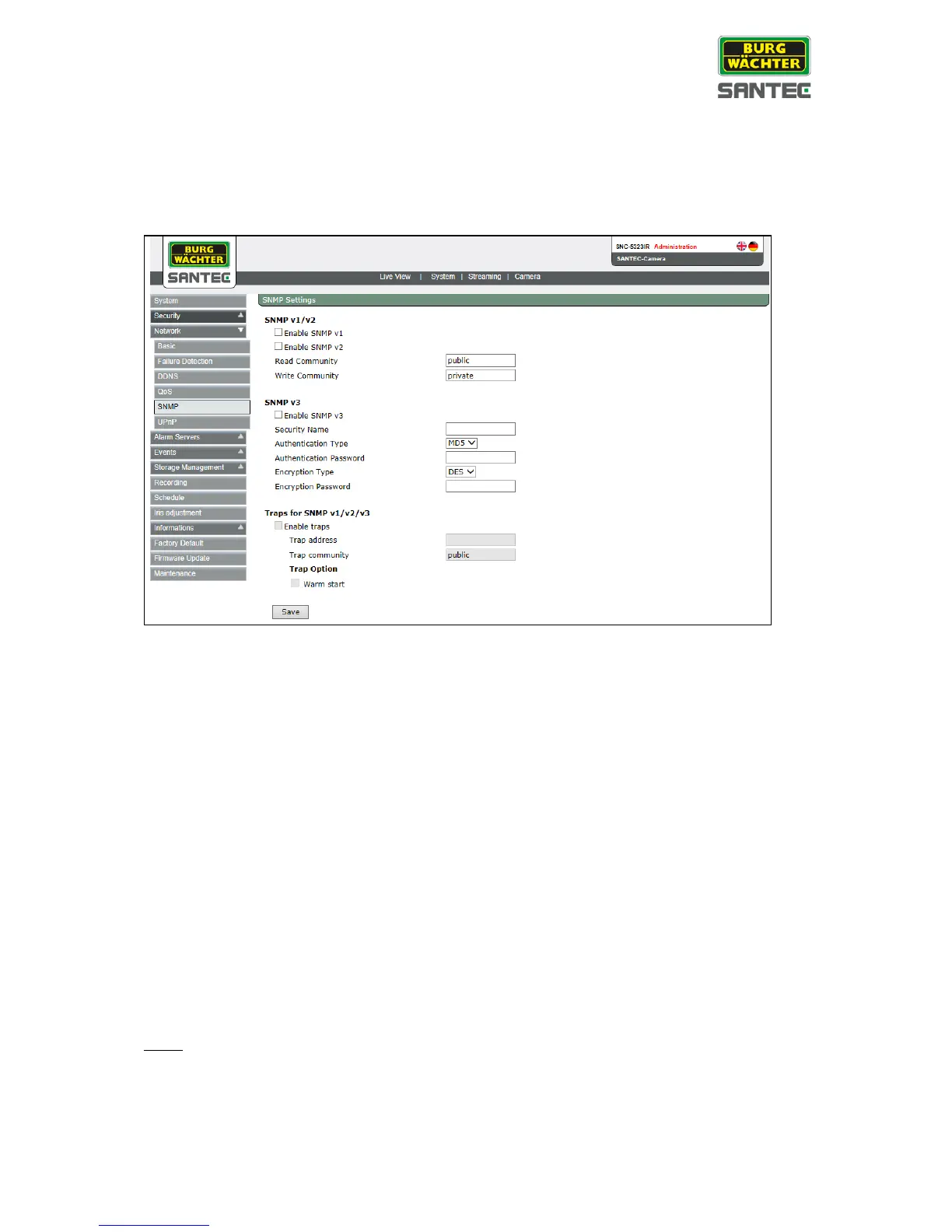
2.3.3.5 SNMP
The SNMP (Simple Network Management Protocol) setting can be found under this path:
System > Network > SNMP
With Simple Network Management Protocol (SNMP) support, the IP camera can be
monitored and managed remotely by the network management system.
SNMP v1/ v2:
Enable SNMP v1/ v2:
Select the version of SNMP to use by checking the respective box.
Read community:
Specify the community name that has read-only access to all supported SNMP
objects. The default value is “public”.
Write community:
Specify the community name that has read/write access to all supported SNMP
objects (except read-only objects). The default value is “private”.
SNMP v3:
SNMP v3 provides enhanced security by protecting the camera against unauthorized access.
Enable SNMP v3:
Enable SNMP v3 by checking this box.
Note:
All 3 SNMP functions can be enabled at the same time (v1, v2 and v3).



 To Next Page