User manual
SANTEC IP cameras
_________________________________________________________________________________
- 91 -
2.3.2.4 IEEE 802.1X
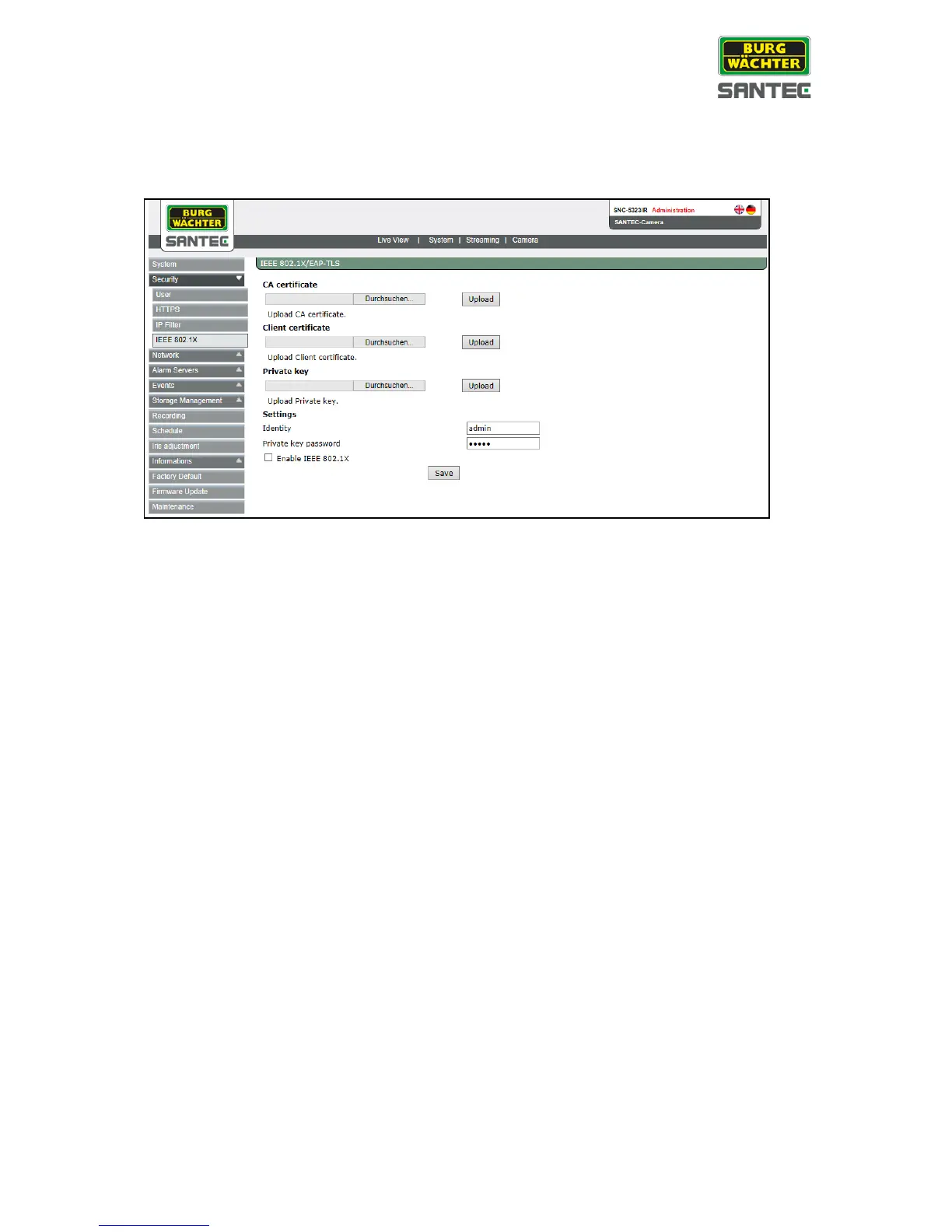
The IEEE 802.1X setting can be found under this path: System > Security > IEEE 802.1X
The IP camera is allowed to access a network protected by 802.1X/EAPOL (Extensible
Authentication Protocol over LAN).
Users need to contact the network administrator for gaining certificates, user IDs and
passwords.
CA certificate:
The CA certificate is created by the certification authority for the purpose of validating itself.
Upload the certificate for checking the server’s identity.
Client certificate / private key:
Upload the client certificate and private key for authenticating the IP camera itself.
Settings:
Identity:
Enter the user identity associated with the certificate. Up to 16 characters can be
used.
Private key password:
Enter the password (maximum 16 characters) for your user identity.
Enable IEEE 802.1X:
Check the box to enable IEEE 802.1X.
Click on <Save> to save the IEEE 802.1X/ EAPOL setting.



 To Next Page