User manual
SANTEC IP cameras
_________________________________________________________________________________
- 85 -
2.3.2 Security
2.3.2.1 User
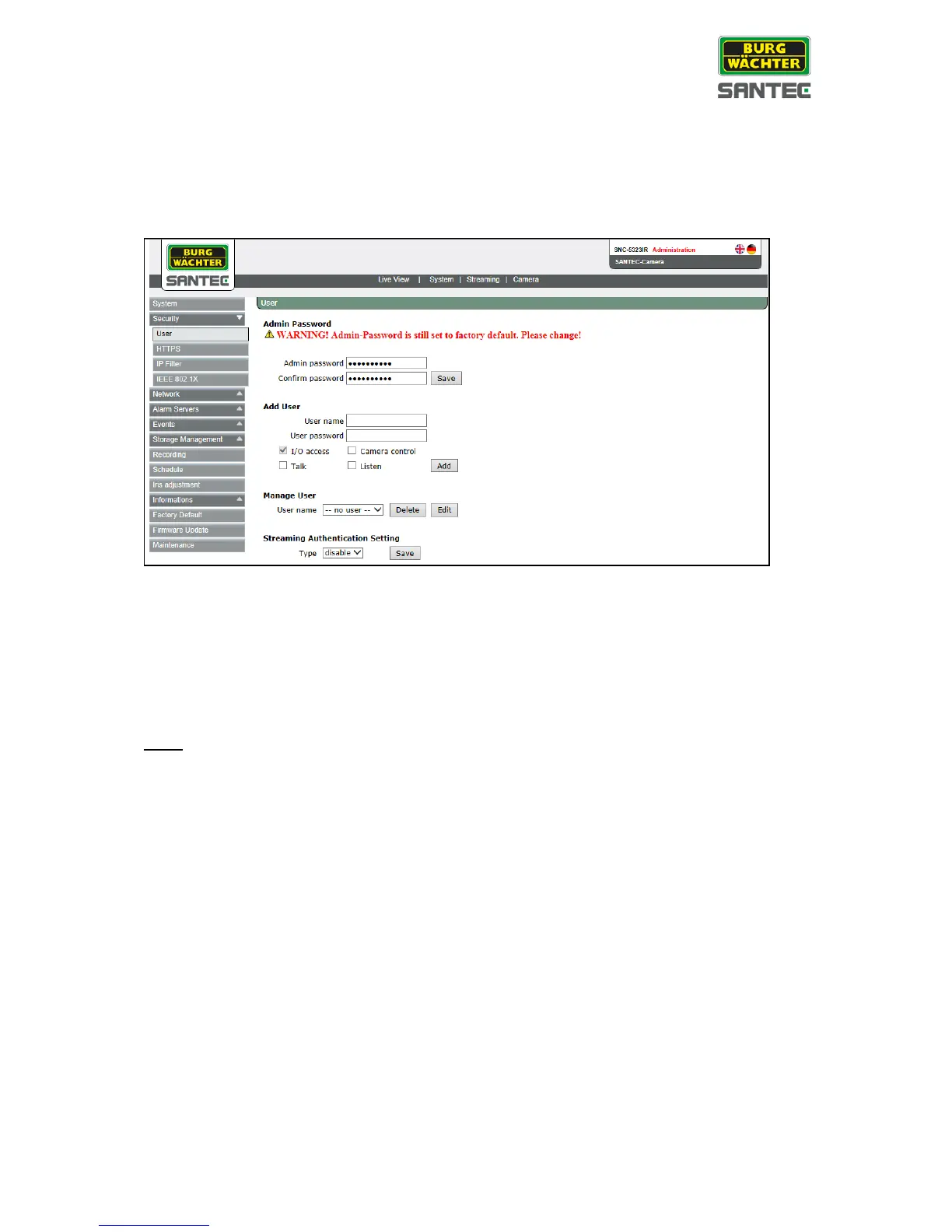
The user setting can be found under this path: System > Security > User
Admin password:
Change the administrator’s password by entering the new password in both text boxes.
The input characters/numbers will be displayed as dots for security reasons. After clicking on
<Save>, the web browser will ask the administrator for the new password for accessing.
The maximum length of the password is 14 characters.
Note:
The following characters are valid: A-Z, a-z, 0-9, !#$%&’-.@^_~.



 To Next Page