User manual
SANTEC IP cameras
_________________________________________________________________________________
- 145 -
2.7.2 Preset
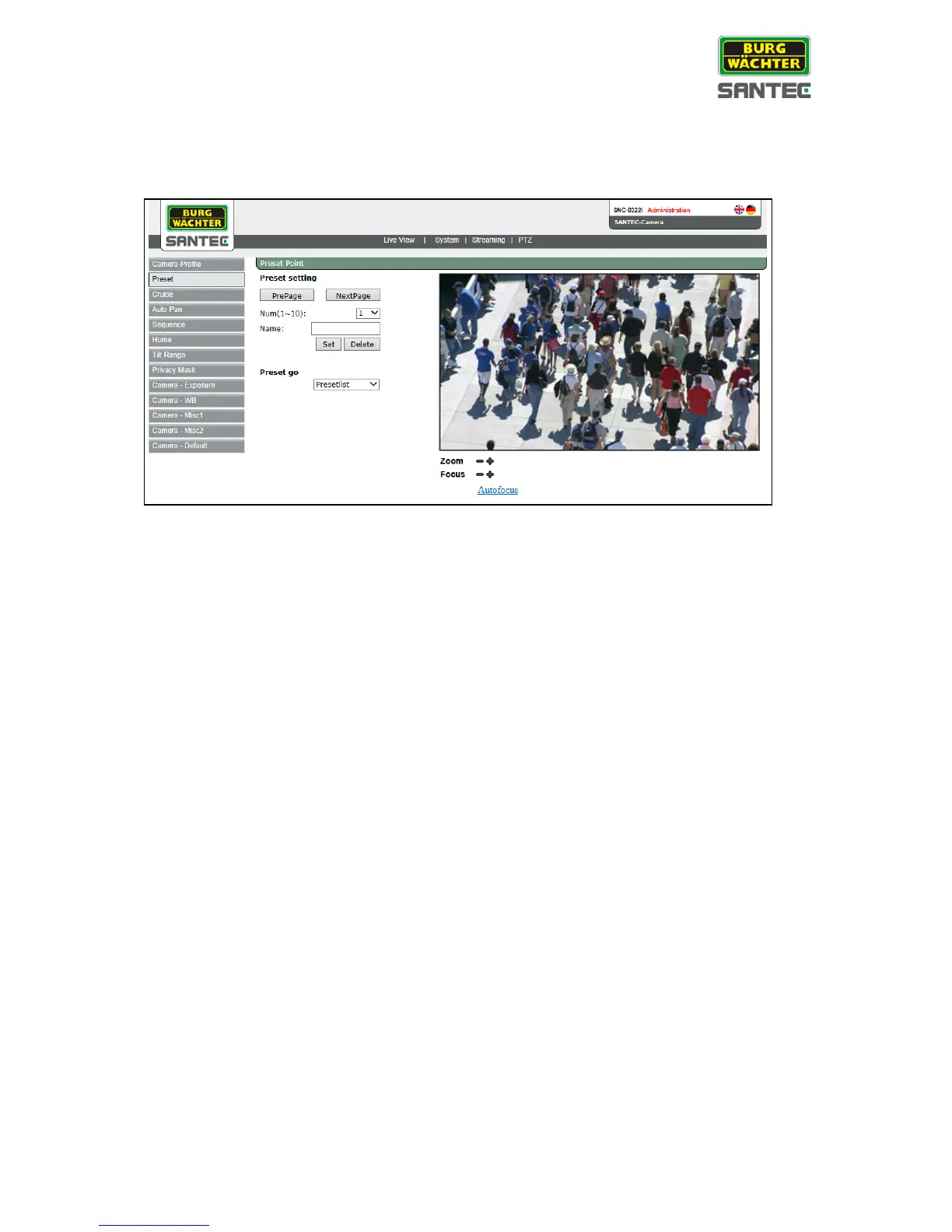
The preset setting can be found under this path: PTZ > Preset
Preset setting:
• Left-click into the live picture.
The cursor turns into a red arrow/dot. You can now move the picture to the desired
position.
• If required, you can adjust the picture by clicking on the zoom and focus buttons.
• Select a preset number from the drop-down list. The preset numbers are displayed by
10s: Click on „Pre Page“ or „Next Page“ to display the previous or next 10 preset
numbers. Overall, 256 preset points can be defined.
• Enter a preset name (max. 15 characters).
• Click on “Set” to save the preset.
Preset go to list:
To move the camera into a specific position, select the desired position from the preset list.
The preset numbers are displayed by 10s. Click on „Pre Page“ or „Next Page“ to display the
previous or next 10 preset numbers.



 To Next Page