User manual
SANTEC IP cameras
_________________________________________________________________________________
- 95 -
2.3.3.3 DDNS
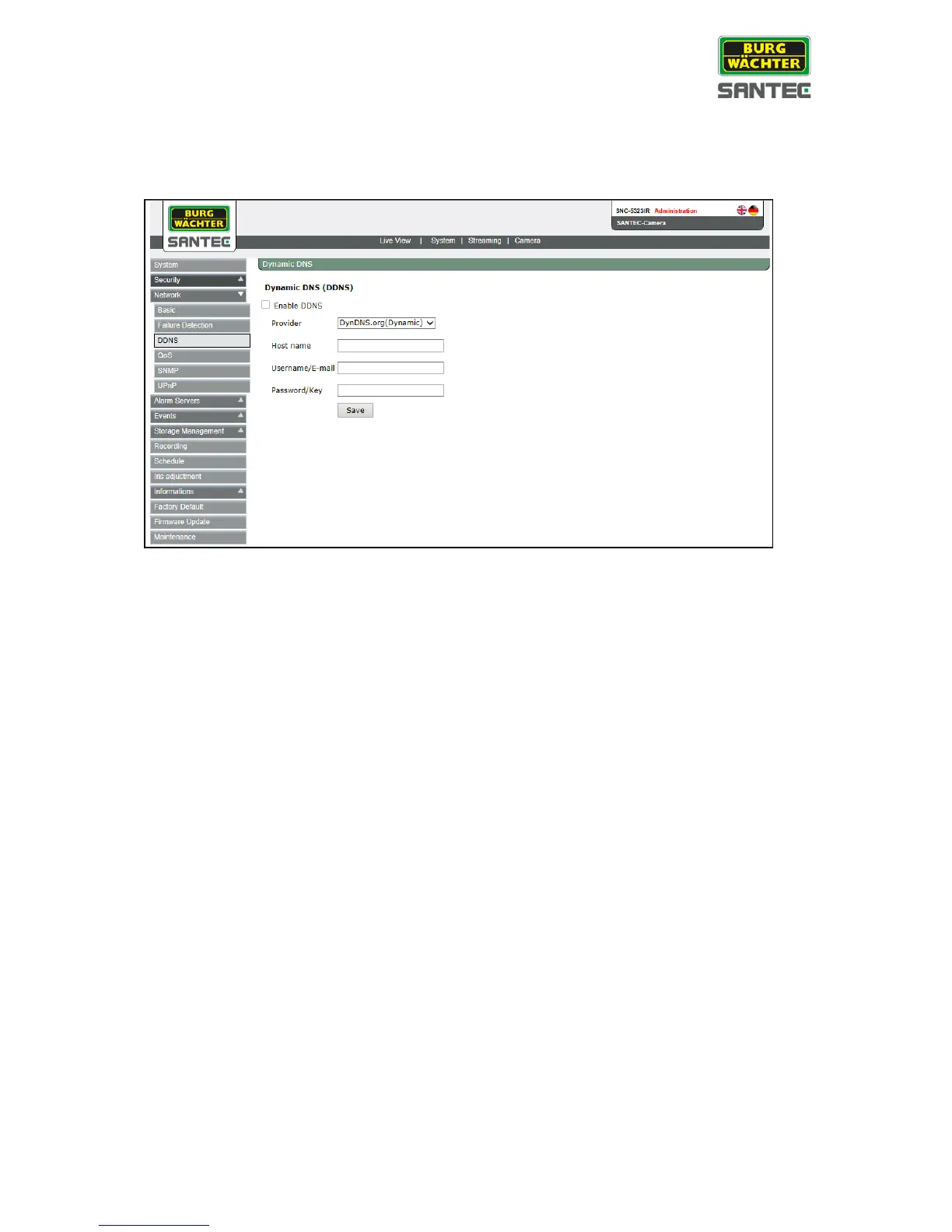
The DDNS setting can be found under this path: System > Network > DDNS
Dynamic Domain Name System (DDNS) allows a host name to be constantly synchronized
with a dynamic IP address. In other words, it allows those using a dynamic IP address to be
associated to a static domain name so others can connect to it by name.
Enable DDNS:
Check the item to enable DDNS.
Provider:
Select one DDNS host from the provider list.
Host name:
Enter the registered domain name in the field.
User name/E-mail:
Enter the user name or e-mail required by the DDNS provider for authentication.
Password/Key:
Enter the password or key required by the DDNS provider for authentication
.
Click on <Save>.



 To Next Page