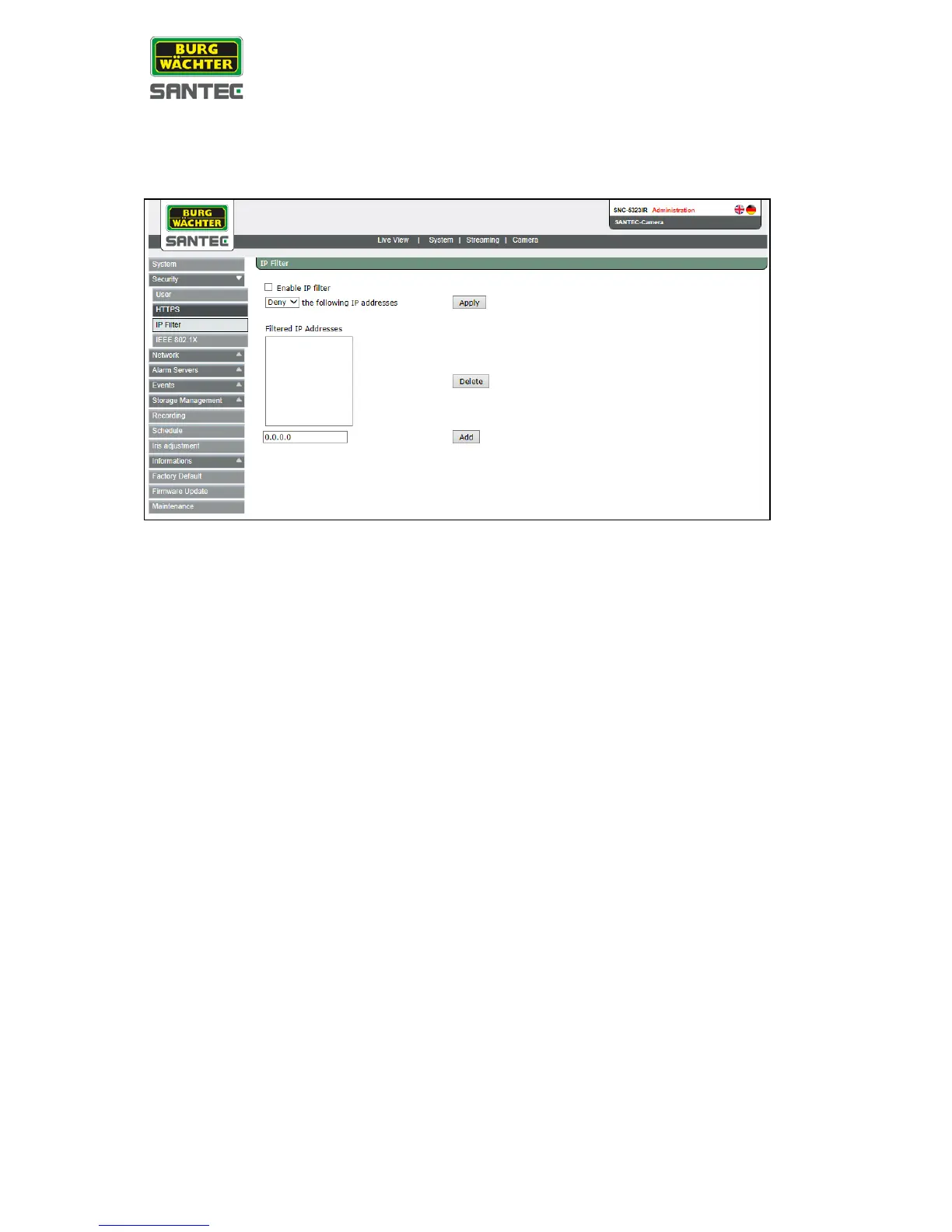
2.3.2.3 IP Filter
The IP filter setting can be found under this path: System > Security > IP Filter
Using the IP Filter, access to the IP camera can be restricted by denying/allowing specific IP
addresses.
• Enable IP Filter:
Check the box to enable the IP Filter function. Once enabled, the listed IP addresses
(IPv4) will be allowed/denied access to the IP camera.
Select <Allow> or <Deny> from the drop-down list and click on the <Apply> button to
determine the IP Filter behavior.
• Add/Delete IP addresses:
Enter the IP address and click on the <Add> button to add a new filtered address.
The “filtered IP addresses list” shows the currently configured IP addresses.
Up to 256 IP address entries may be specified.
To remove an IP address from the list, please select the IP address and then click on
the <Delete> button
.



 To Next Page