User manual
SANTEC IP cameras
_________________________________________________________________________________
- 149 -
2.7.6 Home
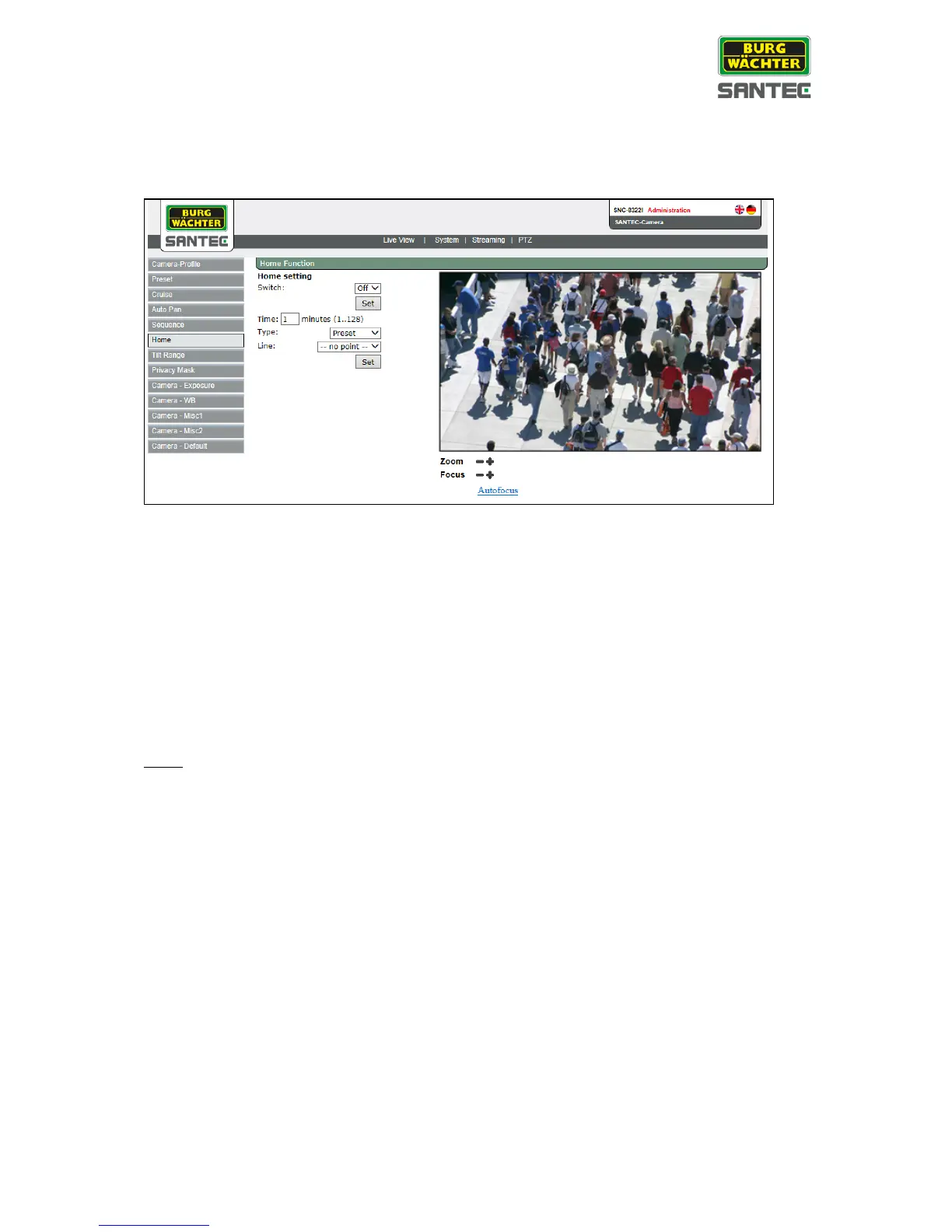
The home setting can be found under this path: PTZ > Home
If the camera has been idle for a specific time or if the user hasn’t adjusted any settings
recently, the camera automatically goes into a “home” mode.
Home setting:
• Enable or disable the home mode.
• Click on „Set“.
• Enter an elapsed time (1-128 minutes) after which the camera goes into the home
mode.
• Enter an action type and the respective number (preset, sequence, auto pan, cruise)
which the camera should execute when in home mode.
Note:
The home mode function can only be activated if a preset, sequence, auto pan or cruise has
previously been defined.



 To Next Page