User manual
SANTEC IP cameras
_________________________________________________________________________________
- 155 -
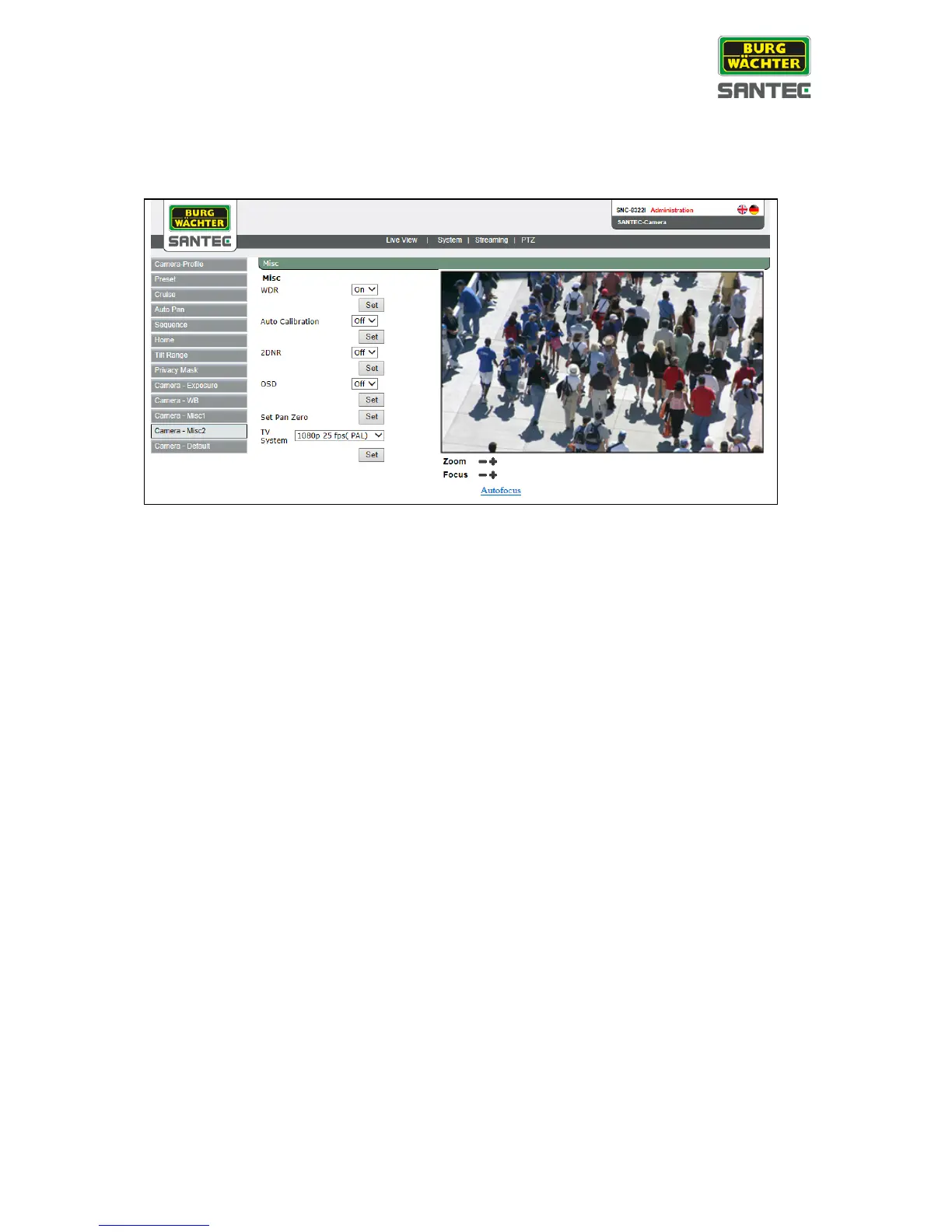
2.7.11 Camera misc. 2
This setting can be found under this path: PTZ > Camera misc. 2
• WDR:
The Wide Dynamic Range (WDR) function is for solving high contrast or changing
light issues to enhance the video quality.
WDR can be enabled or disabled.
• Auto calibration:
The auto calibration can be enabled or disabled.
• 2DNR:
The 2DNR function (noise reduction) can be enabled or disabled.
• Set pan zero:
Click on „Set“ to set a 0°position for panning.
• TV system:
Select PAL (25 fps) or NTSC (30 fps).
Click on „Set“ to save the settings.



 To Next Page