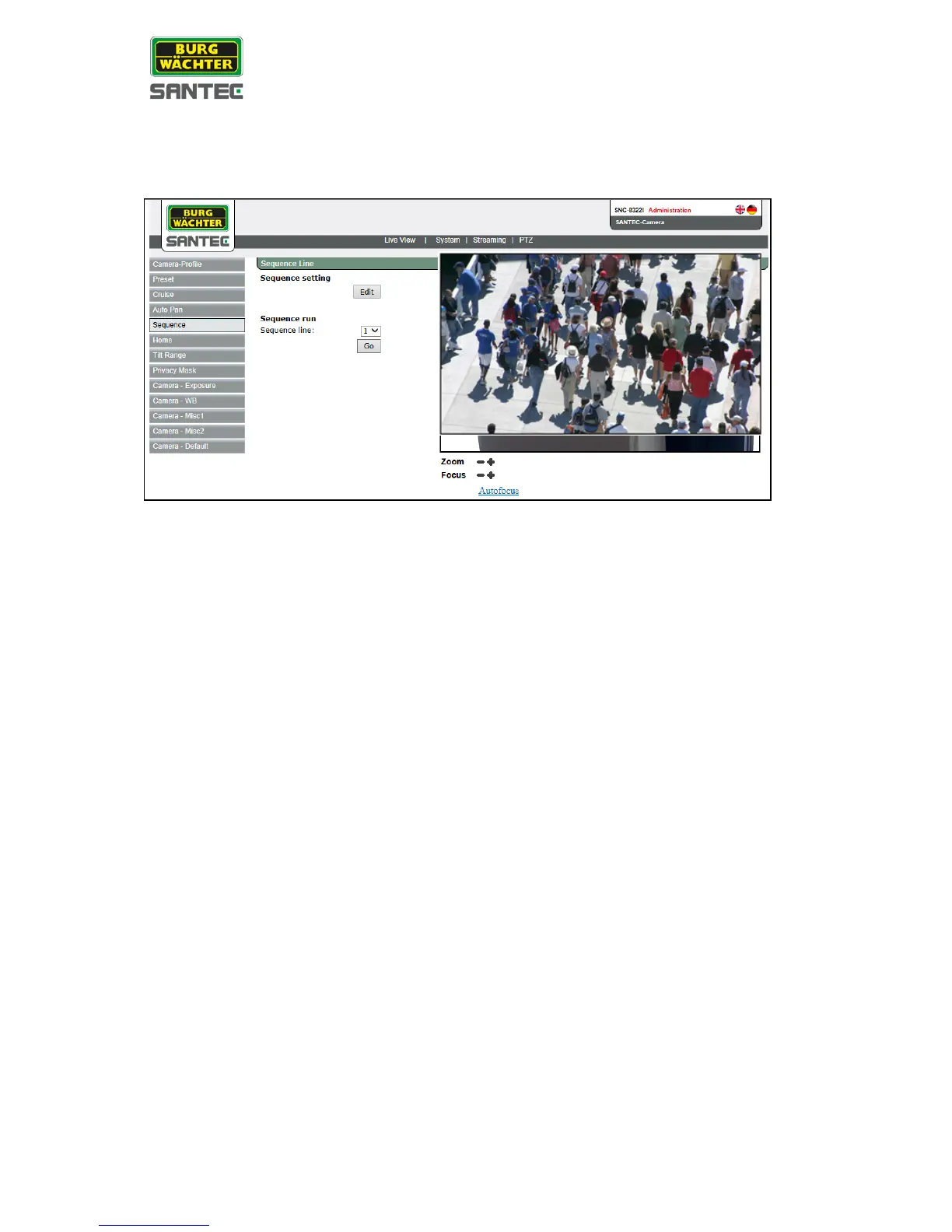
2.7.5 Sequence
The sequence setting can be found under this path: PTZ > Sequence
Sequence setting:
• Click on „Edit“.
• From the sequence drop-down list, select the desired number.
• Select a preset name.
• Enter the dwell time (0-225).
• Enter the speed (0-14).
• By clicking on „Previous“ or on „Next“, you can go to the previous resp. next 10
sequences.
• Click on „Go“.
• Left-click into the live picture.
The cursor turns into a red arrow/dot. You can now move the picture to the desired
position.
• If required, you can adjust the picture by clicking on the zoom and focus buttons.
Sequence run list:
To run a specific sequence, select the desired number.
To display the sequence as full screen, right-click in the live picture and select “Fullscreen”.
By double-clicking in the full screen picture, you return to the regular view.



 To Next Page