Install signed certificate:
Click on the <Create Certificate Request> button to create and submit a certificate request in
order to obtain a signed certificate from CA.
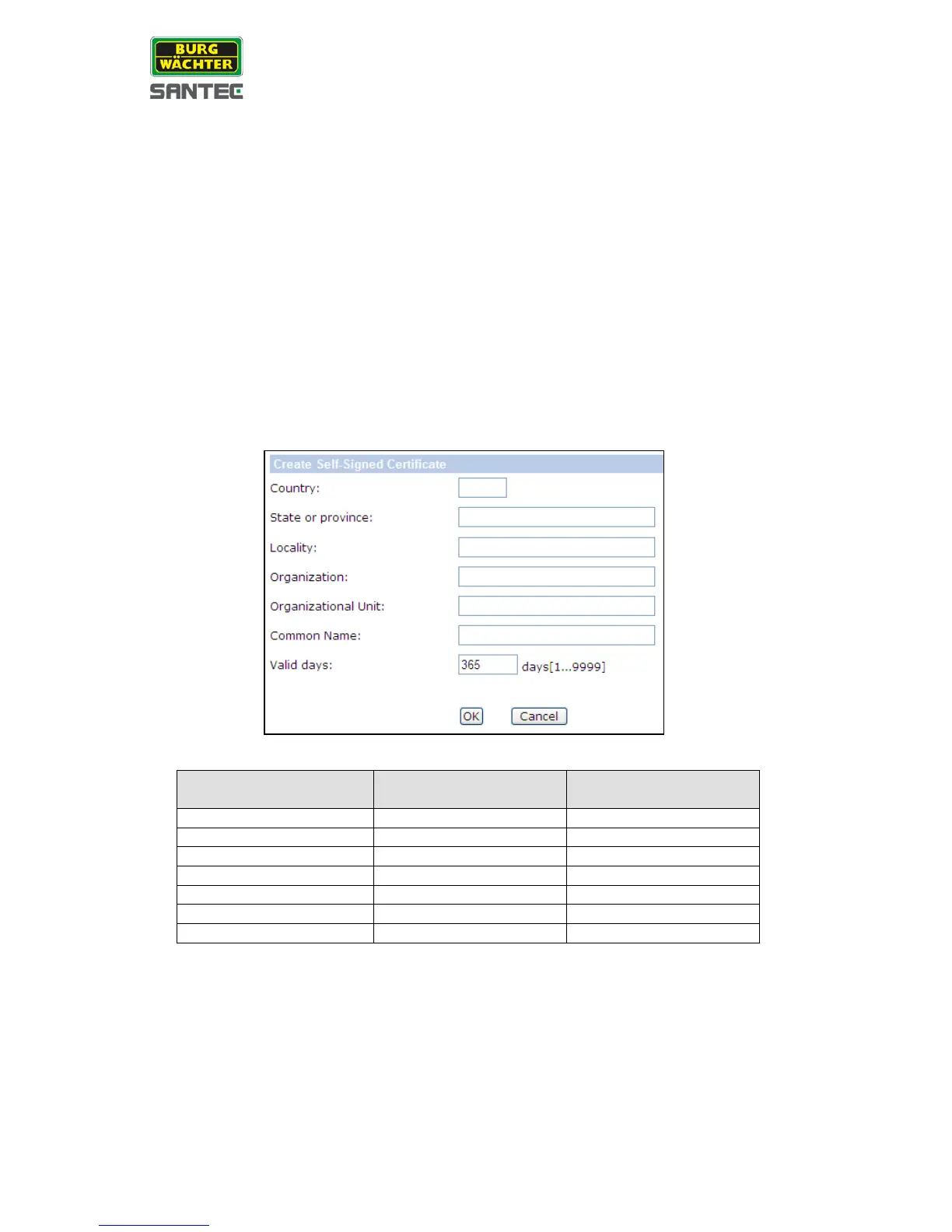
Provide the request information (name, country, etc.) in the create dialog. Please refer to
<Provide the Certificate Information> for more details.
When the request is complete, the subject of the created request will be shown in the field.
Click on <Properties> below the subject field, copy the PEM-formatted request and send it to
your selected CA.
When the signed certificate is returned, install it by uploading the signed certificate.
Provide the certificate information:
To create a self-signed HTTPS certificate or a certificate request to CA, please enter the
information as requested:
• Country:
Enter a 2-letter combination code to indicate the country the certificate will be used in,
e.g. “US” for United States, “DE” for Germany, etc.
• State or province:
Enter the local administrative region.
.


 To Next Page
 Loading...
