22
5.05 4 Data Box Layout
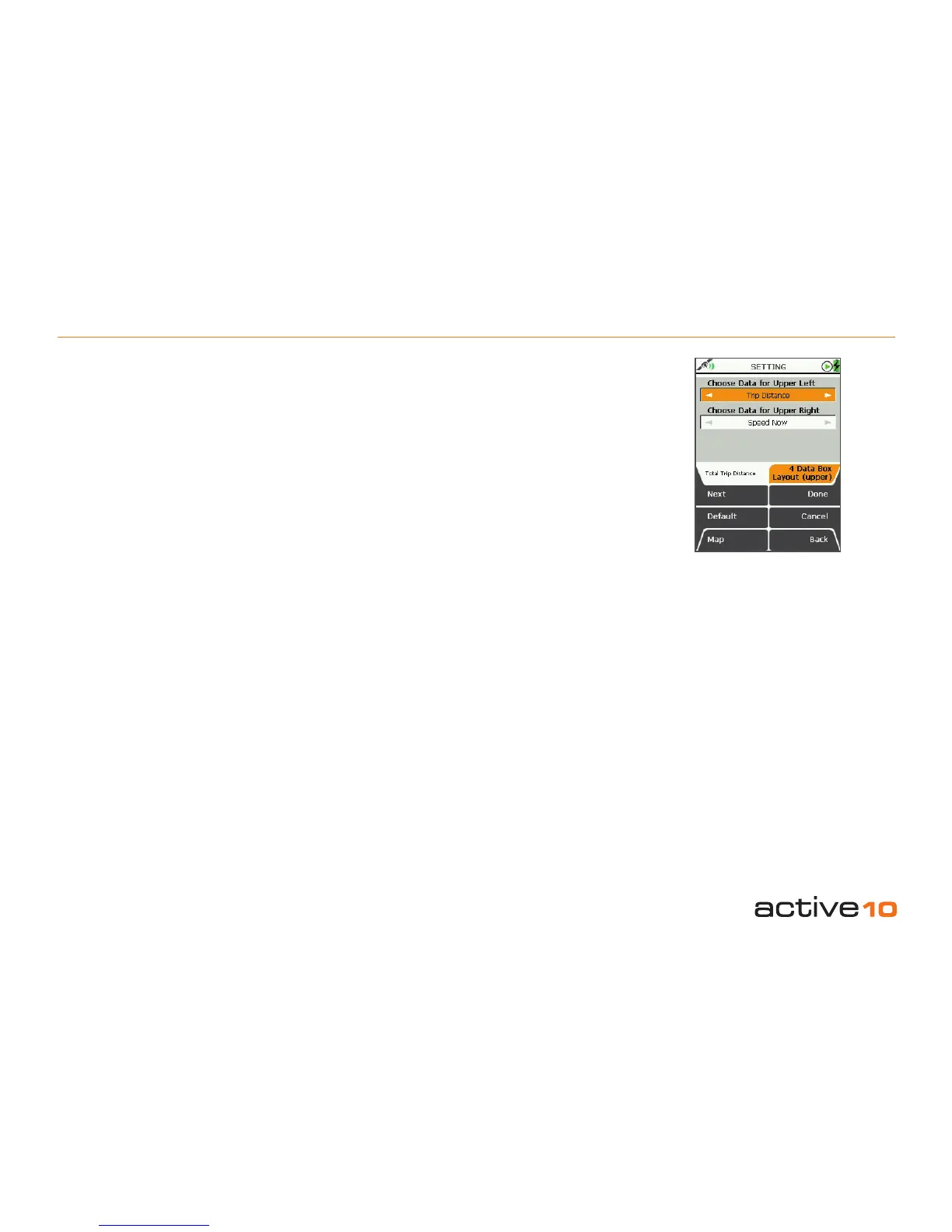
5.05 4 Data Box Layout (upper)
(GPS Map → MAIN MENU → Settings → 4
Data Box Layout: upper)
For both the Upper Left Box and the Upper
Right Box:
• Use the joystick, moving left/right to select
the desired option.
• Press Done or centre press the joystick to
return to SETTINGS MENU.
The data options are the same as those listed
in section 5.04a for the 2 data box options.
Pressing the Default button restores the
following settings:
Choose Data for Upper Left
Trip Distance
Choose Data for Upper Right
Speed Now
Data boxes are shown on the GPS Map
screen. To reach the GPS Map screen from
the SETTINGS MENU, press Map (front left
button).
• On the GPS Map screen, use the lower left
side button to toggle between having 2 data
boxes, 4 data boxes or none.
5.06 4 Data Box Layout (lower)
(GPS Map → MAIN MENU → Settings → 4
Data Box Layout: lower)
For both the Lower Left Box and the Lower
Right Box:
• Use the joystick, moving left/right to select
the desired option.
• Press Done or centre press the joystick to
return to SETTINGS MENU.
The data options are the same as those listed
in section 5.04a for the 2 data box options.
Pressing the Default button restores the
following settings:
Choose Data for Lower Left
Time Now
Choose Data for Lower Right
Location
Figure 5.05



 To Next Page