40
9.00 POIs
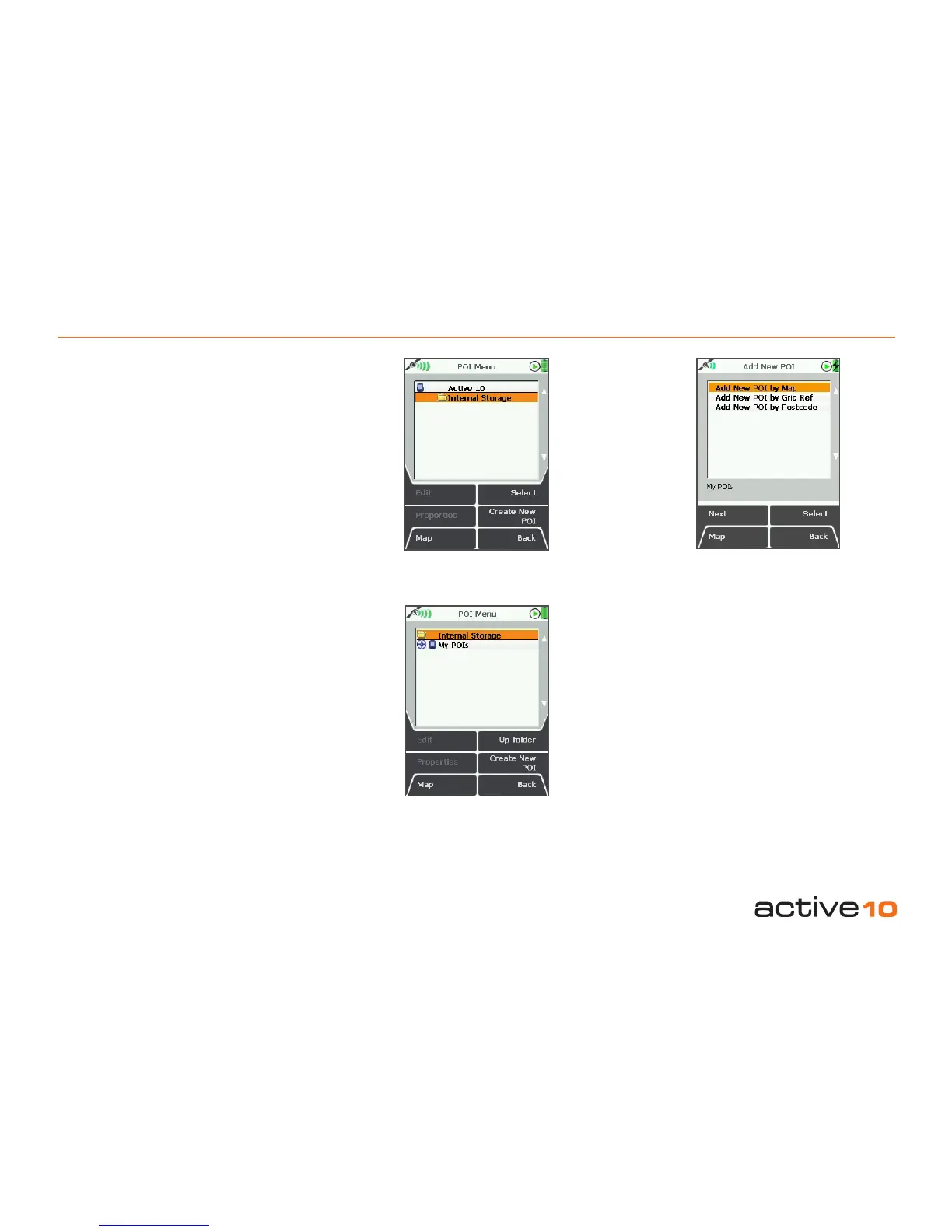
9.00 POI Menu
(GPS Map → MAIN MENU → POI Menu)
A Point Of Interest (POI) is a specic point
on the map with some level of detail or
information attached.
If there are POIs stored on the unit and also
on a mapcard, two folders will be shown,
called Internal Storage and SD Card. The
folders contain POI categories, each of
which in turn contains one or more POIs.
POIs may be added either using the
POSITION INFO page (section 8.00) or the
Add New POI page (section 9.01).
When the rst POI is laid down, a POI
category is automatically created for it. By
default it is called My POIs until it is
renamed (section 9.04a). Also, the Internal
Storage folder is automatically created.
POIs may be moved to an SD card (sections
9.04g & 9.04h). When this happens the
SD Card folder is automatically created.
9.01 Add New POI Page
(GPS Map → MAIN MENU → POI Menu →
Create New POI)
On the Add New POI page, three choices
are given for laying down POIs:
• by map (sections 8.00 & 9.02)
• by grid reference (section 9.04d)
• by postcode (section 9.04f)
Please note: postcode lookup is not available
on all versions of software.
Figure 9.00a
Figure 9.00 Figure 9.01



 To Next Page