47
9.07 POI Folders via SatSYNC
9.07 Create POI Folders Using SatSYNC
A new POI folder can be created in the same
way as with routes (section 7.04).
Connect your Active 10 to a computer and
open SatSYNC.
To be able to create a new folder, you must
rst create a new POI (section 9.01). This
creates a POI category which can be seen in
the left pane, ‘My POIs.map’.
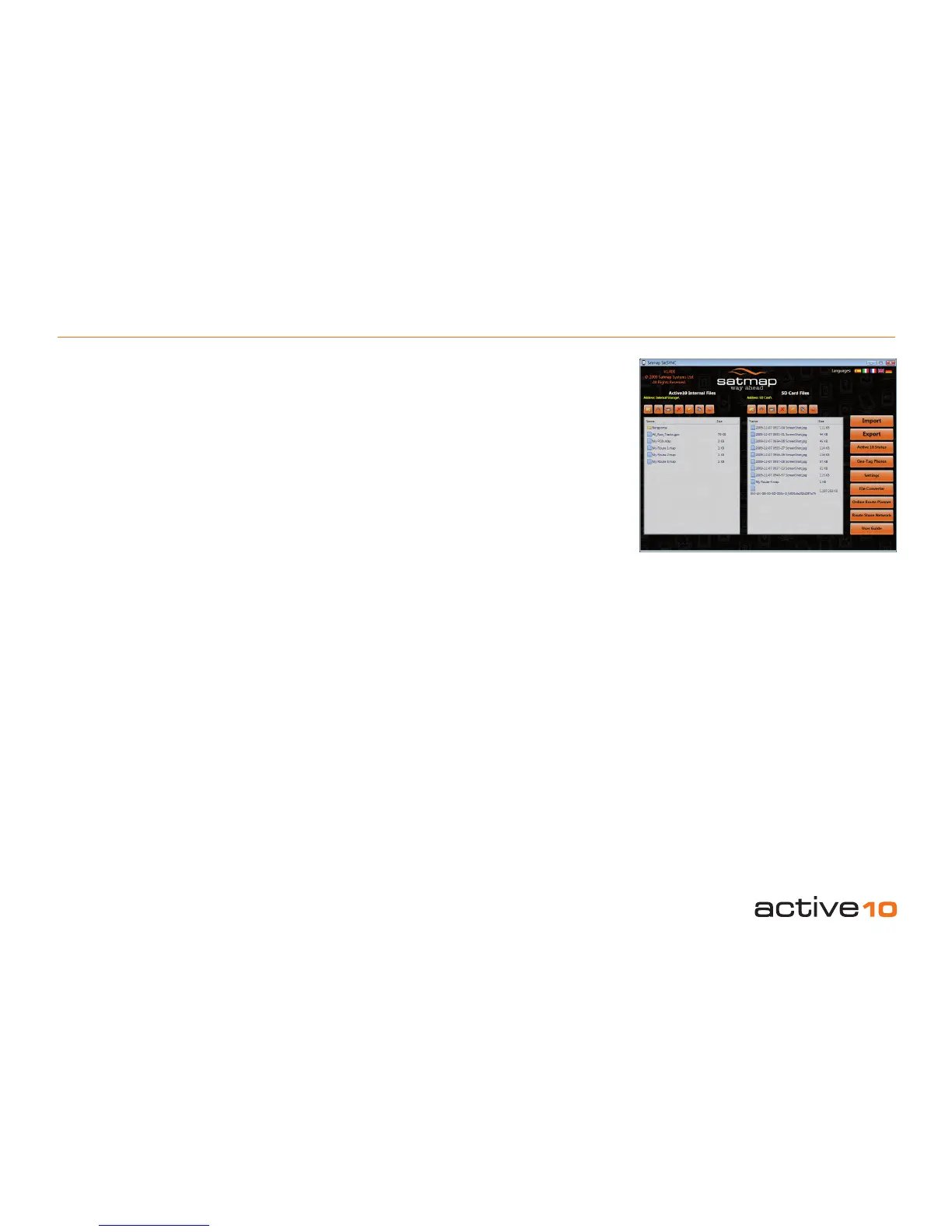
Using the right pane (SD Card Files) press
the Create a new folder button. Enter a name,
eg. Pubs. The new folder will not show on the
Active 10 until a POI category is added.
Note: In SatSYNC, the name of a folder is
preceded by a folder icon. The name of a
POI category has a .map extension and is
preceded by a blue page icon. You can see the
POI folders and categories in SatSYNC but not
individual POIs.
To add a POI category, highlight the new
folder in the SD Card Files pane and open it
by pressing the Open a folder button above
the pane. From the left pane (Internal Files),
highlight then drag across an existing POI
category or select an existing POI category
and click on the Copy/Move les to the SD
Card buttons above the pane. You can also
drag across or import POI les from your
computer.
Each time a POI category is added/deleted
the unit will default to the Map Packs page
while the folder information is updated.
Note: In SatSYNC, you cannot open POI
categories to view individual POIs therein.
However, you can open POI folders.
Once a POI category is stored in the newly
created subfolder on the SD Card, a folder
appears in the root of the POI Menu under
‘Active 10’ entitled ‘SD Card’.
Further sub folders are created in the same
way.
To delete a folder on the unit, delete all POI
categories in the folder and press Up folder.
The unwanted folder disappears. To delete a
folder in SatSYNC, press the Delete an
existing folder button above the pane.
POI categories can also be stored on the
internal storage of the unit. This can be
done either via SatSYNC, following the
same process as above (using the left pane,
Internal Files, instead of the SD Card Files)
or on the unit itself. To do this, highlight a
POI Category in the POI Menu on the unit,
press Edit, then Move/Copy from SD card.
Once a POI category is stored on the unit, a
folder appears under ‘Active 10’ entitled
Internal Storage.



 To Next Page