26
5.11 Calibrate Compass
5.11 Calibrate Compass
(GPS Map → MAIN MENU → Settings →
Calibrate Compass)
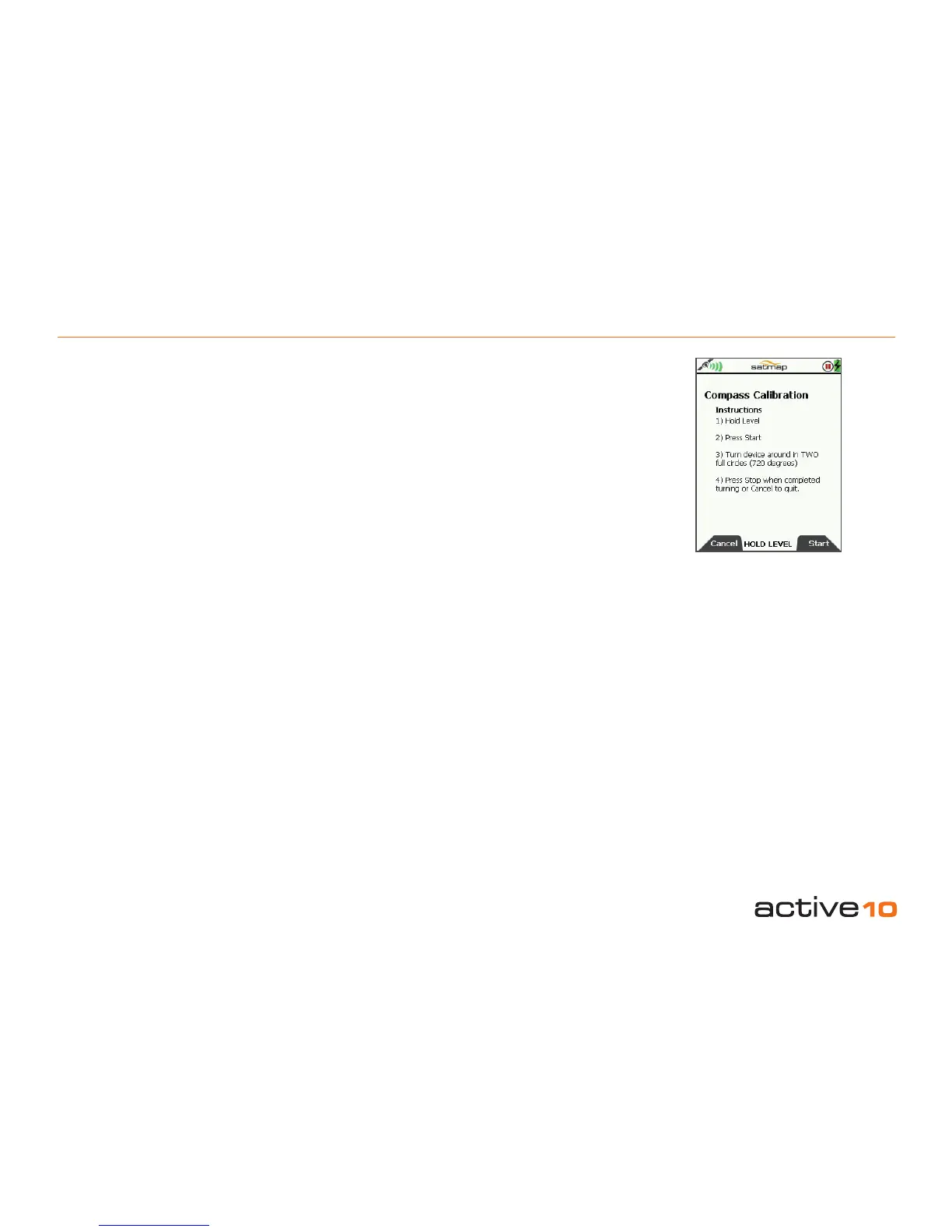
When the ‘Calibration Required’ prompt is
displayed at the bottom of the COMPASS
page, follow the on-screen instructions. Press
Cancel to return to the SETTINGS MENU.
1) Hold GPS level
2) Press Start
3) Turn device around in TWO full circles (720
degrees)
4) Press Stop when completed turning or
cancel to quit.
An on-screen message ‘Keep turning’ is
replaced with ‘Completed. Press Stop’.
Due to the earth’s changing magnetic eld,
the unit’s on-board electronic compass should
be re-calibrated every six months.
In practice other considerations should also
be taken into account.
When moving, it is better to use the GPS
heading as opposed to the electronic
compass. (Achieved by setting the override
speed fairly low eg the default setting of 2
kph, see GPS Settings, section 5.07). The
GPS requires forward motion to provide a
heading; it will not work when static.
The electronic compass is affected when
brought into proximity with metal objects
which means for example, that once mounted
on a bike’s handlebars it should be
re-calibrated. To do this follow the instructions
exactly as you would if the unit were in your
hands, when asked to turn the compass in
two full circles (720°) you should pick up the
bike with the unit and rotate as indicated.
When subsequently removed and used for
walking, a further recalibration is required.
It should also be re-calibrated when a
different battery type is inserted, due to the
varying metal content from one battery type
to the next.
Note: This page may also be accessed from
the COMPASS page (section 4.02).
Figure 5.11



 To Next Page