25
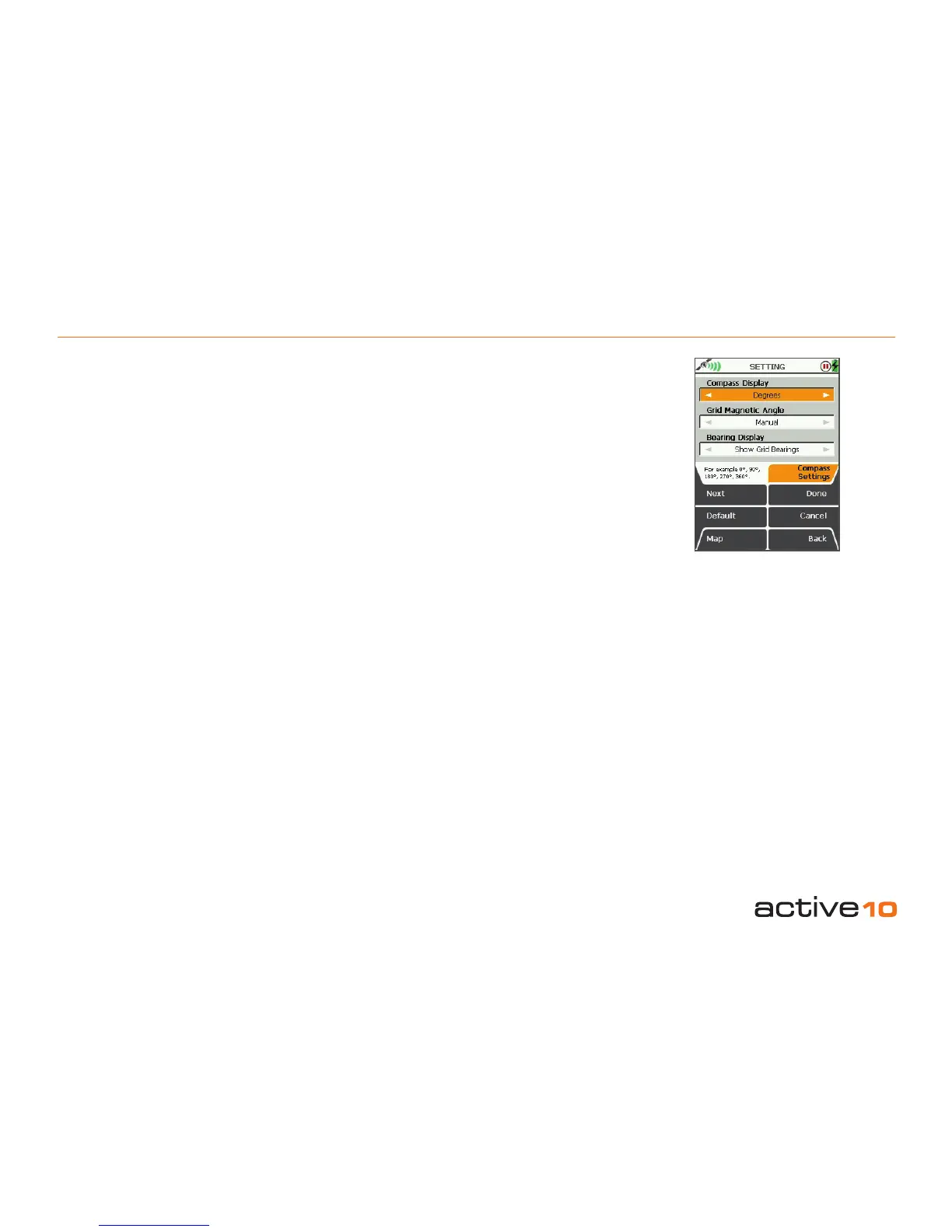
5.10 COMPASS Settings
5.10 COMPASS Settings
(GPS Map → MAIN MENU → Settings →
Compass Settings)
There are three norths commonly in use in
Great Britain:
• Grid North: the direction of a grid line which
is parallel to the central meridian on the
National Grid.
• True North: the direction of a meridian of
longitude which converges on the North
Pole.
• Magnetic North: the direction indicated by a
magnetic compass. Magnetic North moves
slowly with a variable rate and currently is
West of Grid North in Great Britain.
Compass Display
• Use the joystick, moving left/right to select
from Degrees, Cardinal points (eg. N,
NNE), or mil-radians (section 15.00).
• Press Done or centre press the joystick to
return to SETTINGS MENU.
Bearing Display
• Use the joystick, moving left/right to toggle
between Show Grid Bearings and Show
Magnetic Bearings.
• Press Done or centre press the joystick to
return to SETTINGS MENU.
Pressing the Default button restores the
following settings:
Compass Display
Degrees
Grid Magnetic Angle
Manual
Bearing Display
Show Grid Bearings
Grid Magnetic Angle
• Use the joystick, moving left/right to toggle
between Manual and Automatic.
Press Done to select Automatic.
Press Set to select Manual. A new SETTING
page is shown on which the Grid Magnetic
Angle (section 15.00) may be adjusted by
moving the joystick up/down.
• Press Done or centre press the joystick to
return to Compass Settings page. Press
Done again to return to SETTINGS MENU.
Pressing the Default button restores the
following setting:
Grid Magnetic Angle Value
W 03
Figure 5.10



 To Next Page