8
2.10 Six Primary Pages
2.10 Six Primary Pages
Use the front right button (Page button) to
scroll through these pages.
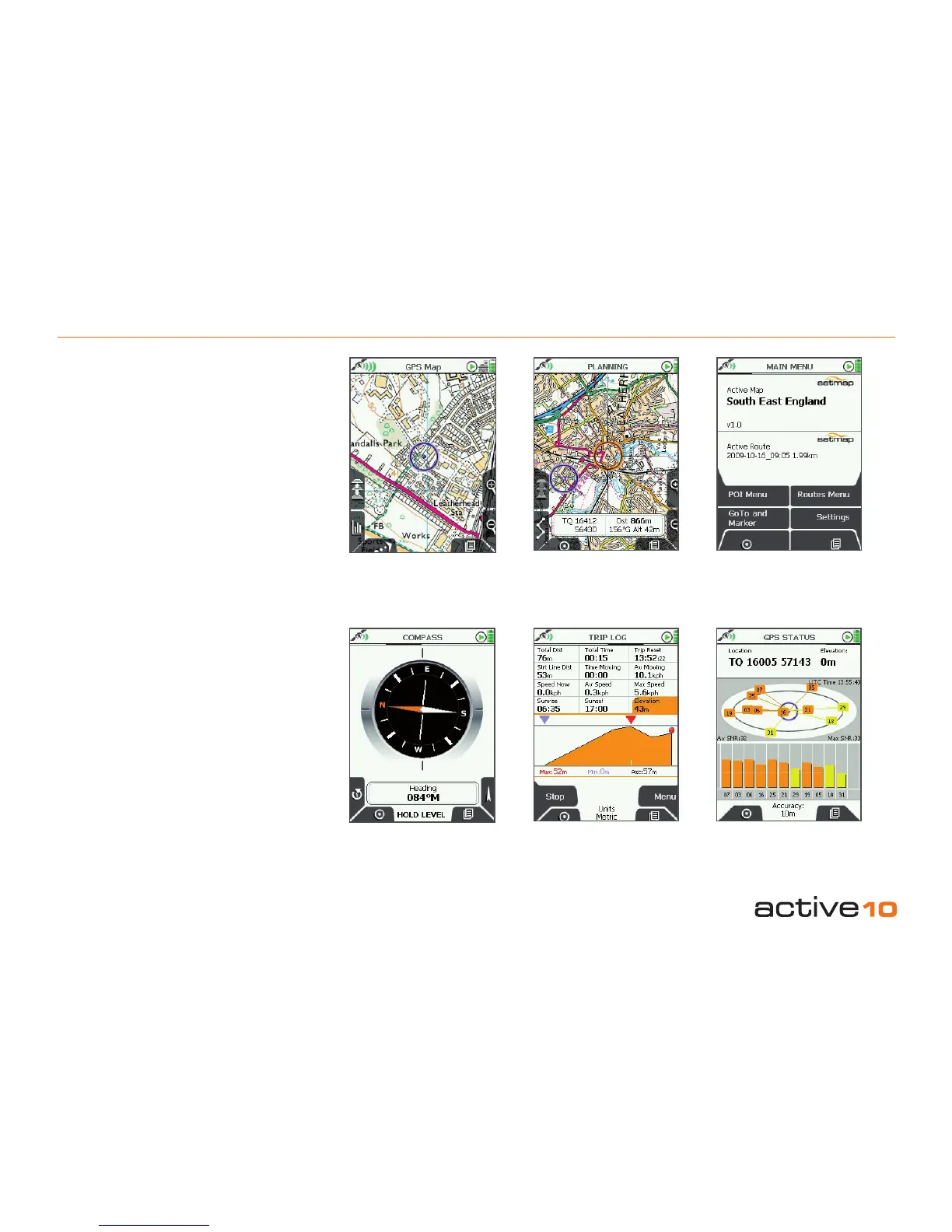
GPS Map Screen (section 3.00)
When locked to your GPS position the GPS
Map screen will be shown. Your position is
always displayed in the centre of the map and
is indicated by the blue dot in the middle of
the target.
PLANNING Screen (section 6.00)
The PLANNING screen is shown when you
are panning and zooming across the map. To
take the screen back to your current location
press the Lock to GPS button on the left of
the joystick. Long crosshairs feature as an
additional cue that you are now in planning
mode.
MAIN MENU
(section 4.01)
GPS Map
(section 3.00)
PLANNING
(section 6.00)
TRIP LOG
(section 4.03)
COMPASS
(section 4.02)
GPS STATUS
(section 4.04)



 To Next Page