28
5.13 Volume & Button Controls
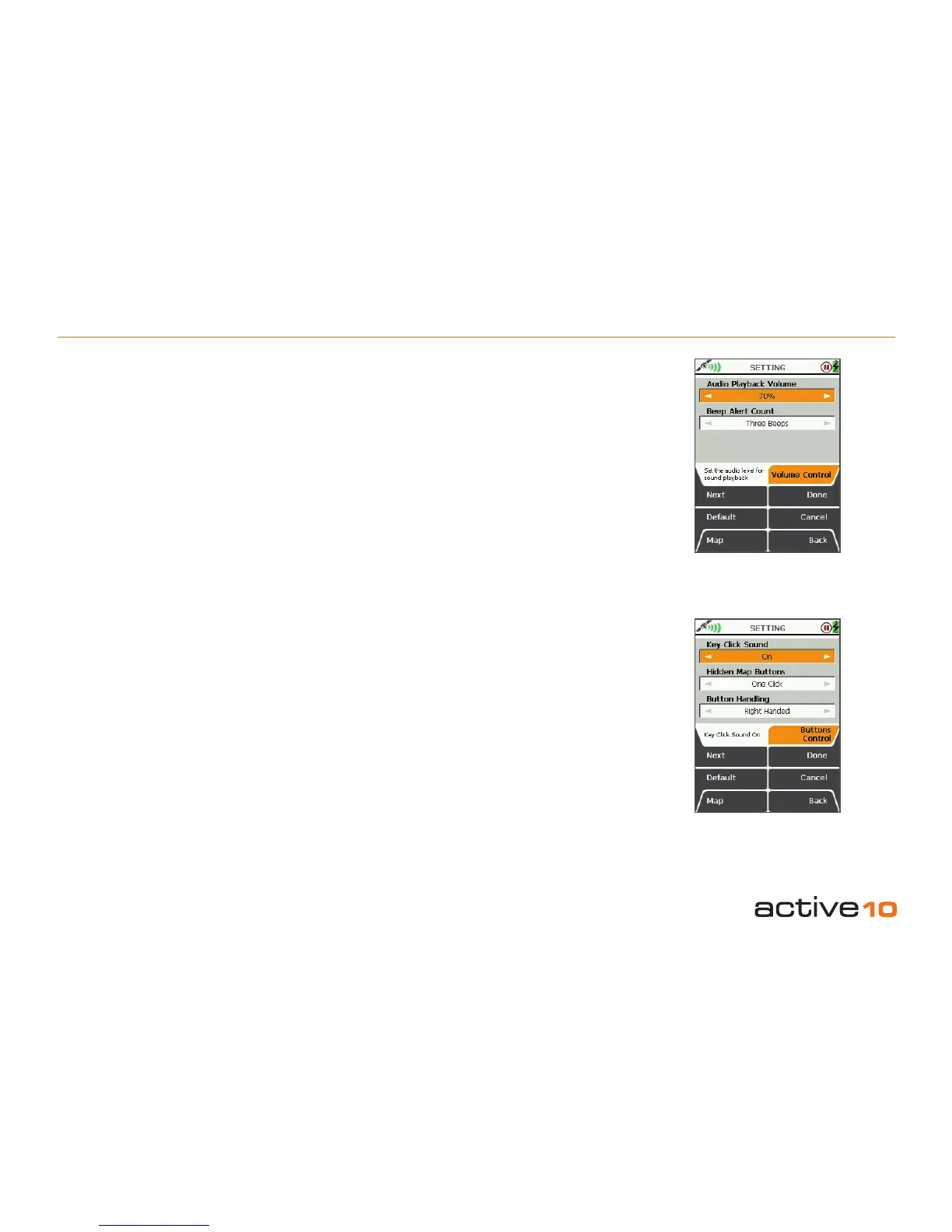
5.13 Volume Control
(GPS Map → MAIN MENU → Settings →
Volume Control)
Audio Playback Volume
This is a volume control when using the audio
jack. This function relates to audiovisual Points
Of Interest which will be available in a future
software update.
Beep Alert Count
The unit will beep when it encounters
WayPoints, Points Of Interest, GoTo Points or
Routes. It will also beep when a map card is
inserted and when satellite lock is acquired.
• Use the joystick, to select the number of
beeps, ranging from 1 to 10, or mute.
• Press Done or centre press the joystick to
return to SETTINGS MENU.
Pressing the Default button restores the
following settings:
Audio Playback Volume: 70%
Beep Alert Count: Three Beeps
5.14 Buttons Control
(GPS Map → MAIN MENU → Settings →
Buttons Control)
Key Click Sound
This function only operates in conjunction with
audio-visual Points Of Interest.
Hidden Map Buttons
This function applies to the GPS Map or
PLANNING screens.
• Use the joystick to toggle between;
Two Click operation: click to reveal button
function then click again for action.
One Click operation: one click activates
button instantly.
• Press Done to return to SETTINGS MENU.
Button Handling
• Use the joystick, moving left/right to toggle
between Right Handed and Left Handed
operation.
• Press Done or centre press the joystick to
return to SETTINGS MENU.
Pressing the Default button restores the
following settings:
Key Click Sound: Off
Hidden Map Buttons: Two Click
Button Handling: Right Handed
Figure 5.13
Figure 5.14



 To Next Page