30
5.17 Languages & About
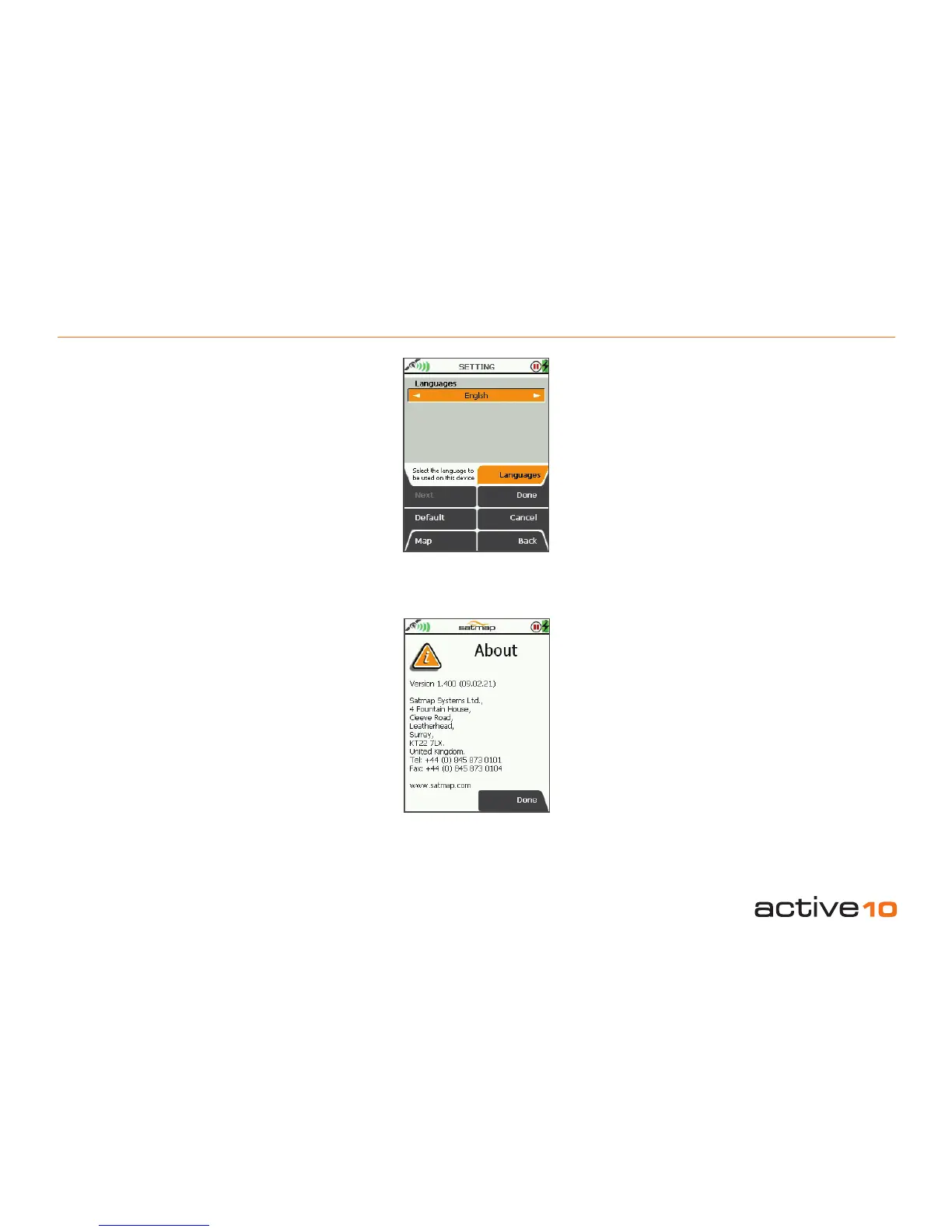
5.17 Languages
(GPS Map → MAIN MENU → Settings →
Languages)
Languages
• Use the joystick, moving left/right to select
the operating language from English, Dutch,
Norwegian, Swedish, French, German,
Italian, Spanish, Catalan.
• Press Done or centre press the joystick to
return to SETTINGS MENU.
5.18 About
(GPS Map → MAIN MENU → Settings →
About)
This screen gives details of the software
version installed on your unit and Satmap
contact details.
Press Done to return to the SETTINGS
MENU.
Figure 5.17
Figure 5.18



 To Next Page