3 Operation
3--6
F--9999--8 Build 8 Issue 1
RUN
SAFE
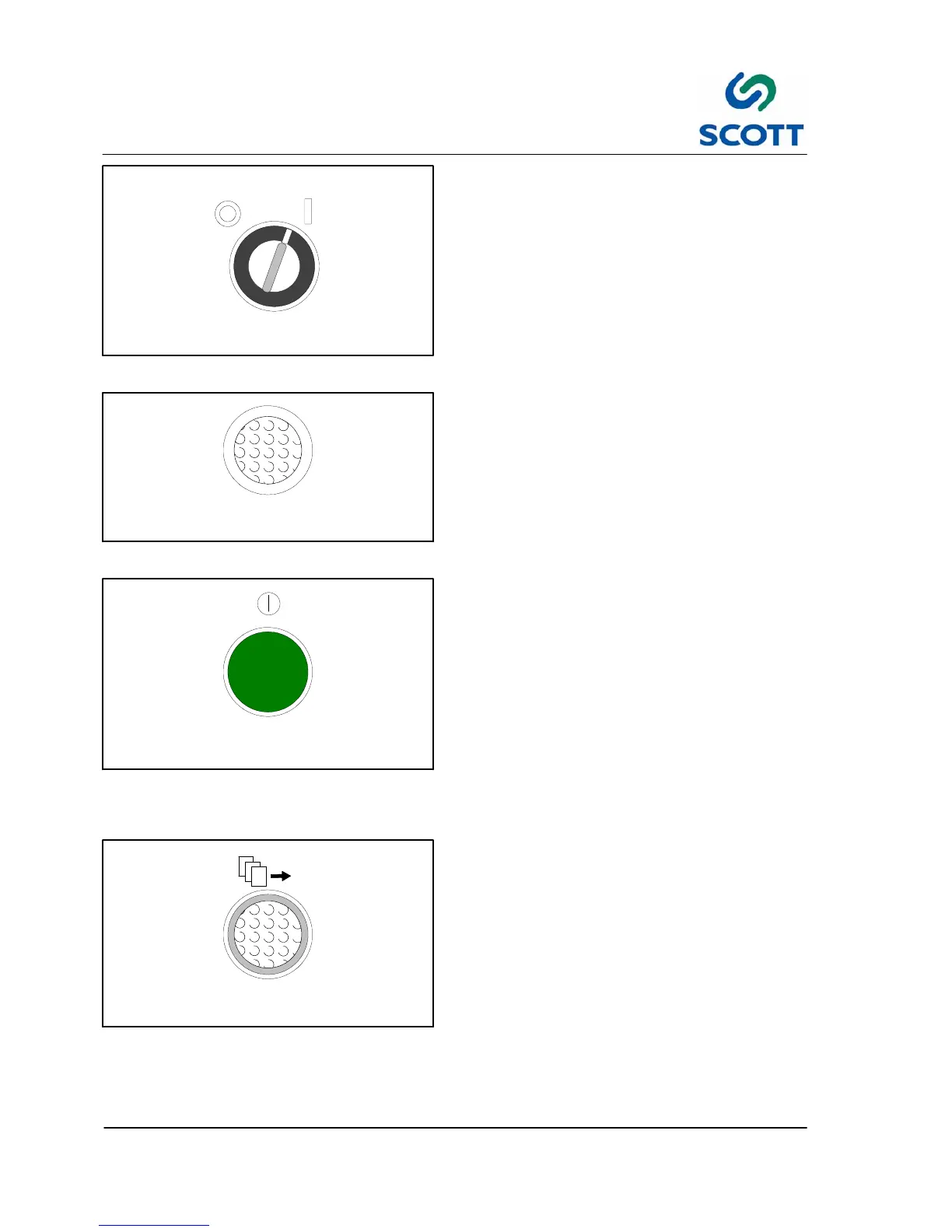
Fig. 3 -6. Run/Safe Key Switch
3.2.3.4 SAFE / RUN -- Key Switch
RUN -- The machine drive cycles continuously.
This is the normal switch position for production.
SAFE -- No machine cycle is possible.
If conditions are safe, pushing RESET will allow
the machine to operate.
OUT OF
PLASTIC
Fig. 3-7. Out of Plastic Lamp
3.2.3.5 OUT OF PLASTIC -- LAMP
Lamp will illuminate when upon pushing the Plastic
Feed button, the proximity switch on the plastic
feed does not sense plastic at the feeder
discharge. The plastic chip removal vacuum and
the paper feed vacuum pump will also be disabled
until the plastic spool is refilled.
START
Fig. 3 -8. Start Pushbutton
3.2.3.6 START -- Green Pushbutton
Turns on main drive motor to begin machine
cycling.
This means:
● The safety switches indicate all the guards are
in place.
● The EMERGENCY STOP buttons are reset.
● The RESET button is pushed.
● The pushbutton turns on the main drive motor
for continuous machine cycling with the KEY
switch in RUN position.
PAPER
FEED
Fig. 3 -9. Paper Feed Pushbutton
3.2.3.7 PAPER FEED -- White Illuminated
Pushbutton
Starts the vacuum pump for the pile feeder vacuum
nozzles.



 To Next Page