3 Operation
3--7
F--9999--8 Build 8 Issue 1
STOP
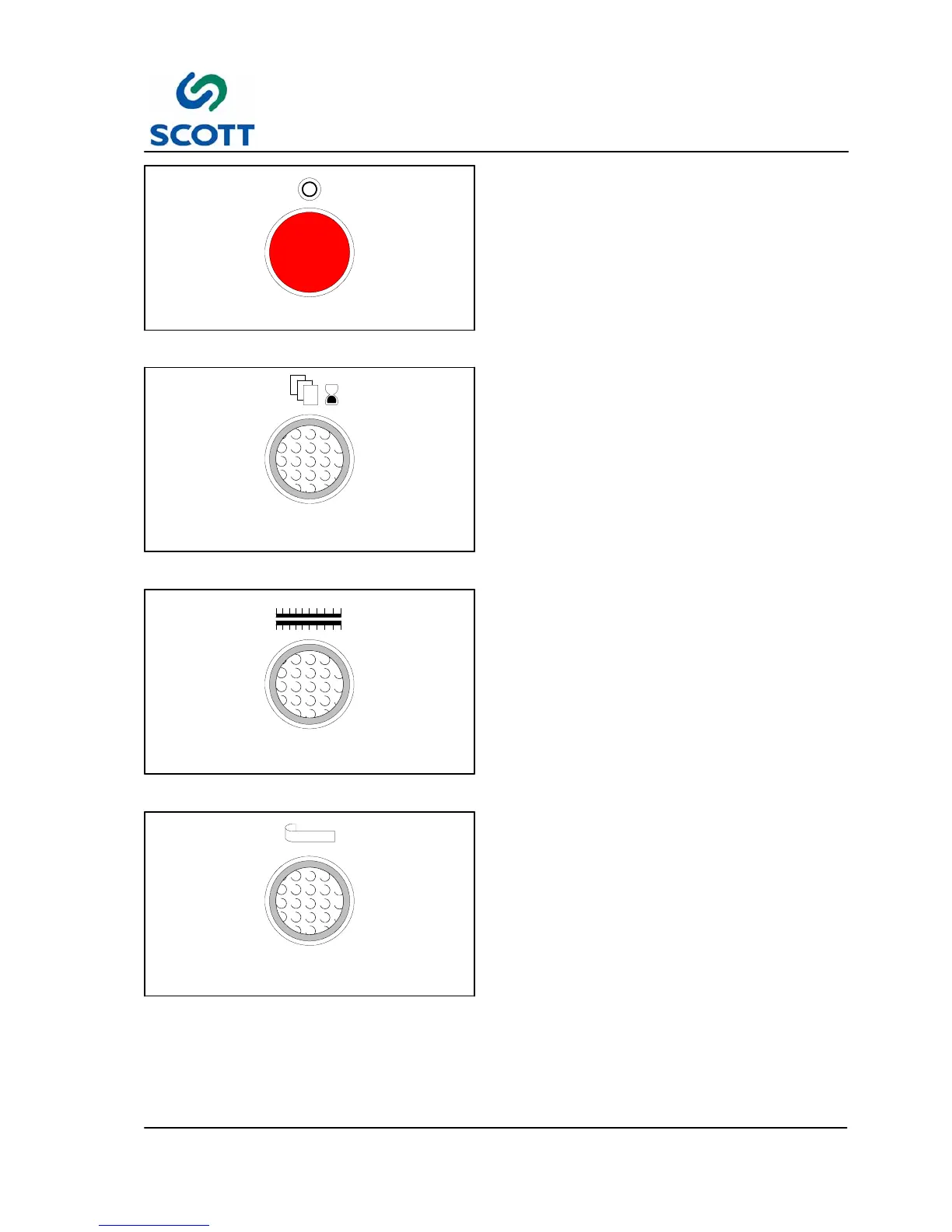
Fig. 3 -10. Stop Drive Pushbutton
3.2.3.8 STOP -- Red Pushbutton
The pushbutton stops the machine drive. This is a
“soft” stop and is intended for planned stops, not
emergencies.
FEED
DELAY
Fig. 3-11. Feed Delay -- Illuminated Pushbutton
3.2.3.9 FEED DELAY -- White Illuminated
Pushbutton
Shuts off the vacuum to the paper pick--up vacuum
nozzles to prevent a new sheet from being fed into
the machine until the preceding sheet has cleared
the press assembly. The amount of time that the
paper is in the press will depend on the time that is
preset in the Seal Time unit.
HEATER
Fig. 3-12. Heaters Illuminated Pushbutton
3.2.3.10 HEATERS ON / OFF --
ON -- When pushed, the button illuminates,
indicating upper and lower heaters are turned ON.
OFF -- When pushed again, the heaters are turned
OFF.
Approximate warm up time for heaters is between
10--15 minutes.
NOTE: See additional information under Heater
Temperature Controller write--up.
PLASTIC
FEED
Fig. 3-13. Plastic Feed Pushbutton
3.2.3.11 PLASTIC FEED -- White Illuminated
Pushbutton
Turns on the chip removal vacuum and allows
plastic to enter the Tip Die, if the reel is threaded
onto the machine. The plastic chip removal
vacuum operates only when Plastic Feed is on,
machine is in Run mode and machine is running.



 To Next Page