3 Operation
3--8
F--9999--8 Build 8 Issue 1
RESET
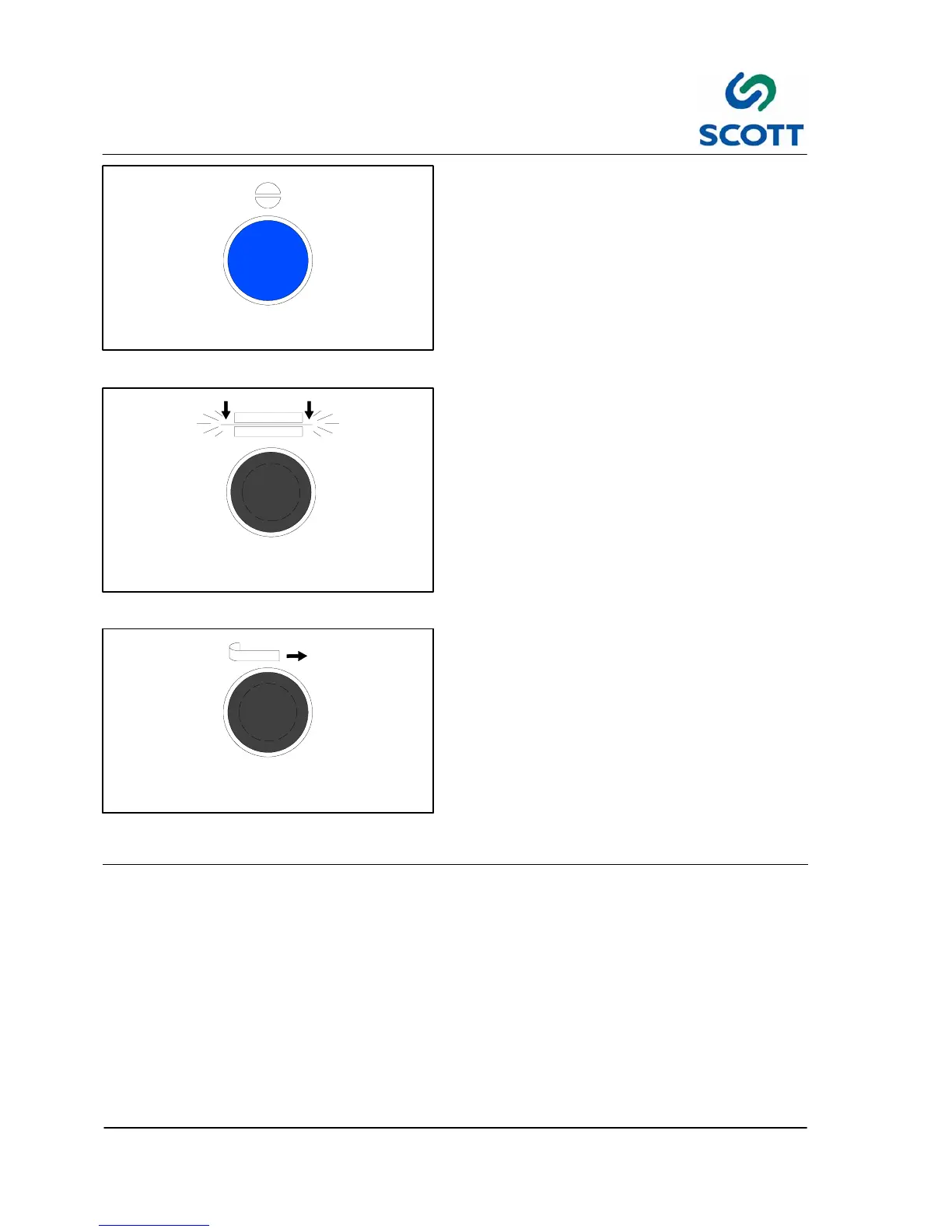
Fig. 3-14. Reset Pushbutton
3.2.3.12 RESET -- Blue Pushbutton
Resets machine, and verifies it is safe to run after
an emergency stop.
Press this button when changing the Run/Safe
switch from Safe position to Run.
PLATEN
CLOSE
Fig. 3 -15. Platen Close Pushbutton
3.2.3.13 PLATEN CLOSE -- Black Pushbutton
Activates plastic press air cylinder for cleaning
purposes.
PLASTIC
ADVANCE
Fig. 3-16. Plastic Advance Pushbutton
3.2.3.14 PLASTIC ADVANCE -- Black
Pushbutton
It brings plastic into the Tip Die when the machine
is in Run position. It is used when loading a new
reel of film and must be held in.



 To Next Page