56
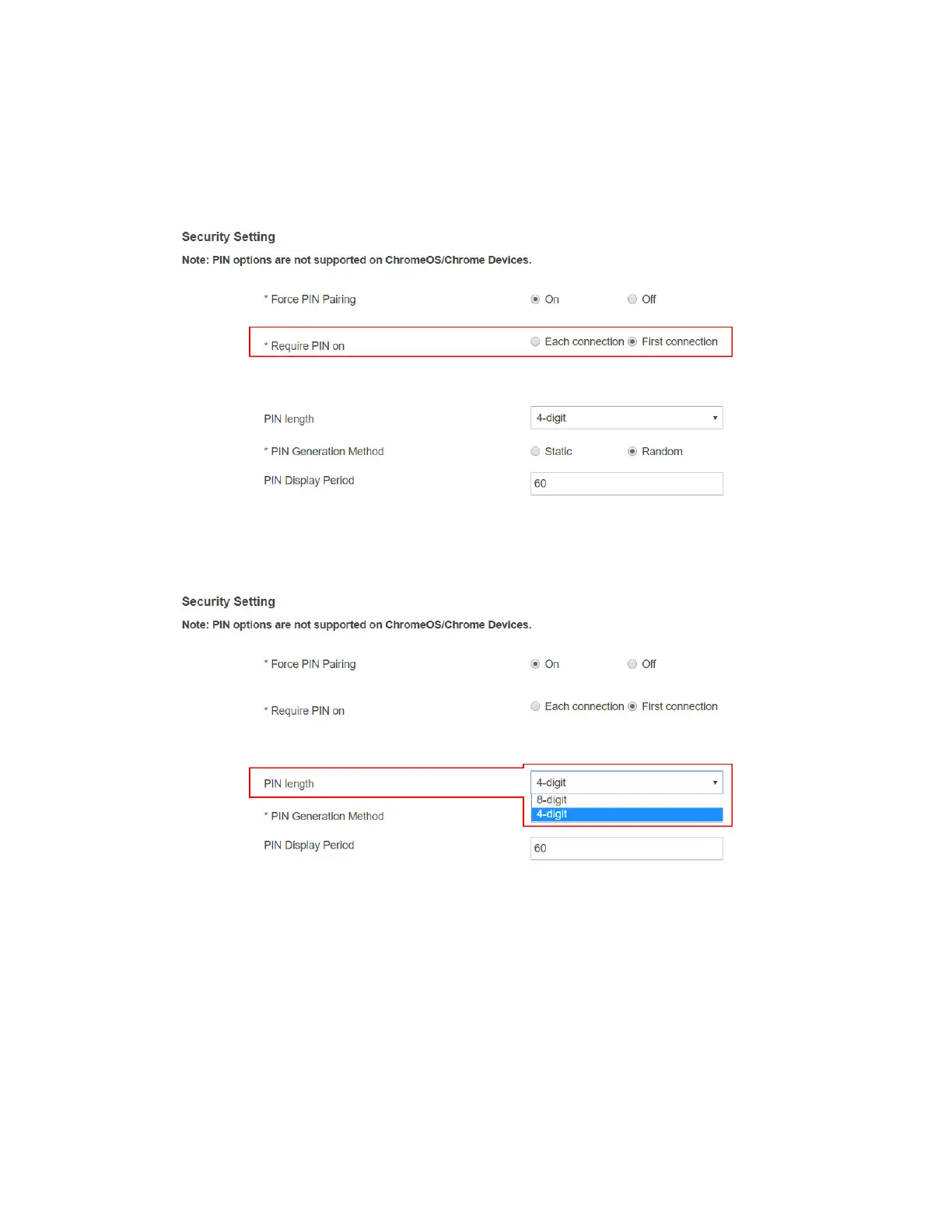
3. Select a PIN pairing method.
Each connection: It is required to provide PIN every time when a device connects
to the receiver.
First connection: It is required to provide PIN the first time when a device connects
to the receiver.
4. Select a PIN length: 4-digit and 8-digit.
4-digit: The receiver will generate a 4-digit PIN. By default, the 4-digit PIN is used.
8-digit: The receiver will generate an 8-digit PIN.



 To Next Page