88
Operating Instructions – Electronic Motor DRC.-..-SNI
7
Executing functions of the units
Operation of MOVITOOLS
®
MotionStudio
6. Double-click to display a particular group of unit parameters.
7. Press the enter key to finalize any changes you make to numerical values in the input
fields.
7.4.3 Starting up the units (online)
Do the following to start up the units (online):
1. Switch to the network view.
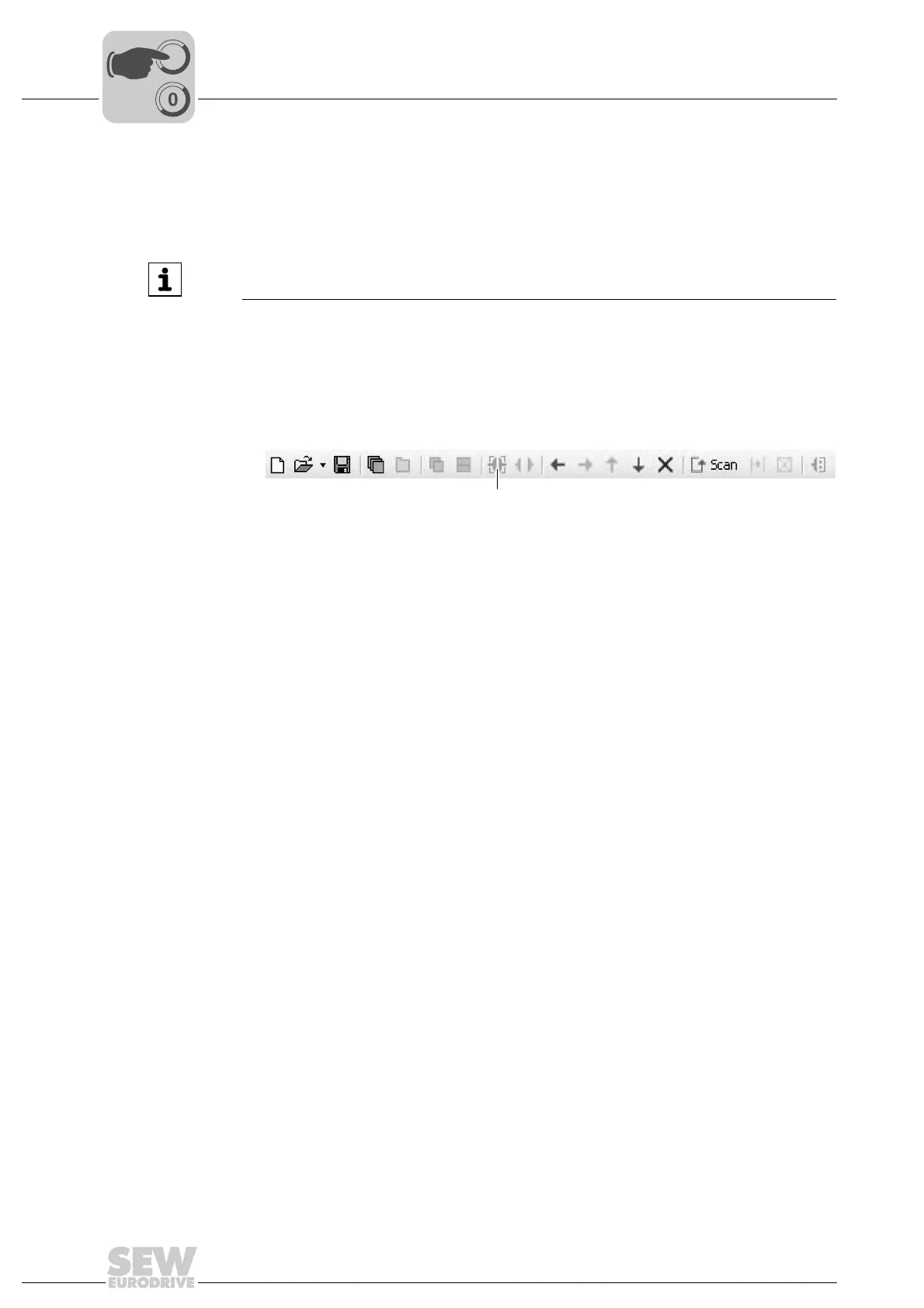
2. In the toolbar, click on "Switch to online mode" [1].
3. Select the unit you want to start up.
4. Open the context menu and select the [Startup] / [Startup] command.
The Startup wizard opens.
5. Follow the instructions of the startup wizard. Then load the startup data into your unit.
INFORMATION
For detailed information about the unit parameters, refer to chapter "Parameters".
9007200438771211
[1] "Switch to online mode" icon
[1]



 To Next Page