Operating Instructions – Electronic Motor DRC.-..-SNI
83
7
First steps
Operation of MOVITOOLS
®
MotionStudio
7.2 First steps
7.2.1 Starting the software and creating a project
Proceed as follows to start MOVITOOLS
®
MotionStudio and create a project:
1. Start MOVITOOLS
®
MotionStudio from the Windows start menu via:
[Start]/[Programs]/[SEW]/[MOVITOOLS-MotionStudio]/[MOVITOOLS-MotionStudio]
2. Create a project with a name and directory.
7.2.2 Establishing communication and scanning the network
Proceed as follows to establish a communication with MOVITOOLS
®
MotionStudio and
scan your network:
1. Set up a communication channel to communicate with your units.
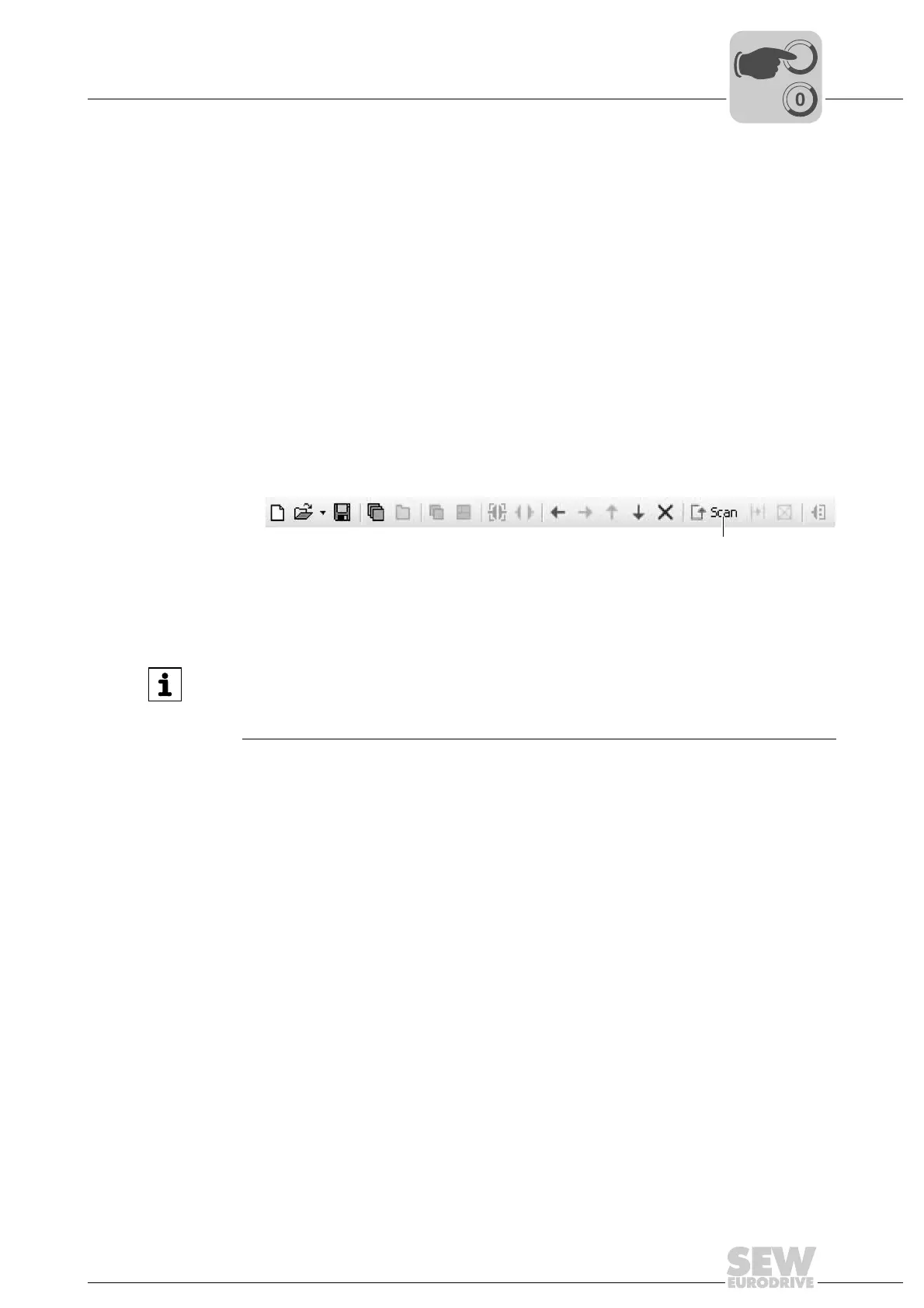
2. Scan your network (unit scan). Press the [Start network scan] button [1] in the tool-
bar.
7.2.3 Additional information
9007200387461515
[1]
INFORMATION
The PC is connected to the DRC inverter via the employed controller or gateway. For
detailed information on how to configure a communication channel, refer to the docu-
mentation of the controller used.



 To Next Page