Operating Instructions – Electronic Motor DRC.-..-SNI
87
7
Executing functions of the units
Operation of MOVITOOLS
®
MotionStudio
7.4 Executing functions of the units
7.4.1 Parameterizing a unit
Units are parameterized in the parameter tree. The parameter tree displays all unit
parameters, grouped into folders.
You can manage the unit parameters using the context menu and the toolbar. The
following steps illustrate how to read or edit the unit parameters.
7.4.2 Reading or changing unit parameters
Proceed as follows to read or change unit parameters:
1. Switch to the required view (project view or network view).
2. Select the connection mode:
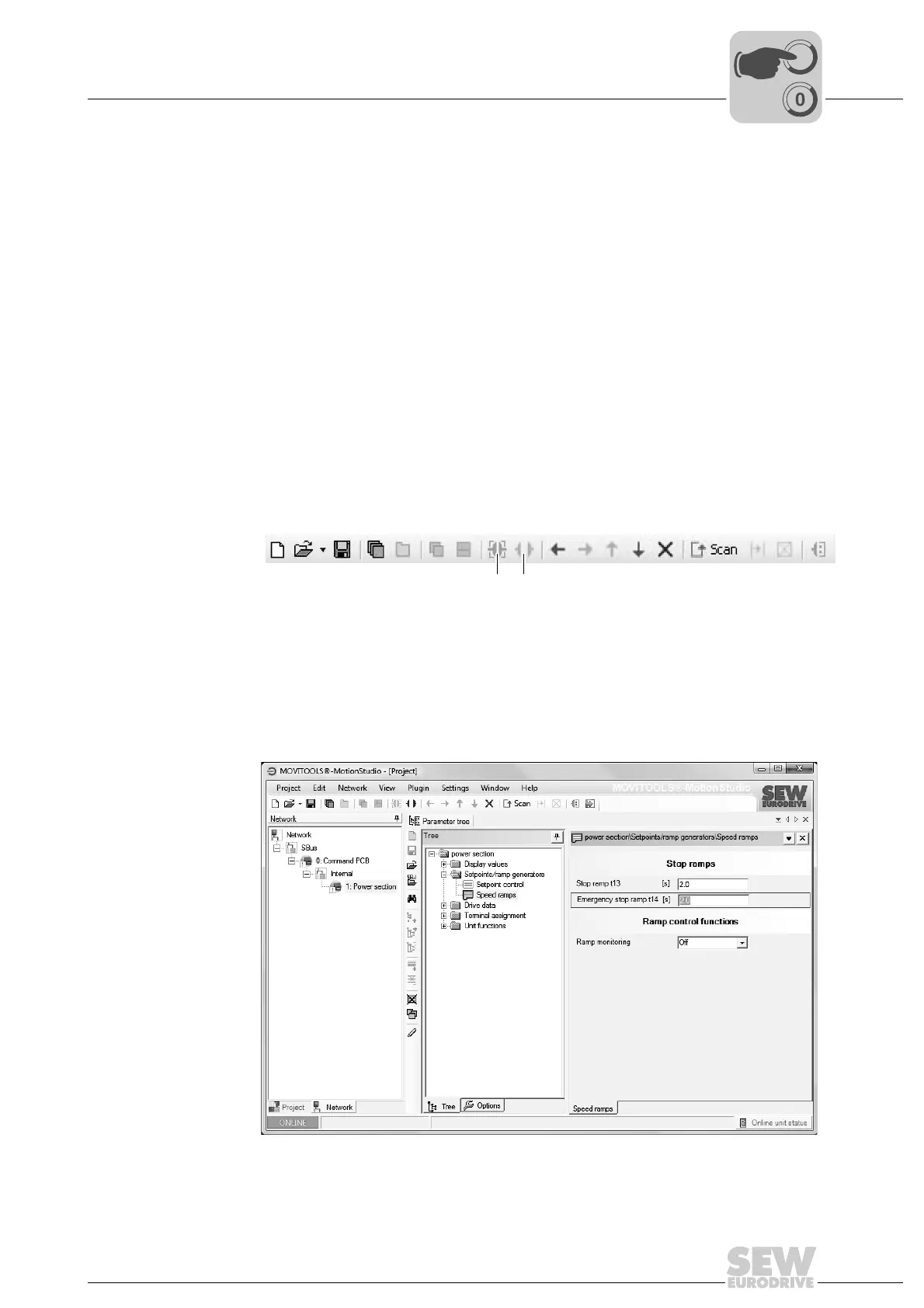
• Click the "Switch to online mode" button [1] if you want to read or change
parameters directly in the unit.
• Click the "Switch to offline mode" button [2] if you want to read or change
parameters in the project.
3. Select the unit you want to parameterize.
4. Open the context menu and select the [Parameter tree] command.
This opens the "Parameter tree" view on the right.
5. Expand the "Parameter tree" to the node you require.
9007200389198219
[1] "Switch to online mode" icon
[2] "Switch to offline mode" icon
4718989195
[1] [2]



 To Next Page