Channel Setting
Your Unit can receive a maximum of 181 channels as shown below
by presetting the channels into memory. (VHF: 2 to 13, UHF: 14 to
69, CATV: 1 to 125)
Preparation
• See Watching VCR on page 27.
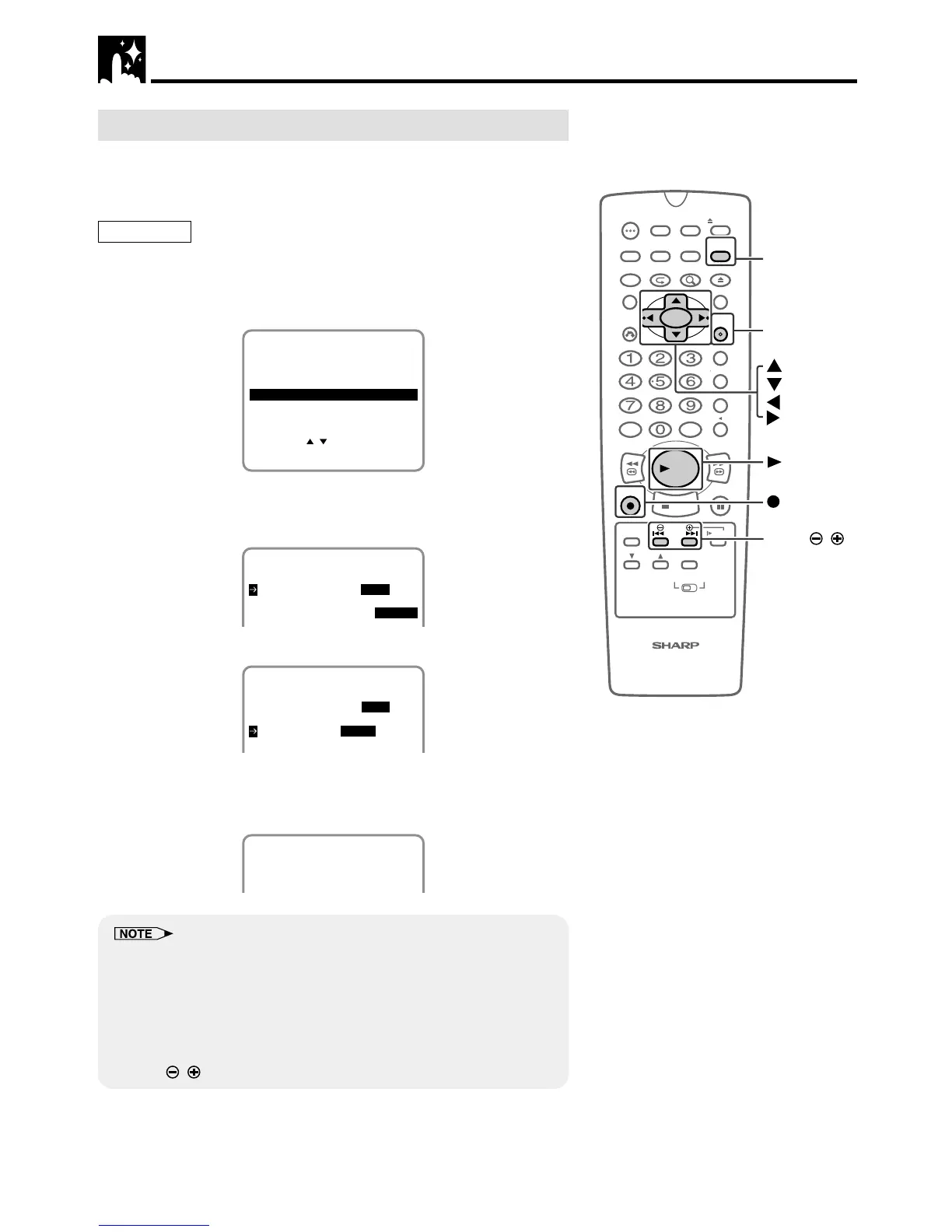
1 Press VCR MENU. Select “CHANNEL PRESET” with ' / " and
then press SET.
SET UP
MENU
ENTER :SET EXIT :MENU
CHANNEL PRESET
SELECT :
CLOCK
LANGUAGE
TIMER
2 Select “AIR” or “CATV” with
\\
\\
\ /
||
||
| and then press ".
(Example) AIR
• To watch cable TV after EZ Set Up, select “CATV”, press SET.
AIR/CATV AIR CATV
CHANNEL PRESET
CHANNEL PRESET
CH SET AUTO MANUAL
3 Set “CH SET” to “AUTO” with
\\
\\
\ /
||
||
| and then press SET.
AIR/CATV AIR CATV
CHANNEL PRESET
CH SET AUTO MANUAL
4 The auto tuning will start.
• The channel display will count up, and when finished, the
screen returns to normal.
AUTOMATIC TUNING.
02
PLEASE WAIT.
• Automatic tuning will not start unless the arrow is at “CH SET-AUTO”
position.
• If a button is not pressed within 3 minutes during the setting proce-
dure, the screen will return to normal.
• If the power is interrupted for more than 60 seconds, AIR / CATV
selection must be set again.
• Automatic tuning will be interrupted if ûPLAY,
ÆÆ
ÆÆ
ÆREC, VCR MENU or
DPSS
/
buttons are pressed before the screen returns to normal.
VCR Setup



 To Next Page