45
DVD Setup
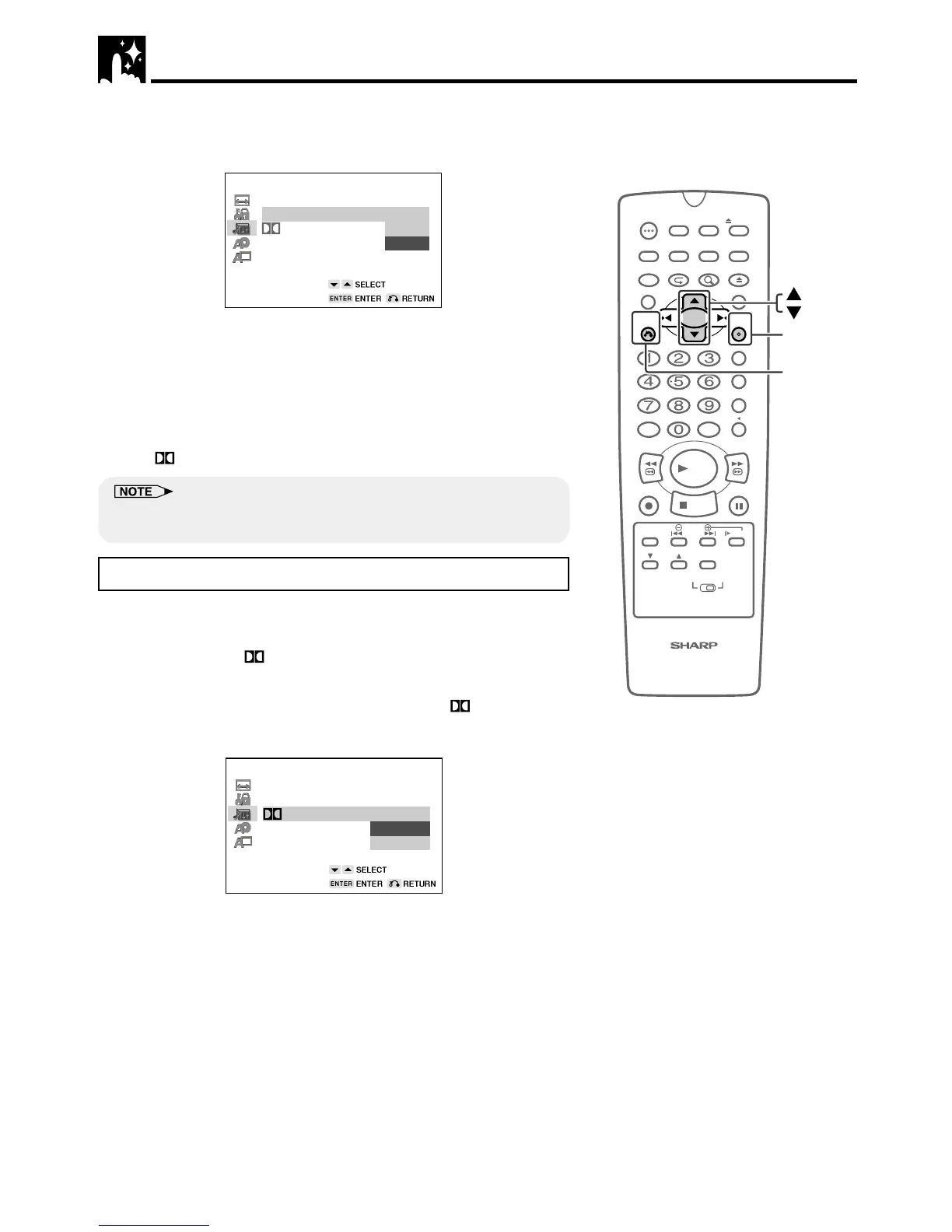
3 Press ENTER and then use ' or " to select “COMPRESSION”.
4 Press ENTER to display the settings you can select.
AUDIO SETUP
COMPRESSION: OFF
ON
OFF
DIGITAL:
5 Use ' or " to select “ON” or “OFF”.
• Use of the “OFF” setting is recommended when the Unit is
connected to audio equipment.
6 Press ENTER to confirm the setting.
• When you have completed the above setting, press RETURN
to exit the SETUP screen. However, if you want to specify the
“
DIGITAL” setting in succession, proceed to step 1 below.
• Whenever the “COMPRESSION” setting is “ON”, VIRTUAL Dolby setting is
automatically changed to “OFF”.
Setting the DOLBY DIGITAL
When playing a disc recorded using Dolby Digital (5.1ch), you can
specify either “BITSTREAM” or “D-PCM” as the digital type output.
• Before setting the “
DIGITAL” , perform the step 1 to 3 on pages
44 and 45.
1 Press ENTER and then use ' or " to select “ DIGITAL”.
2 Press ENTER to display the settings you can select.
AUDIO SETUP
COMPRESSION: ON
D-PCM
DIGITAL:
BITSTREAM
BITSTREAM
3 Use ' or " to select “BITSTREAM” or “D-PCM”.
BITSTREAM: Use this setting for a digital connection of a
receiver (amplifier) equipped with a Dolby Digital
decoder.
D-PCM: Use this setting for a digital connection to the
(Down Mix PCM) PCM digital input jack of a DAT or MD, or for
a digital connection to a receiver (amplifier)
that does not have a Dolby Digital decoder.
4 Press ENTER to confirm the setting.
5 When you have completed the setting above, press RETURN to
exit the SETUP screen. However, if you want to go on and
specify the other settings, use ' or " to display other SETUP
screen.
100
OPEN/
CLOSE
POWER
VCR/DVD
SELECTOR
VCR MENU
DVD SETUP
TAPE
SPEED
ON
SCREEN
TIMER
ON/OFF
TITLE
DVD MENU
DISPLAY
TV/VCR EJECT
FUNCTION
CONTROL
PROGRAM ZOOM
CANCEL
RETURN
REV FWD
SET
ENTER
ZERO BACK
SKIP SEARCH
REPLAY
VCR DVDAM/PM INPUT
PAUSE/STILL
REC
VCR/DVD COMBINATION
PLAY
STOP
SLOW
CH
VCR DVD
SKIP
DPSS
AUDIO
OUTPUT
ENTER
RETURN



 To Next Page