52
Connecting the Unit and TV using an
antenna cable and the DVD/VCR shared
output jack
TV
Turn on the TV and switch the TV channel to the external “VIDEO” or
“AV” channel which is connected to the DVD /VCR shared output
jack.
This Unit
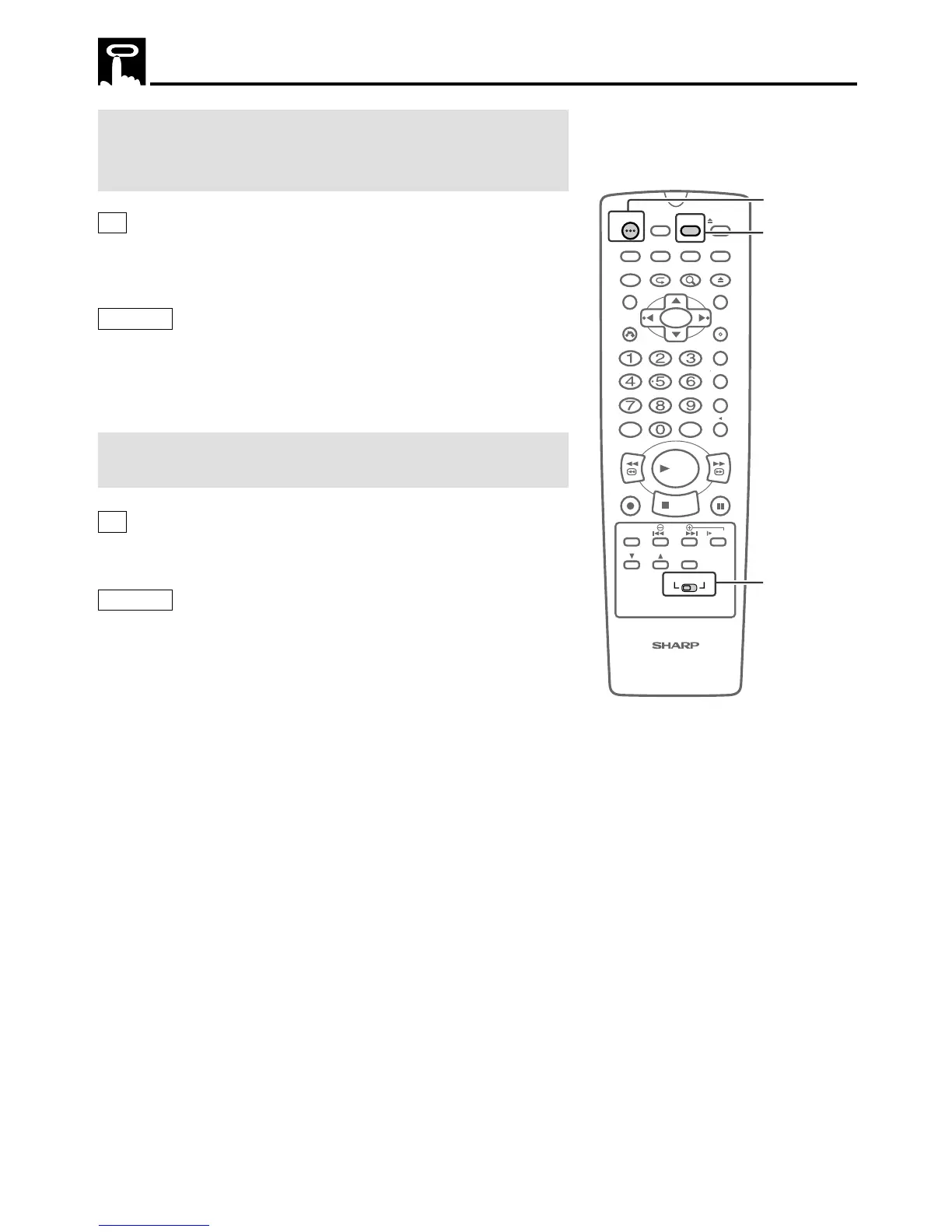
1 Press POWER.
2 Move VCR/DVD CHANGE Switch on the remote control to
VCR.
Connecting the Unit and TV using only an
antenna (coaxial) cable
TV
Turn on the TV and switch the TV to either channel 3 or 4 (the
channel used for VCR).
This Unit
1 Press POWER.
2 Move VCR/DVD CHANGE Switch on the remote control to
VCR.
3 Press TV/VCR on the remote control to display “VCR” on the
VCR Front Panel Display.
Preparing to Use VCR



 To Next Page