58
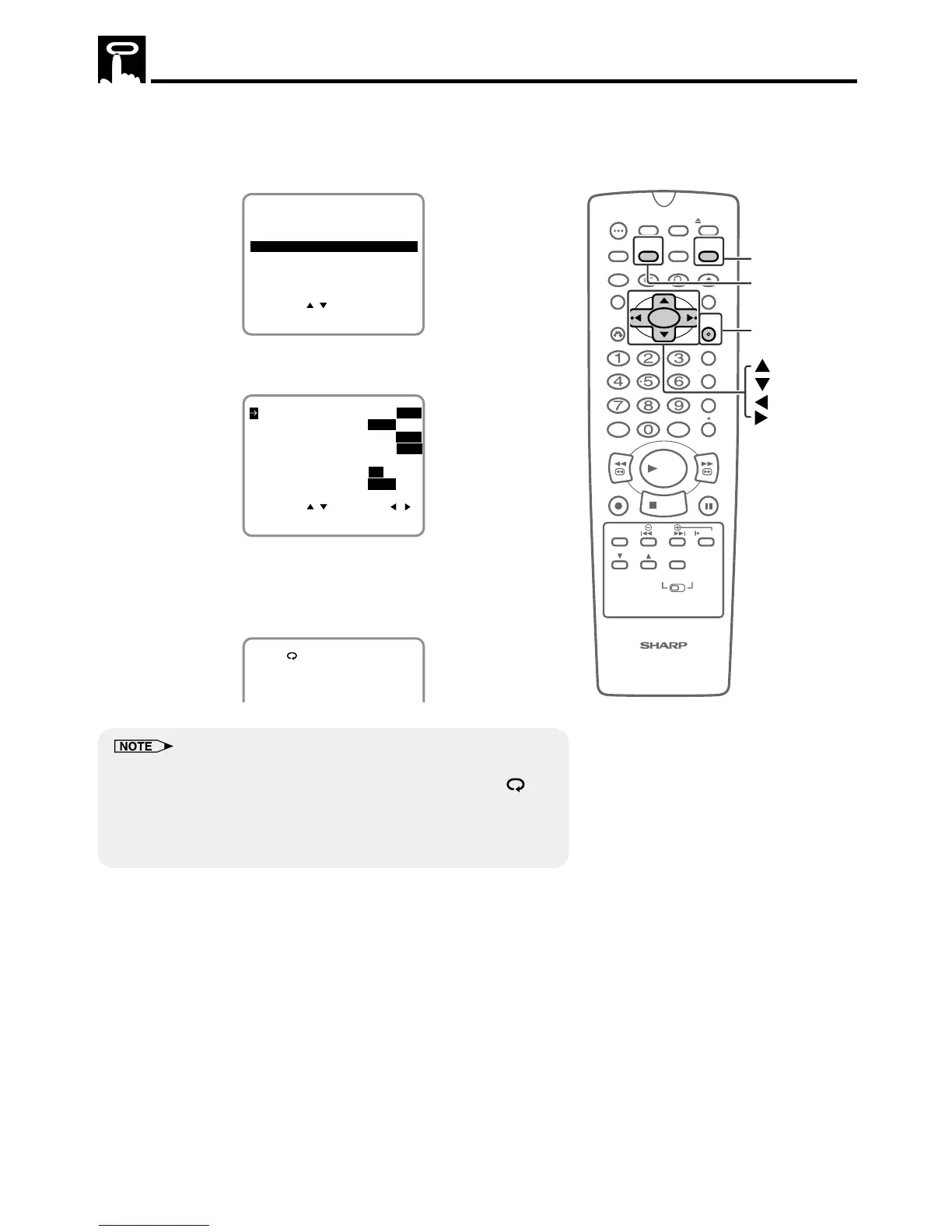
This function replays the specified part.
1 Press VCR MENU to display the menu screen.
2 Select “SET UP” with ' / " and then press SET.
SET UP
MENU
ENTER :SET EXIT :MENU
CHANNEL PRESET
SELECT :
CLOCK
LANGUAGE
TIMER
3 Select “AUTO REPEAT” mode with ' / ". Then set the mode to
“ON” or “OFF” with
\\
\\
\ /
||
||
|.
SELECT : CHANGE:
BLUE SCREEN ON OFF
AUTO REPEAT ON OFF
ENTER :SET EXIT :MENU
AUDIO OUTPUT
SAP ON
OFF
MONO LR L R
EXACT REC ON OFF
S. PICTURE ON
OFF
4 When Auto Repeat is set to ON, if the recorded portion has
finished and a non-recorded portion has continued for 15
seconds, the tape will automatically stop, rewind to the begin-
ning and repeat playback.
PLAY
• The ON/OFF status of the Recorded Section Auto Repeat can be
checked when ON SCREEN is pressed to display OSD. (The “ ”
mark lights when the Recorded Section Auto Repeat is on.)
• If the Recorded Section Auto Repeat is on and the tape is rewound to
the beginning with rewind or reverse video search, the tape will
automatically start playback.



 To Next Page