97
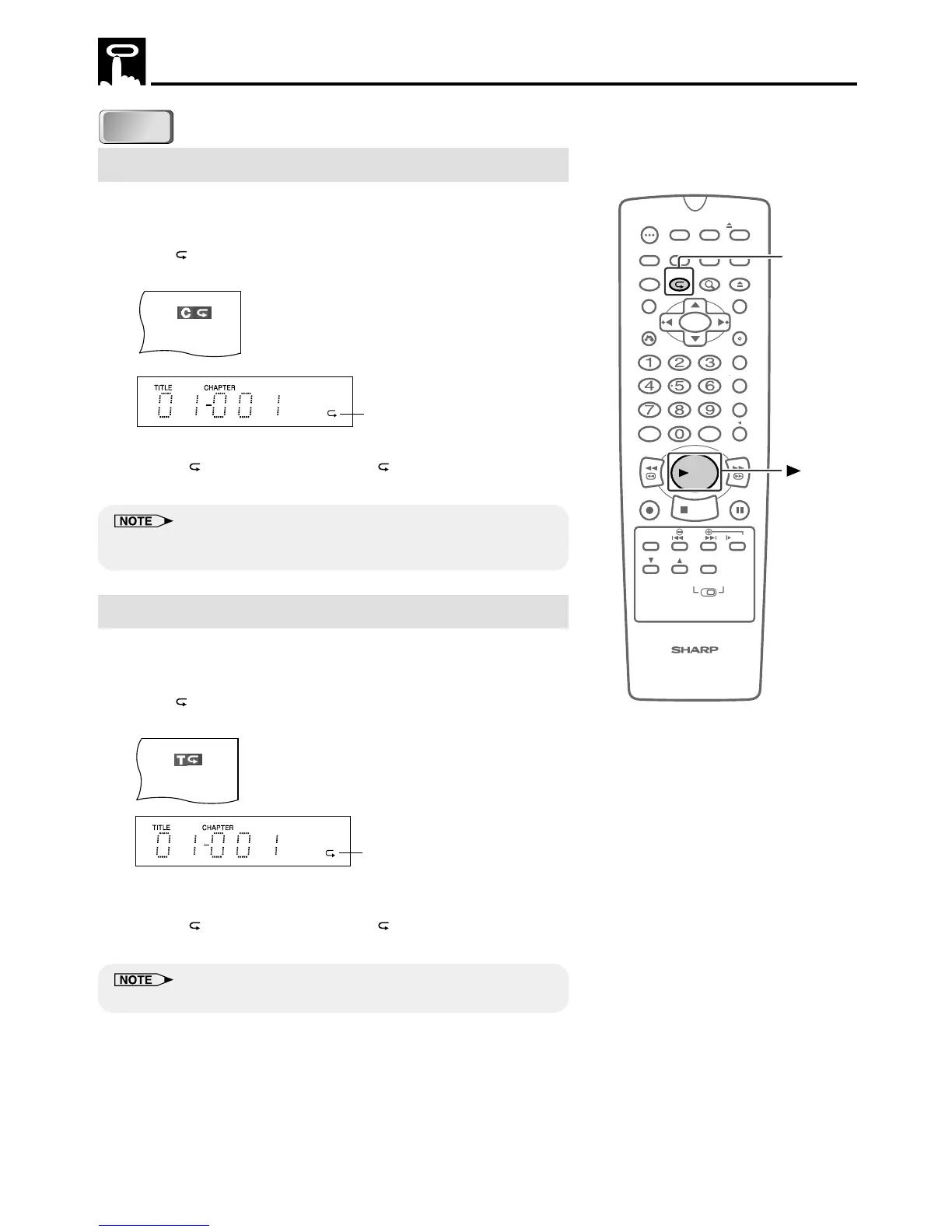
Chapter Repeat
Example: To repeat play the chapter you are currently viewing.
1 Play the chapter you want to repeat.
2 Press (REPEAT) and then press
ûû
ûû
ûPLAY to repeat the chapter
play.
• Press
(REPEAT) to turn off the “ ” indicator when returning
to regular playback.
• Repeat playback is disabled on some discs.
• On discs without chapters, this Unit repeats the current title.
Title Repeat
Example: To repeat play the title you are currently viewing.
1 Play the title you want to repeat.
2 Press (REPEAT) twice and then press
ûû
ûû
ûPLAY to repeat the
title play.
• The DVD Front Panel displays are the same as for chapter
repeat playback.
• Press
(REPEAT) to turn off the “ ” indicator when returning
to regular playback.
• Repeat playback is disabled on some discs.
Repeat Playback
Repeat indicator
100
OPEN/
CLOSE
POWER
VCR/DVD
SELECTOR
VCR MENU
DVD SETUP
TAPE
SPEED
ON
SCREEN
TIMER
ON/OFF
TITLE
DVD MENU
DISPLAY
TV /VCR EJECT
FUNCTION
CONTROL
PROGRAM ZOOM
CANCEL
RETURN
REV FWD
SET
ENTER
ZERO BACK
SKIP SEARCH
REPLAY
VCR DVDAM/PM INPUT
PAUSE/STILL
REC
VCR/ DVD COMBINATION
PLAY
STOP
SLOW
CH
VCR DVD
SKIP
DPSS
AUDIO
OUTPUT
REPEAT
PLAY
DVD
Repeat indicator
DVD
DVD
DVD



 To Next Page