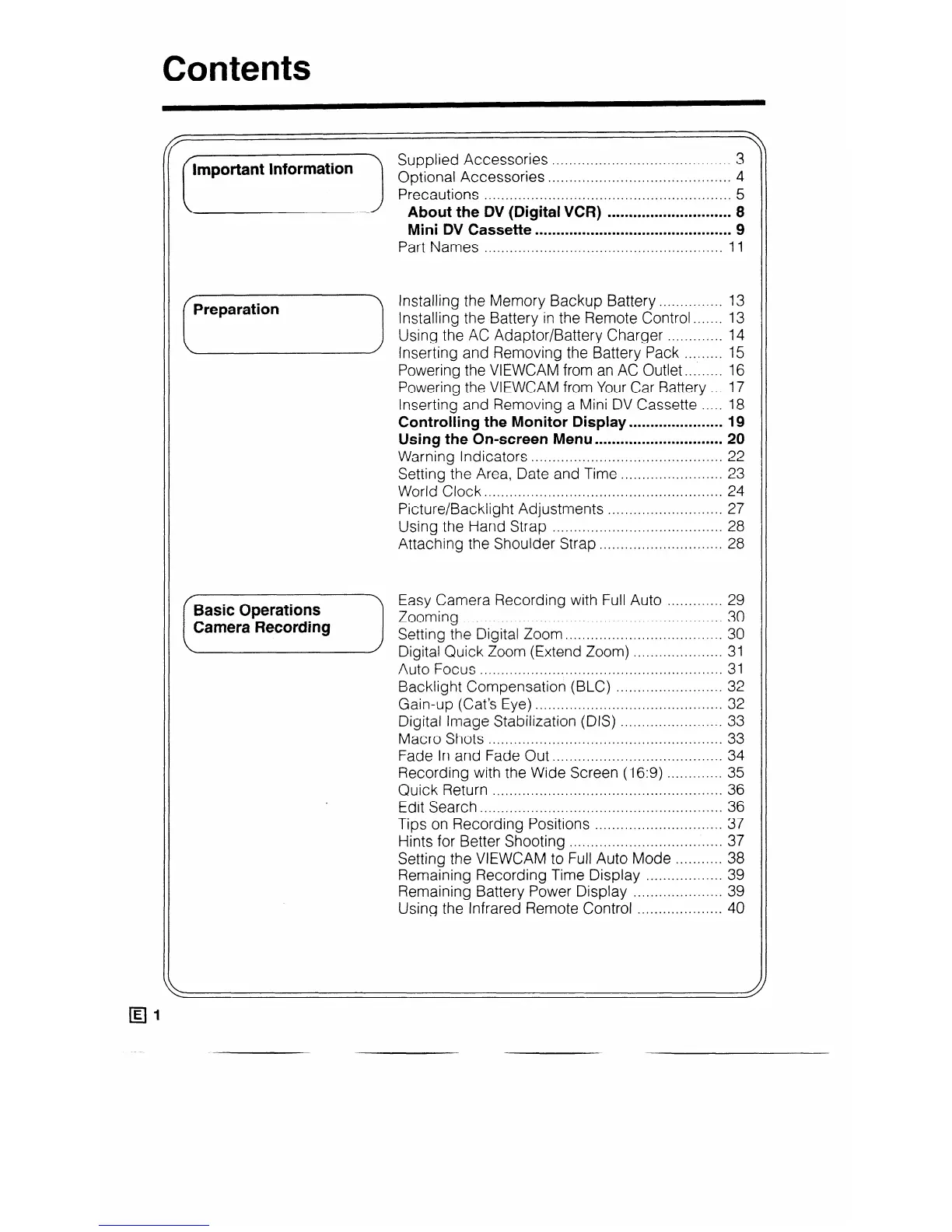
Mini DV Cassette
..............................................
9
Part Names
........................................................
1 1
Installing the Memory Backup Battery
............... 13
Installing the Battery in the Remote Control.. ..... 13
Using the AC Adaptor/Battery Charger
............. 14
Inserting and Removing the Battery Pack
......... 15
Powering the VIEWCAM from an AC Outlet..
....... 16
Powering the VIEWCAM from Your Car Battery
... 17
Inserting and Removing a Mini DV Cassette .....
18
Controlling the Monitor
Display.. .................... 19
Using the On-screen Menu .............................. 20
Warning Indicators ............................................. 22
Setting the Area, Date and Time ........................ 23
World Clock.. ...................................................... 24
Picture/Backlight Adjustments
........................... 27
Using the Hand Strap ........................................ 28
Attaching the Shoulder Strap ............................. 28
Auto Focus .........................................................
31
Backlight Compensation (BLC) .........................
32
Gain-up (Cat’s Eye) ............................................
32
Digital Image Stabilization (DIS) ........................
33
Macro Shots ....................................................... 33
Fade In and Fade Out..
.....
................................. 34
Recording with the Wide Screen (16:9) .............
35
Quick Return
......................................................
36
Edit Search.. .......................................................
36
Tips on Recording Positions .............................. 37
Hints for Better Shooting
.................................... 37
Setting the VIEWCAM to Full Auto Mode
........... 38
Remaining Recording Time Display
.................. 39
Remaining Battery Power Display .....................
39
Using the Infrared Remote Control
.................... 40



 To Next Page