Setting theVIEWCAM to Full
Auto Mode
This VIEWCAM is equipped with auto focus, auto
white balance, auto exposure, and auto shutter
speed functions. Set the VIEWCAM to Full Auto
mode and you can record high-quality pictures
easily.
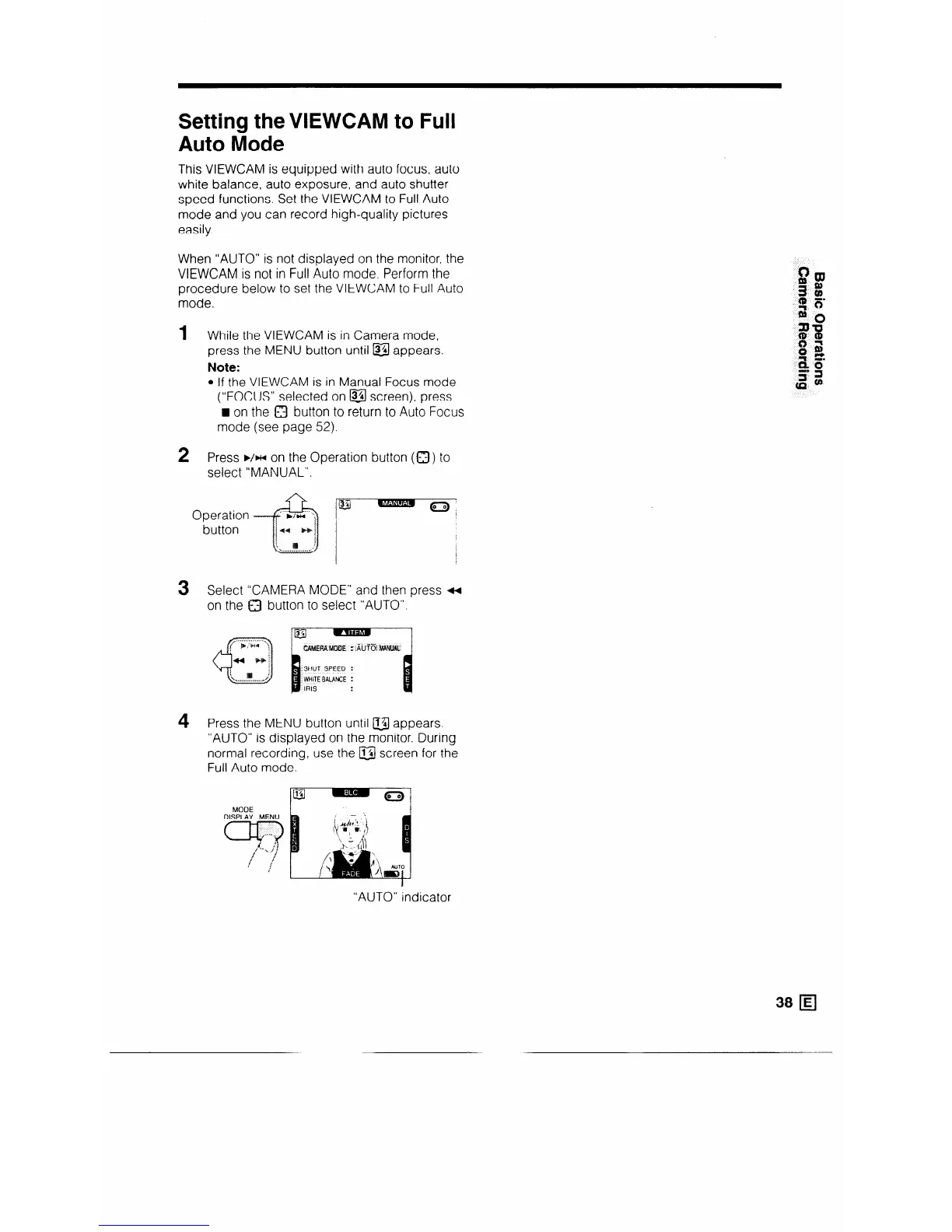
When “AUTO” is not displayed on the monitor, the
VIEWCAM is not in Full Auto mode. Perform the
procedure below to set the VIEWCAM to Full Auto
mode.
1 While the VIEWCAM is in Camera mode,
press the MENU button until &I appears.
Note:
l If the VIEWCAM is in Manual Focus mode
(“FOCUS” selected on @ screen), press
H on the 0 button to return to Auto Focus
mode (see page 52).
2
Press ä /HI on the Operation button (0 ) to
select “MANUAL”.
3
4
button
Select “CAMERA MODE” and then press 4
on the a button to select “AUTO”.
Press the MENU button until @j appears.
“AUTO” is displayed on the monitor. During
normal recording, use the a screen for the
Full Auto mode.
“AUTO” indicator



 To Next Page