Precautions
Use & Care
l After operation, remove the battery pack
from the unit.
l Do not aim the lens at the sun.
Do not allow direct sunlight to strike the
VIEWCAM lens or LCD panel. whether
recording is in progress or not, as it may
damage the CCD sensor or LCD panel
surface. Be particularly careful when
recording outside.
l When shooting in dark places, avoid sudden
brightly lit objects or light sources, such as
the sun. Otherwise. the image may white out.
Should this happen, point the camera in a
different direction until the picture returns to
normal.
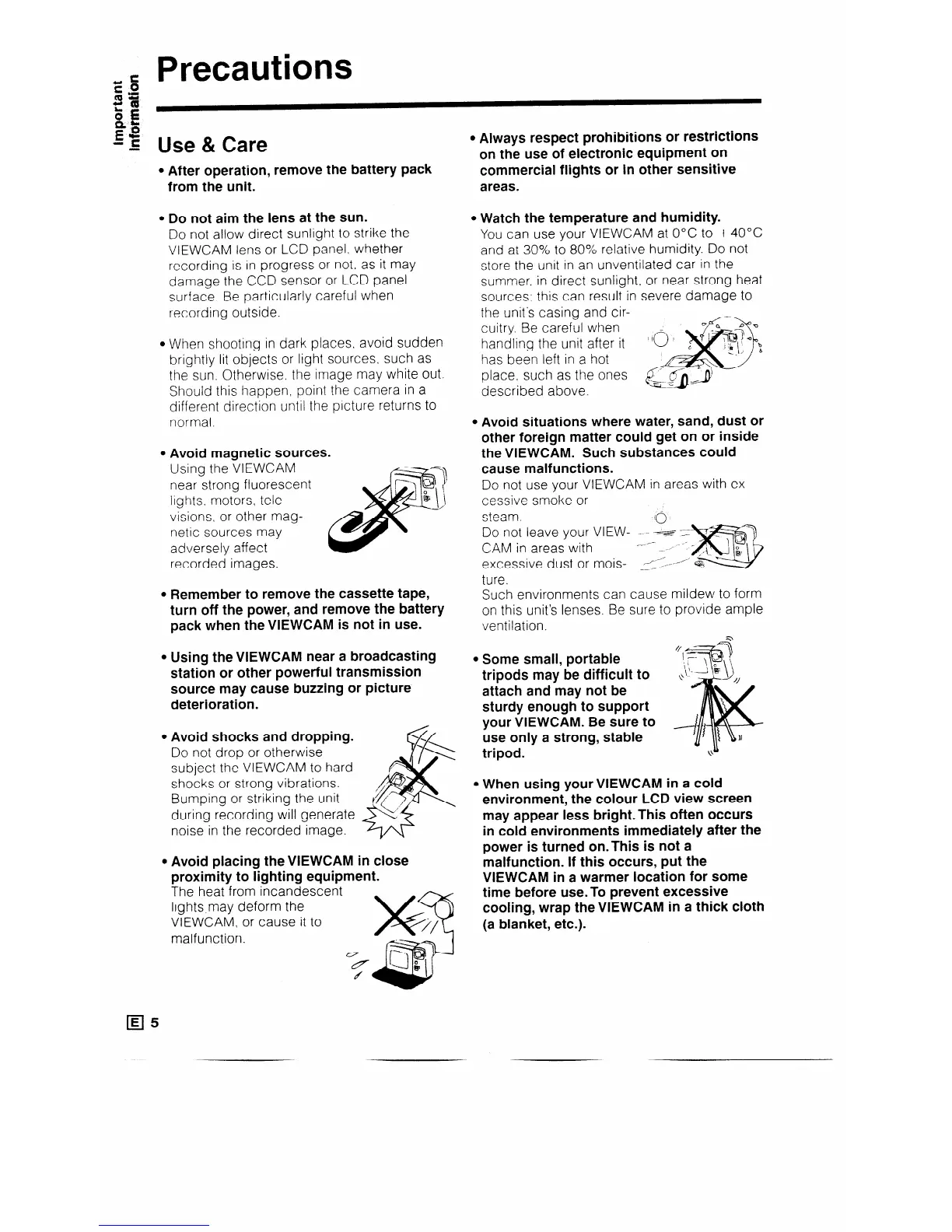
l Avoid magnetic sources.
Using the VIEWCAM
near strong fluorescent
lights, motors, tele-
visions, or other mag-
netic sources may
adversely affect
recorded images.
l Remember to remove the cassette tape,
turn off the power, and remove the battery
pack when the VIEWCAM is not in use.
l Using the VIEWCAM near a broadcasting
station or other powerful transmission
source may cause buzzing or picture
deterioration.
l Avoid shocks and dropping.
Do not drop or otherwise
subject the VIEWCAM to hard
shocks or strong vibrations.
Bumping or striking the unit
during recording will generate
noise in the recorded image.
l Avoid placing theVlEWCAM in close
proximity to lighting equipment.
ihe heat from incandescent
lights,may deform the
VIEWCAM, or cause it to
malfunction.
l Always respect prohibitions or restrictions
on the use of electronic equipment on
commercial flights or in other sensitive
areas.
l Watch the temperature and humidity.
You can use your VIEWCAM at 0°C to +4O”C
and at 30% to 80% relative humidity. Do not
store the unit in an unventilated car in the
summer. in direct sunlight, or near strong heat
sources; this can result in severe damage to
the unit’s casing and cir-
cuitry. Be careful when
handling the unit after it
has been left in a hot
place, such as the ones
described above.
l Avoid situations where water, sand, dust or
other foreign matter could get on or inside
the VIEWCAM. Such substances could
cause malfunctions.
Do not use your VIEWCAM in areas with ex-
cessive smoke or
steam.
10
Do not leave your VIEW- - - e
CAM in areas with
excessive dust or mois-
ture.
Such environments can cause mildew to form
on this unit’s lenses. Be sure to provide ample
ventilation.
l Some small, portable
tripods may be difficult to
attach and may not be
sturdy enough to support
your VIEWCAM. Be sure to
use only a strong, stable
tripod.
l When using your VIEWCAM in a cold
environment, the colour LCD view screen
may appear less bright.This often occurs
in cold environments immediately after the
power is turned on.This is not a
malfunction. If this occurs, put the
VIEWCAM in a warmer location for some
time before use.To prevent excessive
cooling, wrap the VIEWCAM in a thick cloth
(a blanket, etc.).



 To Next Page