Argus Radar - Installation and service manual
988-10187-004 4.2
• Gyro: when this function is selected, the gyro compass function is
simulated. The adjacent window serves to vary the angle between the
ship and geographic north.
• Video: selecting this window reproduces the interferences and
background noises relevant to the situation to be simulated.
• Tracking: video simulation of up to 40 targets to test the tracking
function.
Video Selection
This facility is used only to test the system, and it must be returned to "Raw
Video" at the end of the test.
• Raw Video: Is the normal video.
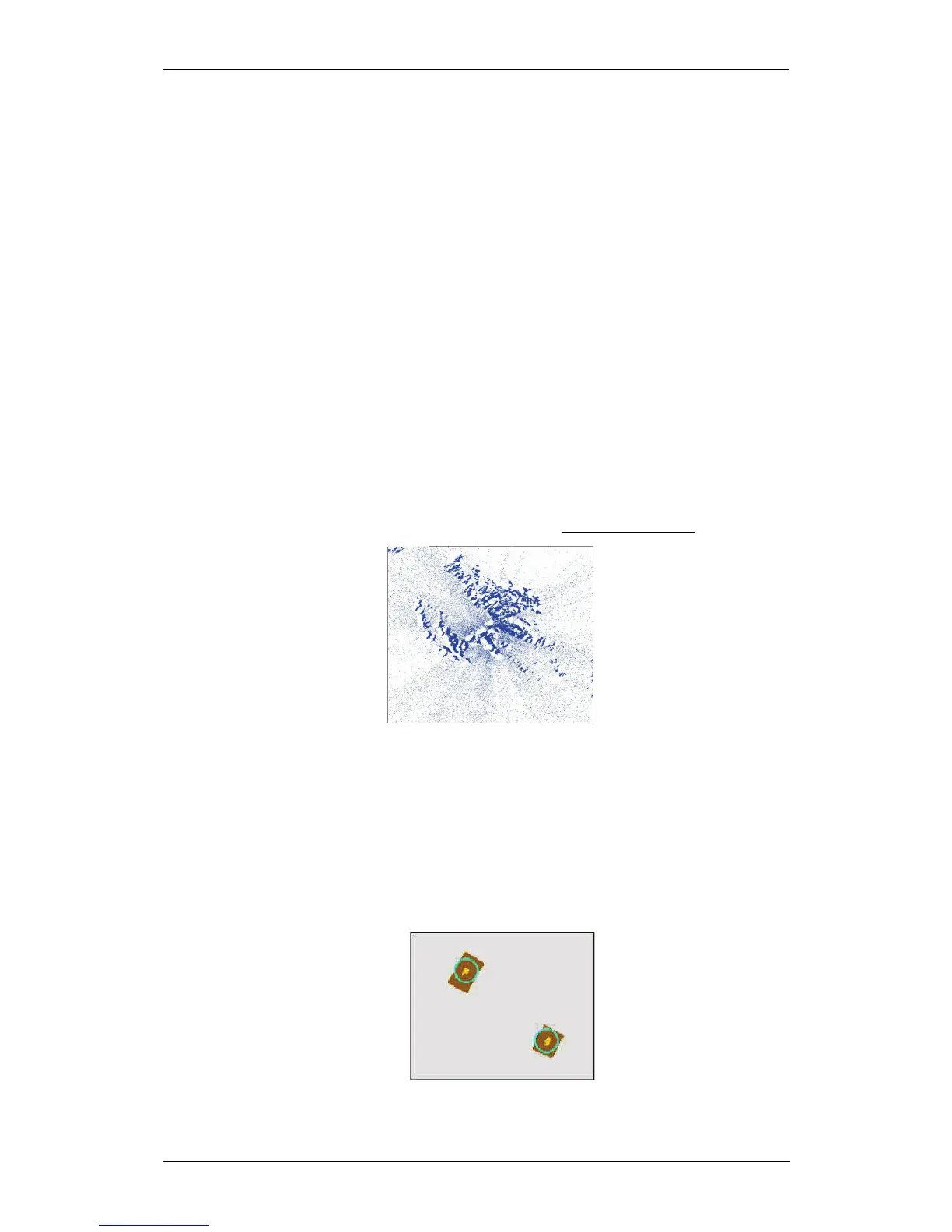
• Quantized Video: This is the on-off video used by the ARPA for
tracking. For testing the Q.V. can be used to see if the ARPA sees all the
echoes and if the Q.V. threshold is correctly adjusted, or if the auto
adaptive one works at satisfaction. To tell if it is working fine, all the echoes
should be visible in raw video plus some noise speckles around.
Figure 4.1.2 Video view
• Video Plot: On the PPI, only the video of the plotted targets will be
displayed. It could be necessary to use it when ARPA loses an acquired
target, to see if it is present under the acquired target during the plot.
In the picture, the video plots are the yellow echoes under the tracks and the
light brown rectangles are the tracking windows.



 To Next Page