Argus Radar - Installation and service manual
988-10187-004 4.5
Debug Display
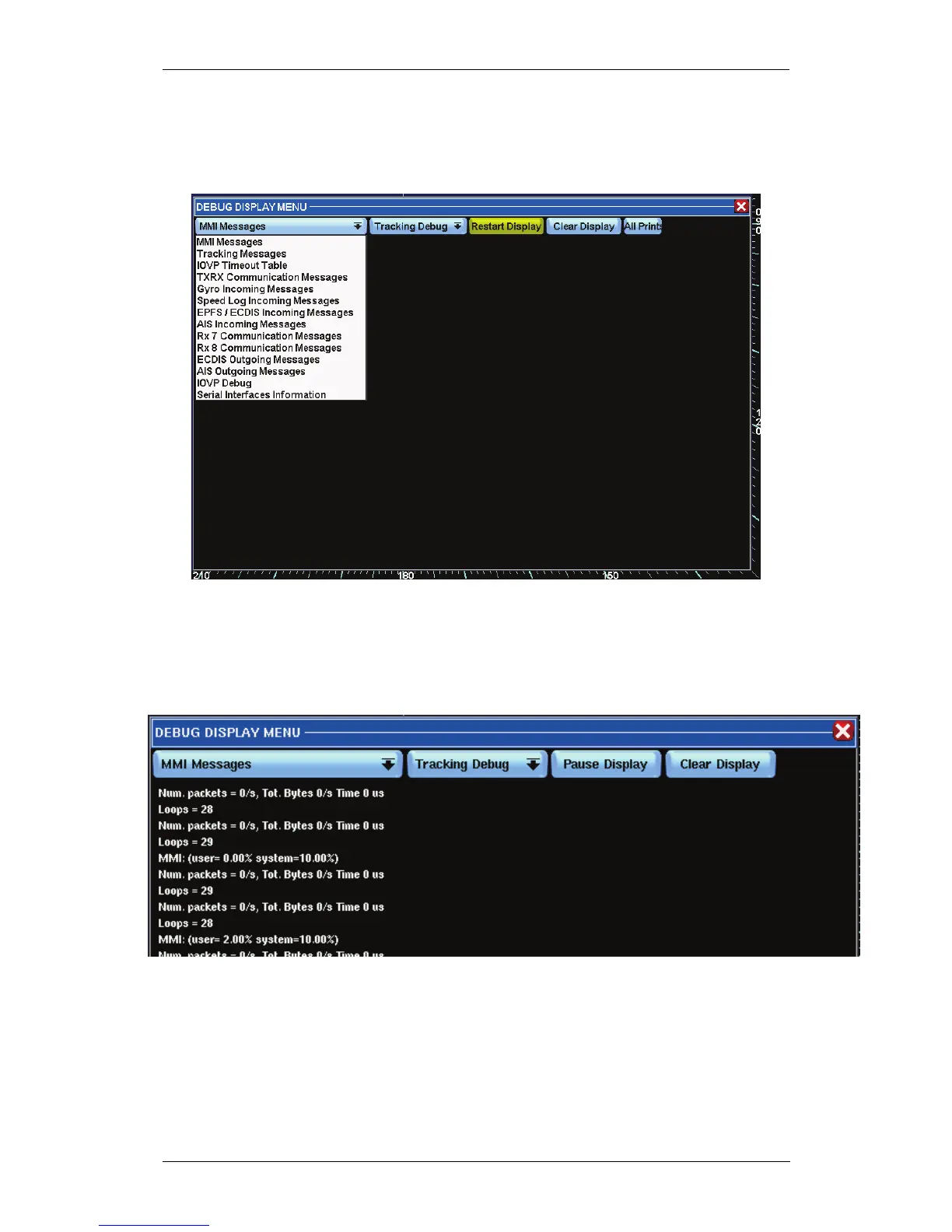
Press the Debug key to access the display for checking various messages and
in- and output data.
By pressing the first button on the left, MMI Messages, a list will be displayed
with all available messages:
• MMI Messages, the standard print-outs of the MMI program, ex.
CPU load.
• IOVP Timeout Table, prints all the names of the sentences
accepted, and next to the names a number, 0 means sentence still
received regularly, 1 means sentence in timeout. This message also
prints a statistic of the error for which the sentences have been
refused.



 To Next Page