64 57 316 D3543
D3543.076.01.04.02 06.2015
147
Sirona Dental Systems GmbH 10Service and configuration of the treatment center
Service Manual INTEGO / INTEGO pro 10.3Service settings with EasyTouch user interface
båÖäáëÜ
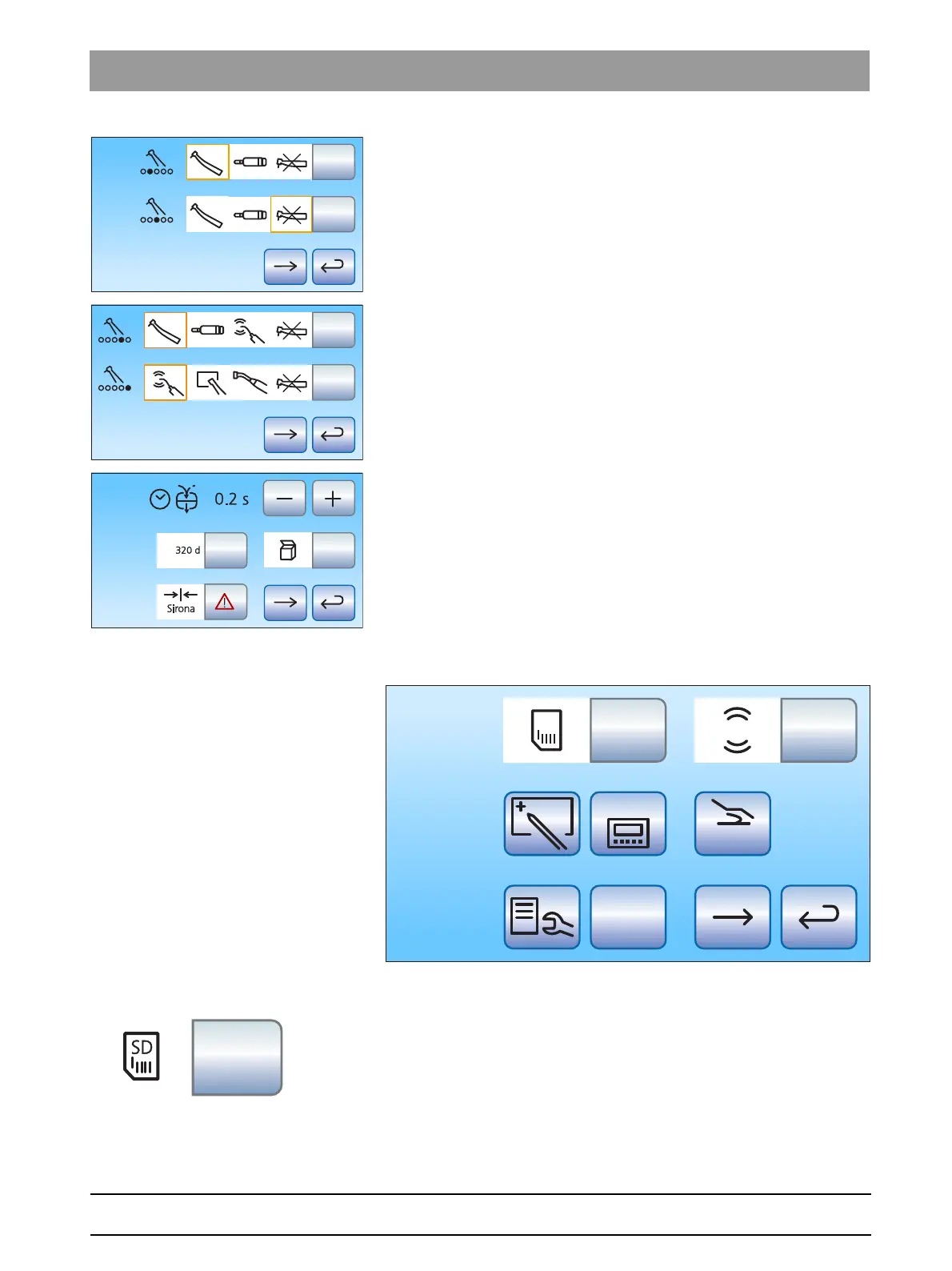
Instrument allocation for tray 2 and 3
Instrument allocation for tray 2 and 3
Default settings
10.3.2 Entry dialog
10.3.2.1
Save to SD card
➢ Touch the button
Save on the SD card
.
The data is written to the SD card.
The display flashes during the write procedure. As soon as the
write procedure has finished, a signal sounds.



 To Next Page