64 57 316 D3543
148 D3543.076.01.04.02 06.2015
10Service and configuration of the treatment center Sirona Dental Systems GmbH
10.3Service settings with EasyTouch user interface Service Manual INTEGO / INTEGO pro
10.3.2.2
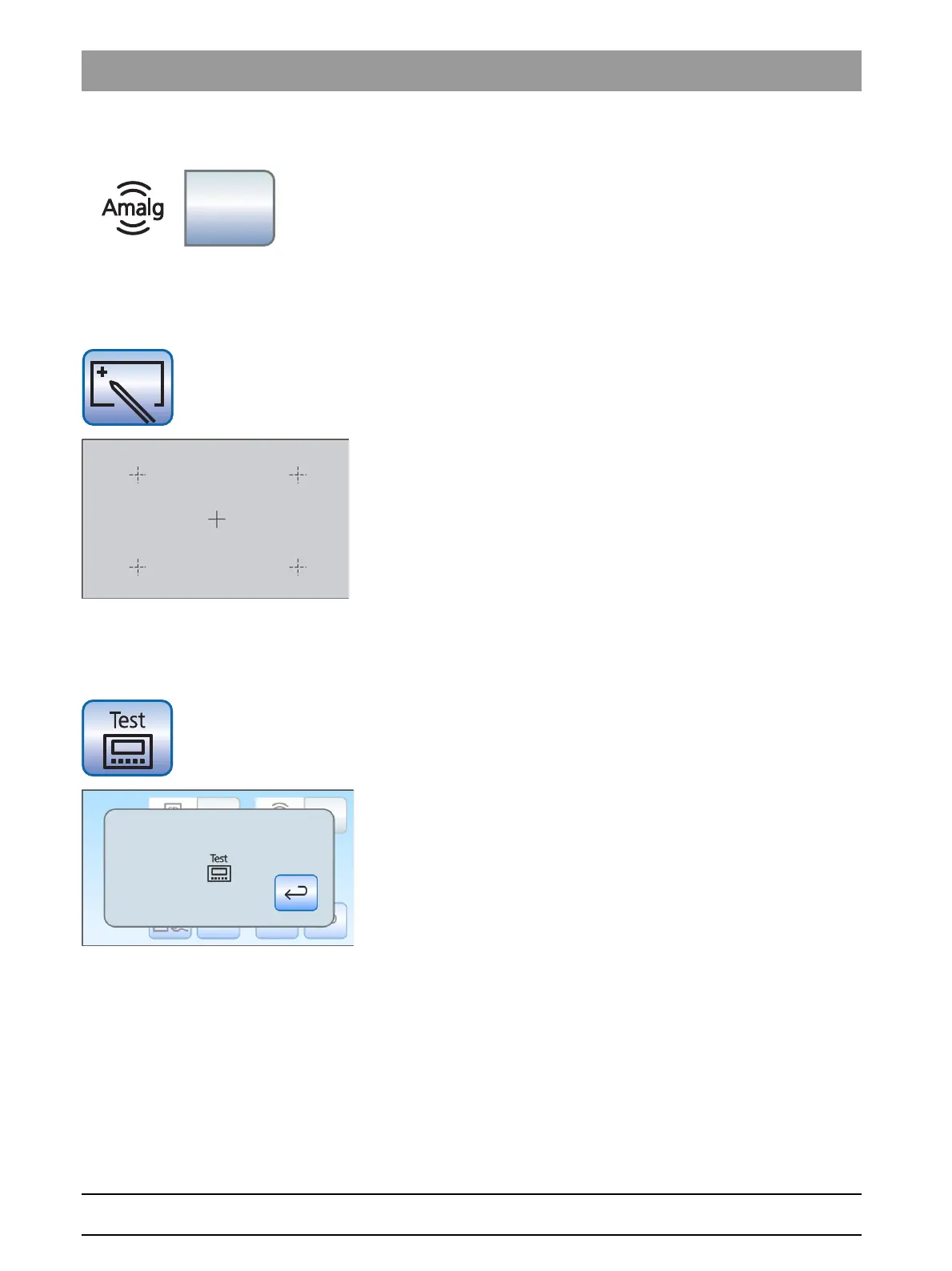
Amalgam separator test
➢ Hold down the
Amalgam separator test
button.
The message system is working if a signal is sounded when the
button is pressed. It sounds for as long as the button is pressed.
10.3.2.3
Calibrating the touchscreen
If the touchscreen is no longer able to precisely locate the position of a
contact, it must be recalibrated.
1. Touch the
touchscreen calibration
key.
A calibration field is displayed.
2. Touch the small cross on the touchscreen with a blunt pen.
The cross is displayed at another location on the touchscreen.
3. Repeat this procedure until the cross no longer appears.
4. Touch the empty touchscreen again.
The touchscreen is now calibrated. The entry dialog of the
service domain is displayed again.
10.3.2.4
Fixed button test
With this test, the functioning of the fixed buttons of the dentist and
assistant element can be tested.
1. Touch the
Fixed button test
button.
The
Fixed button test
dialog is displayed.
2. Press the fixed button you want to test.
A signal sounds if the fixed button is intact.



 To Next Page