EasyManua.ls Logo

Smart Electronic CX20 - Page 13

Default Icon
84 pages
Print Icon
To Next Page IconTo Next Page
To Previous Page IconTo Previous Page
Loading...
Product Description
smart CX20 13
No.
Key
Description
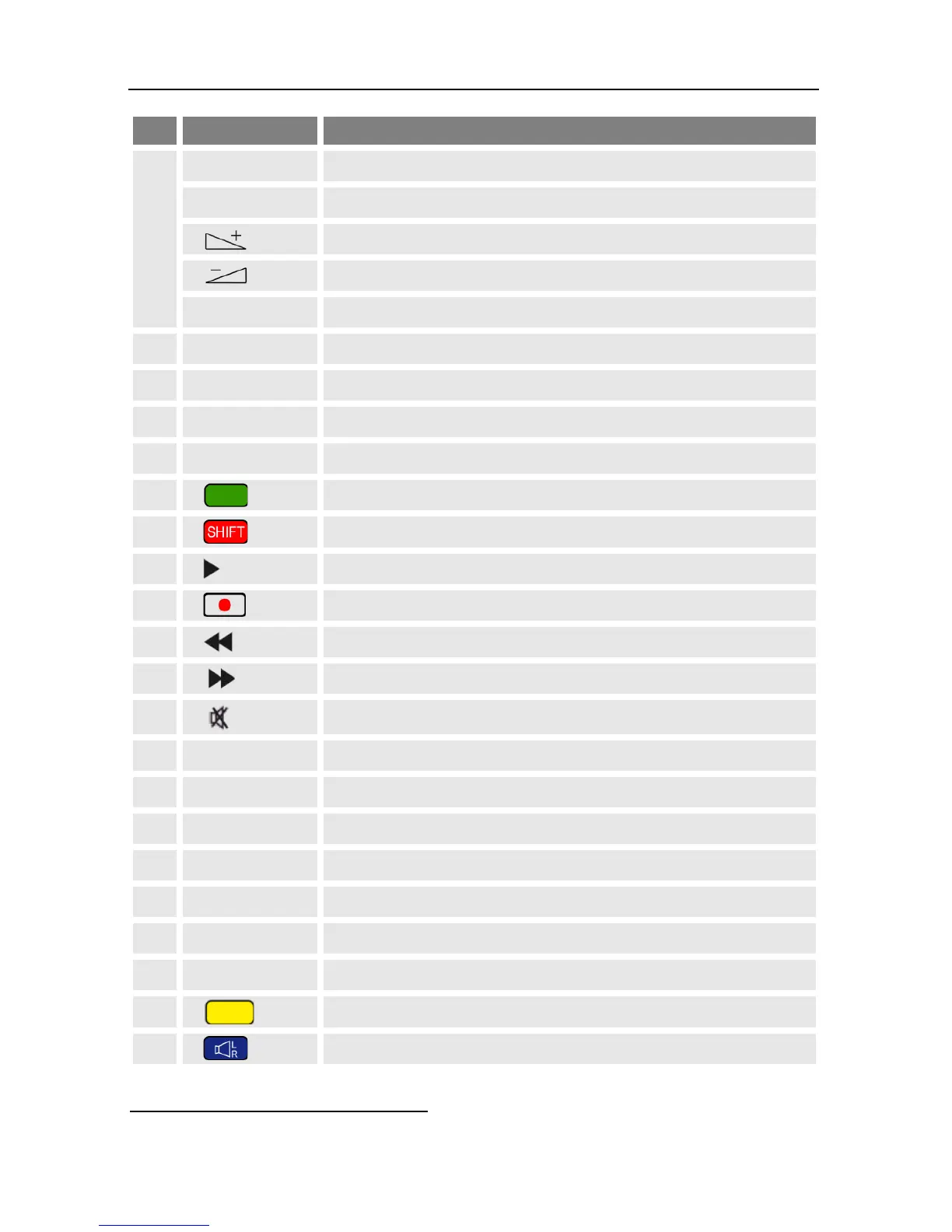
6
PR+
Channel + or up-navigation in menu
PR-
Channel - or down-navigation in menu
Volume + or menu navigation to the right
Volume - or menu navigation to the left
OK
Display channel list / confirm menu item
7
SEPP
4
Call of EPG5
8
INFO
Display information on current channel
9
P+
10 entries up in menu / channel list
10
AUDIO
Selection of audio format
11
Green function key
12
Red function key
13
Play (media player)
14
Record key / instant recording
15
Fast rewinding
16
Fast forwarding
17
Mute
18
PR
Switch of previously selected channels
19
0
Select playback format of media player
20
FAV
Call list of favorites
21
EXIT
Exit menu or menu item
22
TXT
Display / hide teletext
23
P-
10 entries down in menu / channel list
24
MENU
Call main menu
25
Yellow function key
26
Blue function key
4
SEPP = Smart Electronic Program Portal
5
EPG = Electronic Program Guide

Table of Contents

Related product manuals