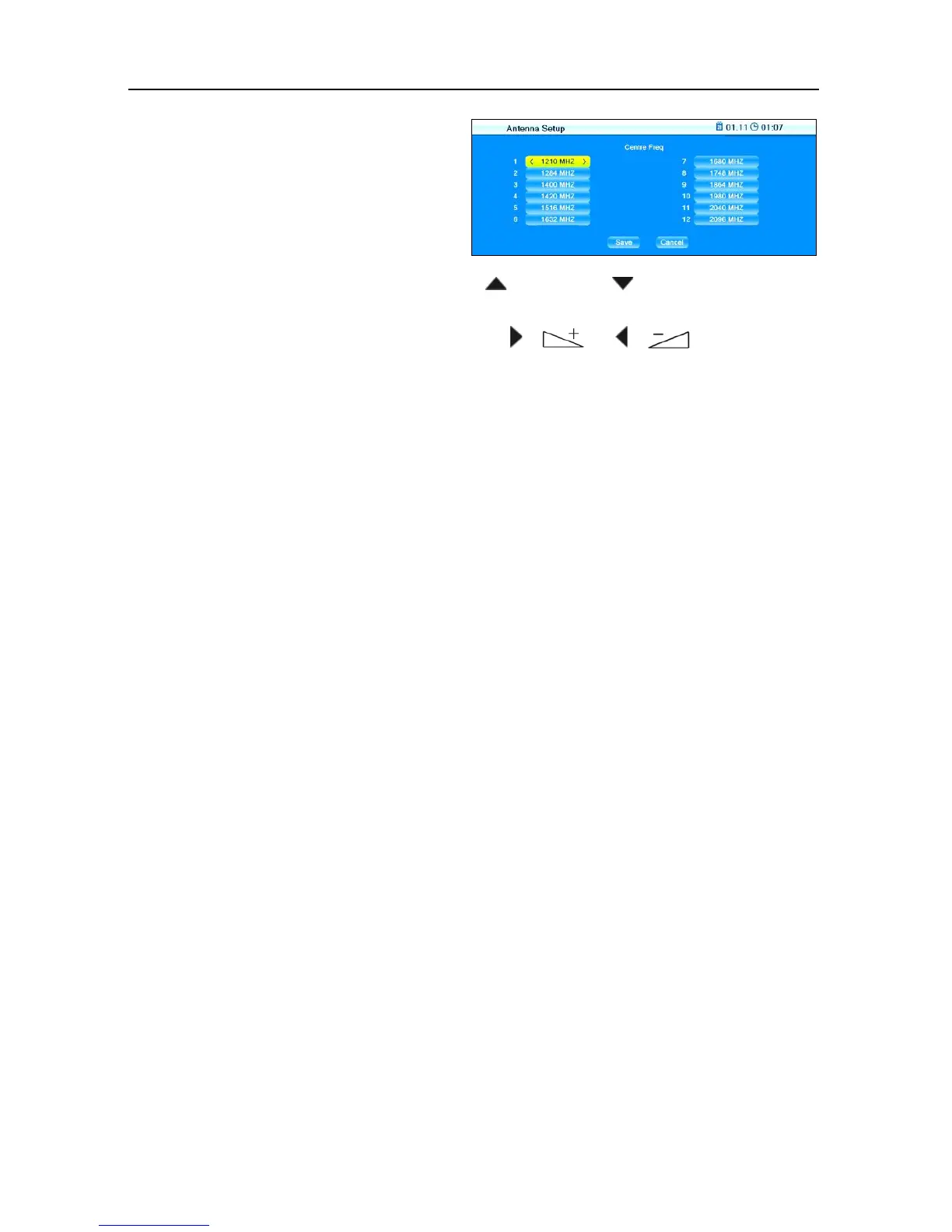
9. Select the channels using the keys / PR+ and / PR- (up to 12,
depending on your system) and insert for each the frequency (accord-
ing to the table above) using the keys / or /
or numeric
keys of the remote control.
10. Mark the button
Save and press OK to save your entries and to return
to the first window
Antenna Setup
or
mark the button
Cancel and press OK to discard any previous entries
in this window and to return to the first window
Antenna Setup without
saving.
11. Leave the menu by pressing
EXIT (settings will be saved).
RAPS installation will be continued automatically.



 To Next Page