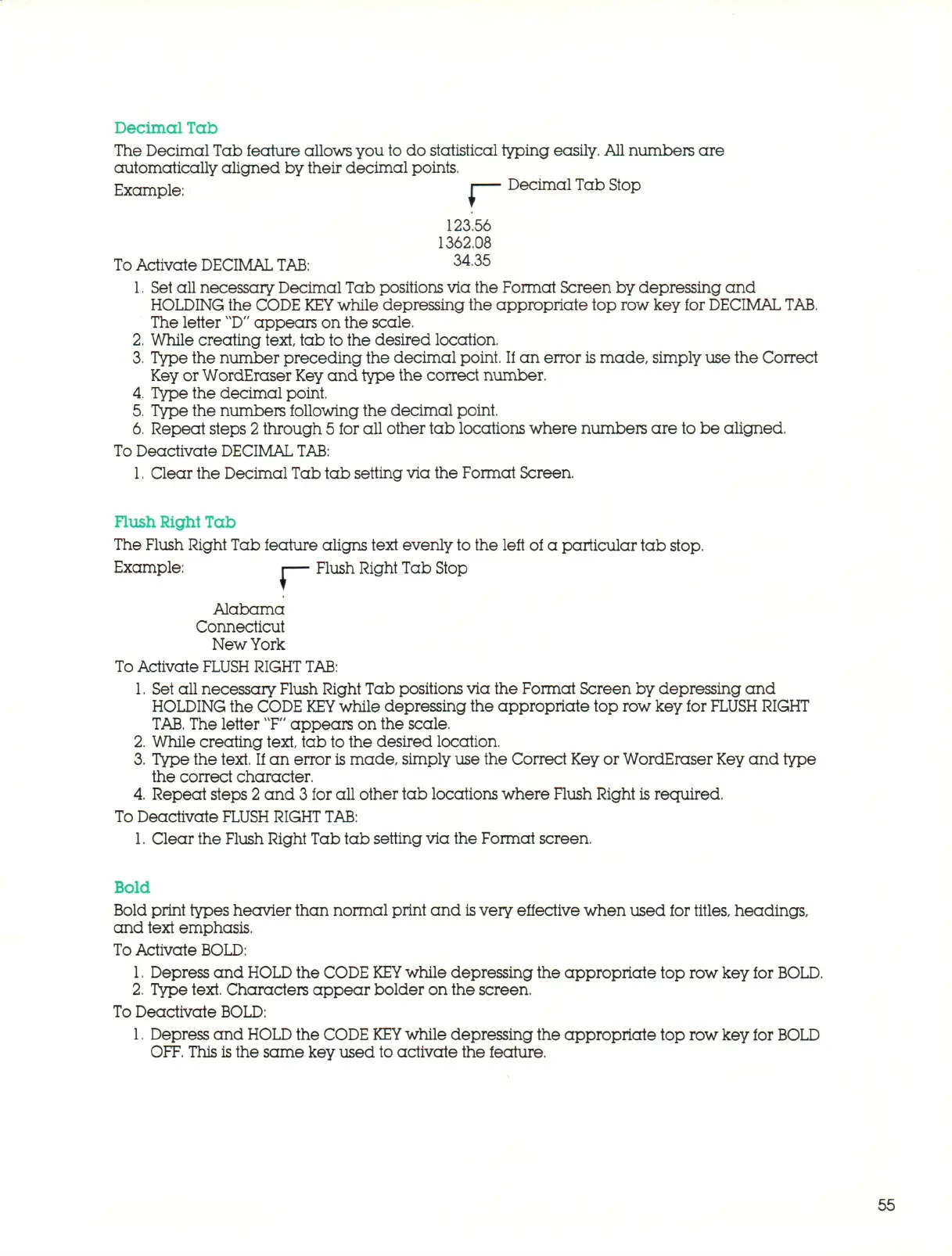
Decimal Tab
The Decimal Tab feature allows you to do statistical typing easily. All numbers are
automatically aligned by their decimal points.
Example: J Decimal Tab Stop
123.56
1362.08
To
Activate DECIMAL
TAB:
3435
1.
Set all necessary Decimal Tab positions via the Format Screen by depressing and
HOLDING the CODE
KEY
while depressing the appropriate top row key for DECIMAL
TAB.
The letter
"D"
a p p e a rs on the scale.
2.
While creating text, tab to the desired location.
3.
Type the number preceding the decimal point. If an error
is
m a d e , simply use the Correct
Key or WordEraser
Key
an d type the correct number.
4.
Type the decimal point.
5.
Type the numbers following the decimal point.
6. Repeat steps
2
through 5 for all other tab locations where numbers are to be aligned.
To Deactivate DECIMAL
TAB:
1.
Clear the Decimal Tab tab setting via the Format Screen,
Flush Right Tab
The Flush Right Tab feature aligns text evenly to the left of a particular tab stop.
Example: |— Flush Right Tab Stop
r
Alabama
Connecticut
New York
To
Activate
FLUSH RIGHT
TAB:
1.
Set all necessary Flush Right Tab positions via the Format Screen by depressing and
HOLDING the CODE
KEY
while depressing the appropriate top row key for
FLUSH
RIGHT
TAB,
The letter T" appears on the scale.
2.
While creating text, tab to the desired location.
3.
Type the text. If an error is mad e , simply use the Correct Key or WordEraser Key a n d type
the correct character.
4.
Repeat steps 2 and 3 for all other tab locations where Flush Right is required,
To Deactivate
FLUSH RIGHT
TAB:
1.
Clear the Flush Right Tab tab setting via the Format screen.
Bold
Bold print types heavier than normal print and
is
very effective when used for
titles,
headings,
and text emphasis.
To
Activate BOLD:
1.
Depress and
HOLD
the CODE
KEY
while depressing the appropriate top row key for
BOLD.
2.
Type text. Characters appear bolder on the screen.
To Deactivate BOLD:
1.
Depress and
HOLD
the CODE
KEY
while depressing the appropriate top row key for BOLD
OFF.
This
is
the same key used to activate the feature.
55



 To Next Page