51
D717 User Manual Using the Phone
Using dierent dialing methods
Auto dial
When this function is enabled, the phone will dial the number on the display when the time span in
seconds specified in this setting has elapsed since the last digit was typed. In the default setting, the
function is switched o. It can be enabled on the phone and on its web interface. For the settings, see
"Auto dial" on page 102.
Note: This function can also be used on phones restricted to dialing a single number
when the receiver is taken o the hook, in waiting areas like airport lounges or waiting
rooms, for example. In this case, the phone number or IP address to be dialed by the
phone without the user's input is specified in an additional setting, Auto Dial Target. For
the settings, see "Auto dial target" on page 103.
Redialing
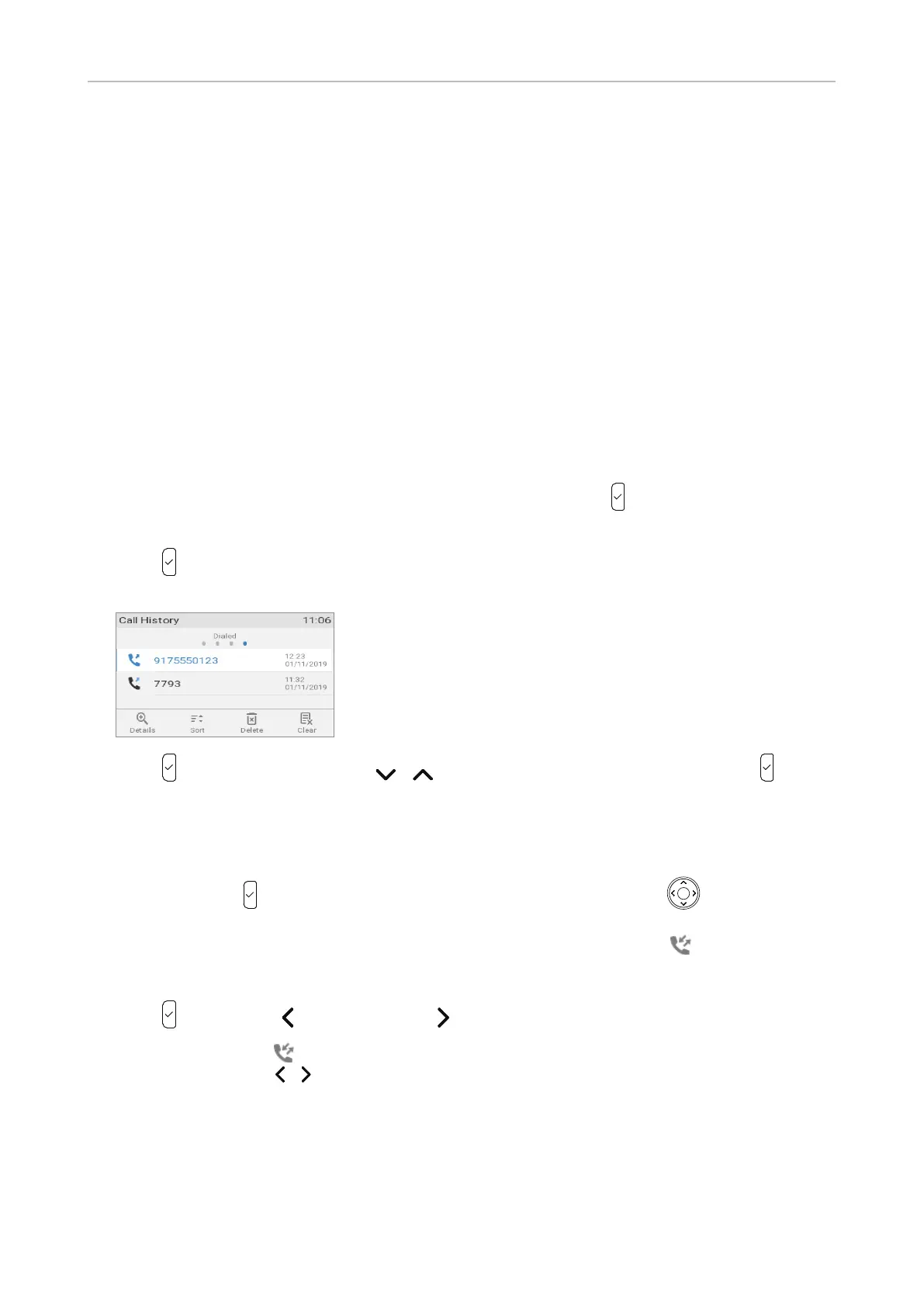
In the default setting, the list of dialed calls is mapped onto the call key and can be used to redial
the last number called.
1. Press to show the last numbers dialed (i.e., the call history for dialed calls), with the very last
number at the top.
2. Press to dial that number or use / to select a dierent number and then press .
Calling number from call history (missed, received, dialed calls)
In the default setting, the lists of dialed, received, and missed calls can be accessed directly by
pressing the call key and the left and right arrow "key" on the navigation key , respectively. The
three lists as well as the list of all calls are also available in the call history menu which is accessed
from the idle screen by pressing the context-sensitive function key underneath . For further
information, see "Call lists" on page 64.
1. Press (dialed calls), (received calls), or (missed calls) to open the respective call list.
Alternatively: Press on the idle screen (Fig. 1) to open the call history menu (Fig. 2) and select
a call list by pressing / on the navigation key.



 To Next Page