5-20
8. Auto White Balance & LV Standard Data Input
Adjust the white balance reference at 3200K, and adjust the normal
coefficient of the light value.
Subject Clear chart
(Color reproduction adjustment frame)
Measurement Point Display data of page 1 (Note3)
Measuring Instrument Adjustment remote commander
Adjustment Page F
Adjustment Address 3C to 41
Note1: This adjustment should be carried out upon completion of
“Color reproduction adjustments”.
Note2: After the power is turned on, this adjustment can be done only
once.
Note3: Check that the data of page: 6, address: 02 is “00”. If not, to
page: 6, address: 01, set data: 00, and press the PAUSE button.
Switch setting:
1) NIGHT SHOT (Lens block) ............................................OFF
2) DIGITAL ZOOM (Menu display) ...................................OFF
3) STEADY SHOT (Menu display) .....................................OFF
4) LIGHT (FK-1000 block)..................................................OFF
Adjusting method:
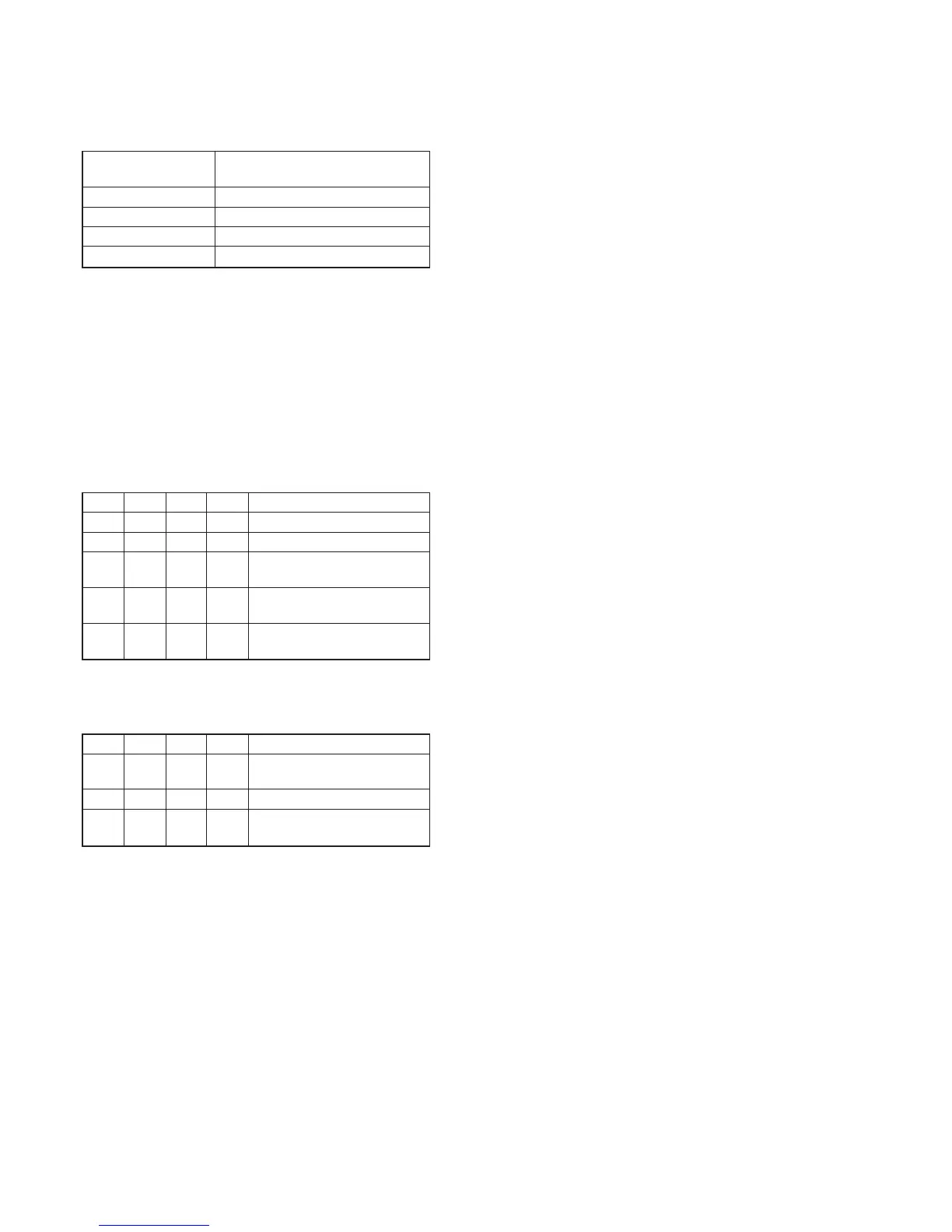
Order Page
Address
Data Procedure
1 0 01 01 Set the data.
2 Wait for 2 sec.
3 6 01 11 Set the data, and press PAUSE
button.
4 6 01 0D Set the data, and press PAUSE
button
5 6 02 Check that the data changes to
“01”. (Note4)
Note4: The adjustment data will be automatically input to page: E, address:
3C to 41.
Processing after Completing Adjustments
Order Page
Address
Data Procedure
1 6 01 00 Set the data, and press PAUSE
button.
2 0 01 00 Set the data.
3 Perform “Auto White Balance
Adjustment”.










 To Next Page