CCD-TR618/TR618E/TR718E/TR728E/TR818/TRV49/TRV49E/TRV58/
TRV58E/TRV59E/TRV68/TRV78/TRV78E/TRV88/TRV98/TRV98E
— 37 —
1-3. CAMERA SYSTEM ADJUSTMENTS
Before perform the camera system adjustments, check that the
specified values of “VIDEO SYSTEM ADJUSTMENTS” are
satisfied.
Note: NTSC model:CCD-TR618/TR818/TRV49/TRV58/TRV68/
TRV78/TRV88/TRV98
PAL model: CCD-TR618E/TR718E/TR728E/TRV49E/
TRV58E/TRV59E/TRV78E/TRV98E
Page
5-14
Type S
Type M
: Added portion.
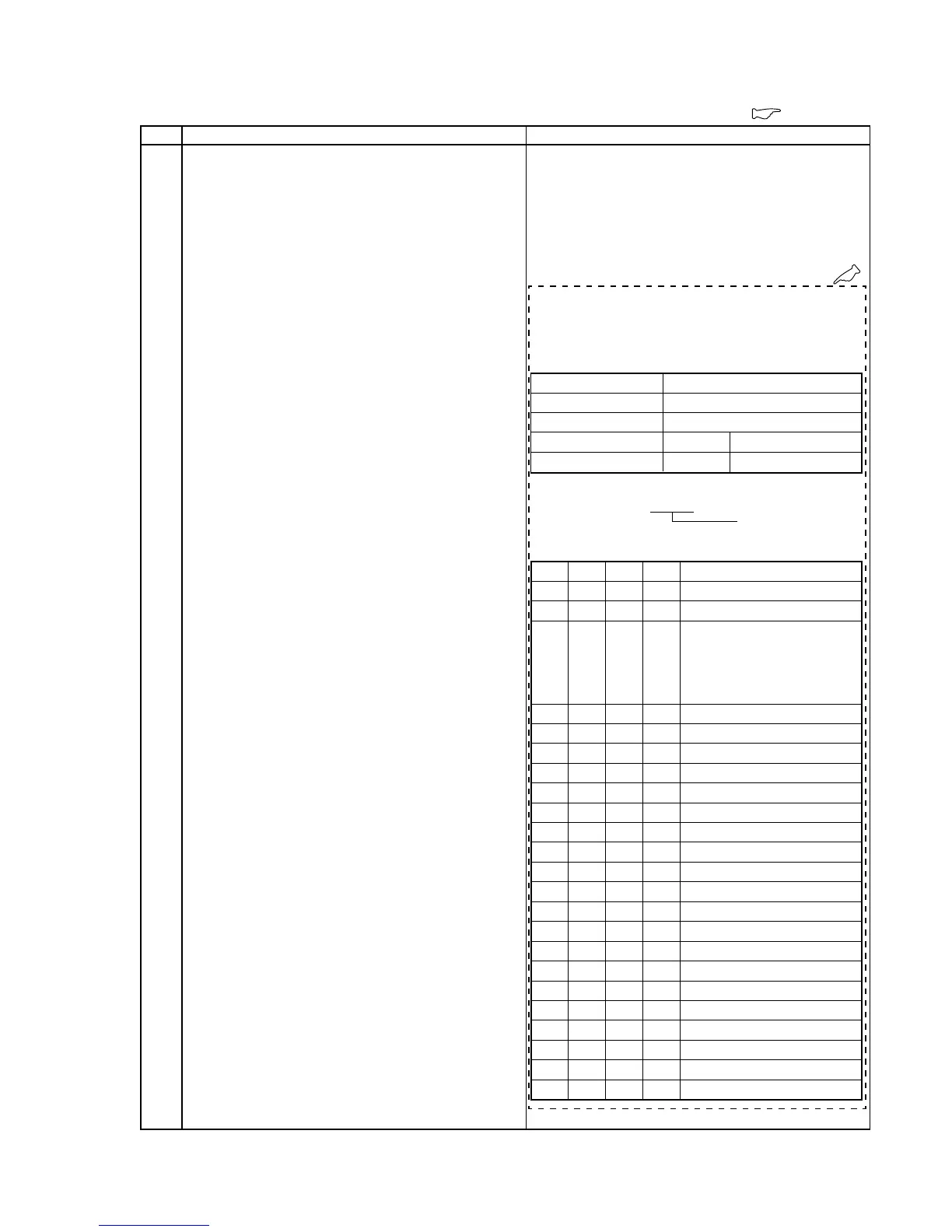
0. CCD Imager Type Input
(CCD-TRV68/TRV78/TRV88/TRV98 (NTSC)) only
Distinguish the type of the CCD imager used for the camcorder,
and input data corresponding to the type.
Subject Not required
Measurement Point Display data of page 6 (Note)
Measuring Instrument Adjustment remote commander
Adjustment Page E F
Adjustment Address 06, 59, 72
3B, A0, CD, D4, DE, FB
Note: Displayed data of page 1 of the adjustment remote commander.
1 : XX : XX
Display data
Adjusting method:
Order Page
Address
Data Procedure
1 0 01 01 Set the data.
2 6 03 Check that the data is “22” to “3F”.
3 6 04 Check the data.
When the data is “9E” to “C0”,
proceed to step 4. (CCD type M)
When the data is “DF” to “FF”,
proceed to step 14. (CCD type S)
4 E 06 42
Set the data, and press PAUSE button.
5 E 59 04
Set the data, and press PAUSE button.
6 E 72 76
Set the data, and press PAUSE button.
7F3B55
Set the data, and press PAUSE button.
8FA030
Set the data, and press PAUSE button.
9FCDD9
Set the data, and press PAUSE button.
10 F D4 80
Set the data, and press PAUSE button.
11 F DE 76
Set the data, and press PAUSE button.
12 F FB 01
Set the data, and press PAUSE button.
13 Proceed to step 23.
14 E 06 44
Set the data, and press PAUSE button.
15 E 59 02
Set the data, and press PAUSE button.
16 E 72 62
Set the data, and press PAUSE button.
17 F 3B 58
Set the data, and press PAUSE button.
18 F A0 10
Set the data, and press PAUSE button.
19 F CD DA
Set the data, and press PAUSE button.
20 F D4 40
Set the data, and press PAUSE button.
21 F DE 56
Set the data, and press PAUSE button.
22 F FB 81
Set the data, and press PAUSE button.
23 0 01 01 Set the data.










 To Next Page