5-13
1-4. CAMERA SYSTEM ADJUSTMENTS
Before perform the camera system adjustments, check that the
specified values of “VIDEO SYSTEM ADJUSTMENTS” are sat-
isfied.
1. HALL Adjustment
For detecting the position of lens iris, adjust the HALL AMP gain
and offset.
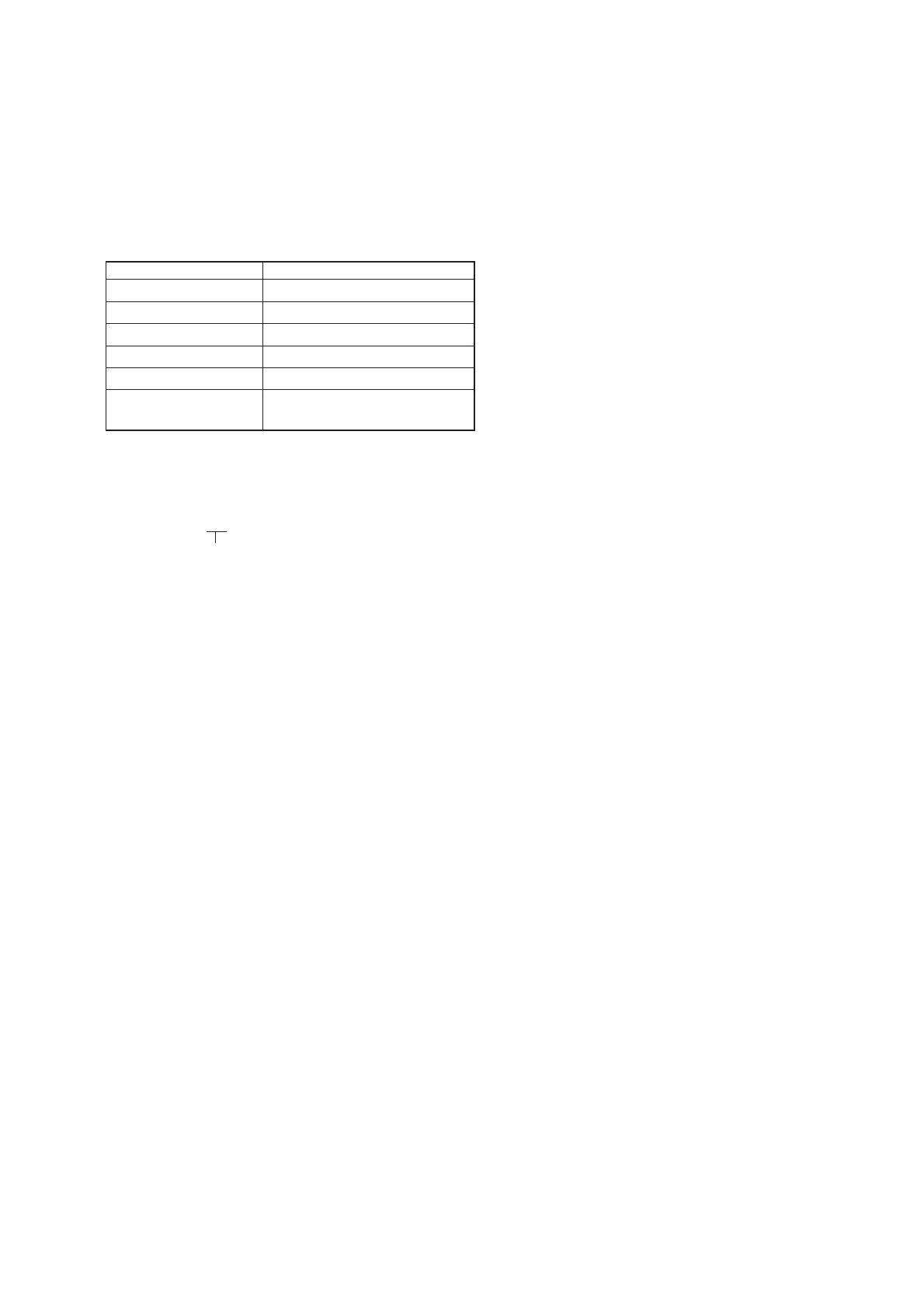
Mode STILL
Subject Not required
Measurement Point Displayed data of page: 1 (Note 2)
Measuring Instrument Adjusting remote commander
Adjustment Page F
Adjustment Address 2E, 2F, 34, 35
Specified Value 12 to 16 during IRIS OPEN
76 to 7A during IRIS CLOSE
Note 1: Check that the data of page: 6, address: 02 is “00”.
If not, turn the power of unit OFF/ON.
Note 2: The right two digits of the page: 1 displayed data of the
adjusting remote commander
1:00:XX
→ Object data
Adjusting method:
1) Select page: 0, address: 01, and set data: 01.
2) Select page: 6, address: 94, and set data: 14.
3) Select page: 6, address: 95, and set data: 78.
4) Select page: 6, address: 01, set data: 6D, and press the PAUSE
button of the adjusting remote commander.
(The HALL adjustment is performed and the adjustment data
is stored in page: F, address: 2E, 2F, 34 and 35)
5) Select page: 6, address: 02, and check that the data is “01”.
6) Select page: 6, address: 01, and set data: 00, and press the
PAUSE button of the adjusting remote commander.
Checking method:
1) Select page: 0, address: 03, and set data: 03.
2) Select page: 6, address: 01, and set data: 01, and press the
PAUSE button of the adjusting remote commander.
3) Select page: 1, and check that the displayed data (Note 2) dur-
ing IRIS OPEN satisfies the specified value.
4) Select page: 6, address: 01, and set data: 03, and press the
PAUSE button of the adjusting remote commander.
5) Select page: 1, and check that the displayed data (Note 2) dur-
ing IRIS CLOSE satisfies the specified value.
Processing after Completing Adjustments:
1) Select page: 0, address: 03, and set data: 00.
2) Select page: 6, address: 01, set data: 00, and press the PAUSE
button of the adjusting remote commander.
3) Select page: 6, address: 95, and set data: 00.
4) Select page: 6, address: 94, and set data: 00.
5) Select page: 0, address: 01, and set data: 00.











 To Next Page