5-28
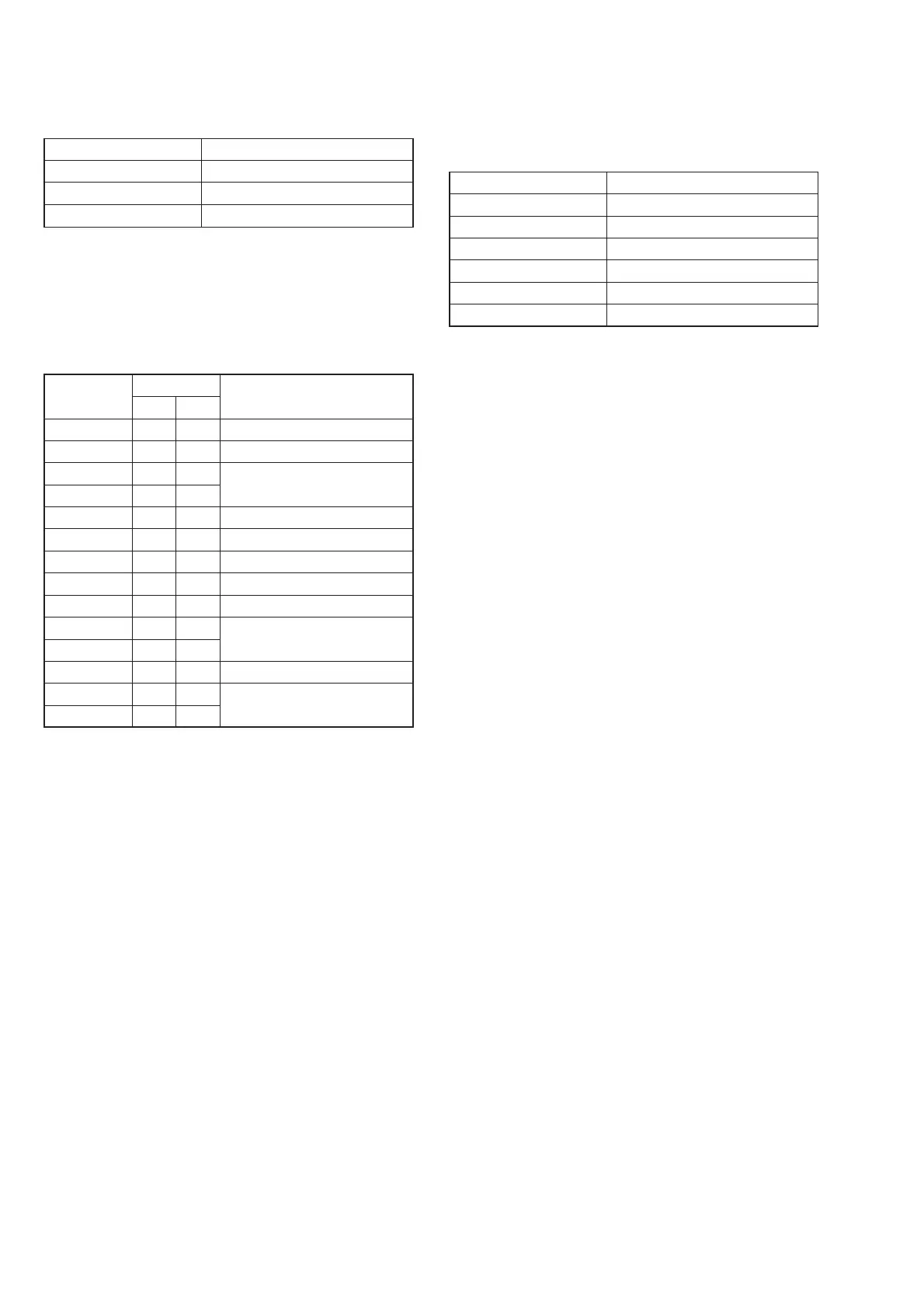
1. LCD Initial Data Input
Mode PLAY
Signal Arbitrary
Adjustment Page D
Adjustment Address 80 to 89, 8C to 8F
Adjusting method:
1) Select page: 0, address: 01, and set data: 01.
2) Select page: D, and enter the data given in the following table.
Note: Press the PAUSE button of the adjusting remote commander
each time the data are set, as the data are written to non-
volatile memory (EEPROM).
Processing after Completing Adjustments:
1) Select page: 0, address: 01, and set data: 00.
2. VCO Adjustment (NTSC) (PK-47/48 Board)
Set the VCO free-run frequency. If deviated, the LCD screen will
be blurred.
Mode PLAY
Signal Arbitrary
Measurement Point Pin (7) of CN801 (HSY)
Measuring Instrument Frequency counter
Adjustment Page D
Adjustment Address 87
Specified Value f = 15734 ± 30 Hz
Adjusting method:
1) Select page: 0, address: 01, and set data: 01.
2) Select page: 5, address: F0, and set data: 01.
3) Select page: D, address: 87, change the data and set the fre-
quency (f) to the specified value.
4) Press the PAUSE button of the adjusting remote commander.
Processing after Completing Adjustments:
1) Select page: 5, address: F0, and set data: 00.
2) Select page: 0, address: 01, and set data: 00.
Address Data Remark
FD83 FD88
80 BB BC Bright Adjustment
81 6F 80 Color Adjustment
82 77 B9 White Balance Adjustment
83 7A B7
84 DB BE Contrast Adjustment
85 78 C8 D Range Adjustment
86 70 7C V-COM Level Adjustment
87 6F 50 VCO Adjutment (NTSC)
88 97 74 V-COM Adjustment
89 51 72 Fixed value
8C 9A 9A
8D 6F 50 VCO Adjutment (PAL)
8E 13 13 Fixed value
8F 00 00












 To Next Page