S CLASS™ cutter User’s Manual
Basic Operation 2-14
2.5 How to Make Sure the Sign Has the Correct Size
(Length Calibration)
The S CLASS™ cutters are friction-feed machines. This means that the cutting length
is dependent on the thickness of the material.
The cutters have been calibrated in the factory for standard 2-mil cast or 3-mil
calendared vinyl. Each user (the S CLASS™ has a total of 8) can hold a different
calibration factor.
This is very helpful for multi-colored signs; it ensures that the parts in different colors
match up, even if different types of vinyl media are used.
NOTE: For standard use, it is not necessary to calibrate the machine. With standard
vinyl the accuracy is within 0.2%. However if high accuracy between different vinyl or
colors is needed, then calibration is necessary.
Calibrating the media (Length calibration):
1. Power on the cutter, load media, and mount knife (see section 1).
NOTE: The wider and longer the loaded media, the more accurate the calibration will
be. Use a piece of vinyl of maximum width and a length that is approximately 1.5
times the width.
2. Press .
The main menu will appear on the screen.
3. Press
.
The different tests and calibration routines will appear on screen.
4. Press
.
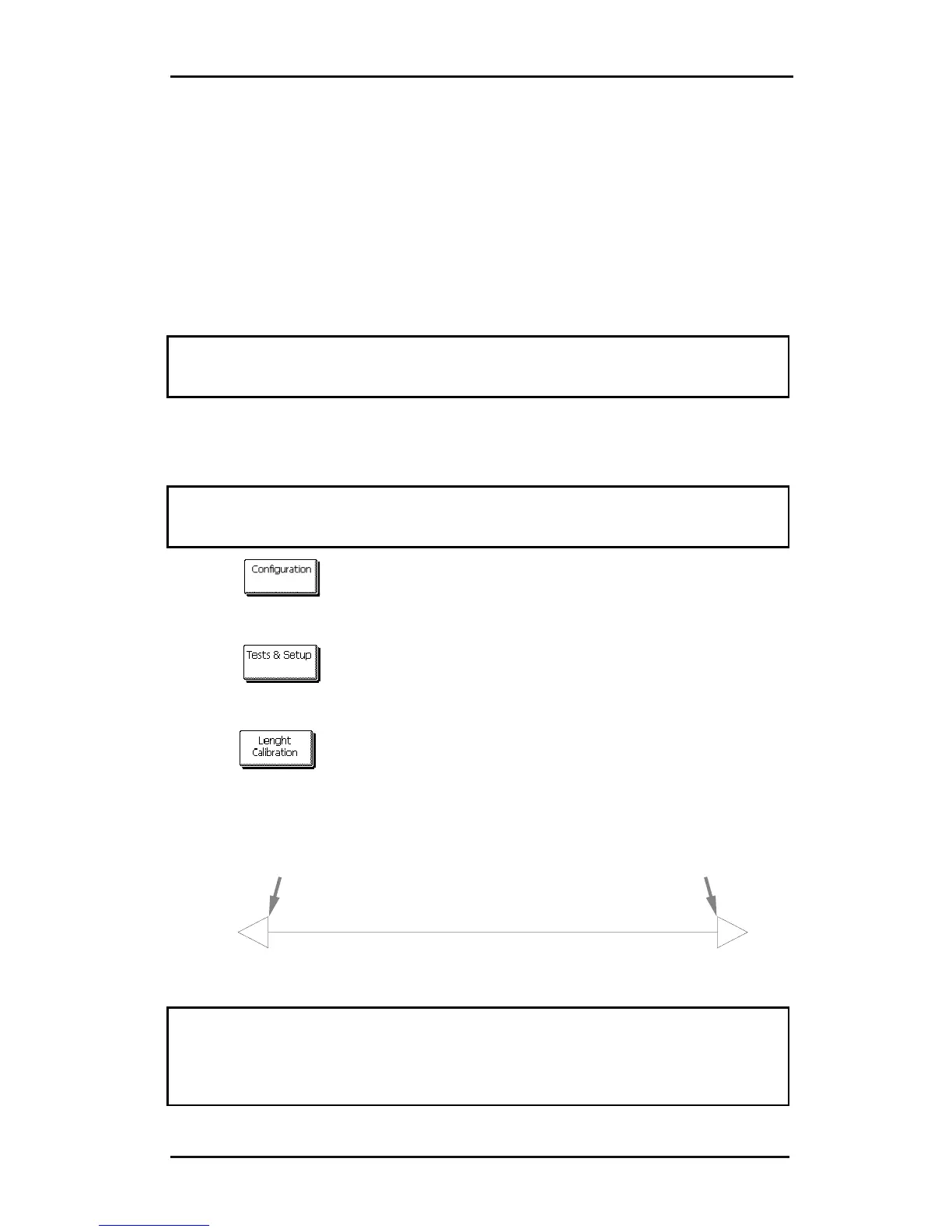
The cutter will reload the media and perform the length calibration test. Take out
the media and measure the length of the cut line with a ruler (measuring device).
The length that has to be entered is the distance between line 1 and line 2 as
shown in the figure.
12
FIG 2-6
2-6 LENGTH CALIBRATION PATTERN
NOTE: The cutter will only be as accurate as the accuracy of the calibration. If the
ruler (measuring device) is inaccurate, then re-calibrating may make the cutter’s
accuracy worse. The accuracy of calibration will be directly reflected in the cuts. Set
the cutter to Metric to do the calibration. It is more accurate than the English unit
system (see Panel Units:).











 To Next Page