EasyManua.ls Logo

Summa S 75 - Configuration Menu Structure

Summa S 75
103 pages
Print Icon
To Next Page IconTo Next Page
To Previous Page IconTo Previous Page
Loading...
S CLASS™ cutter User’s Manual
Detailed Operation 4-2
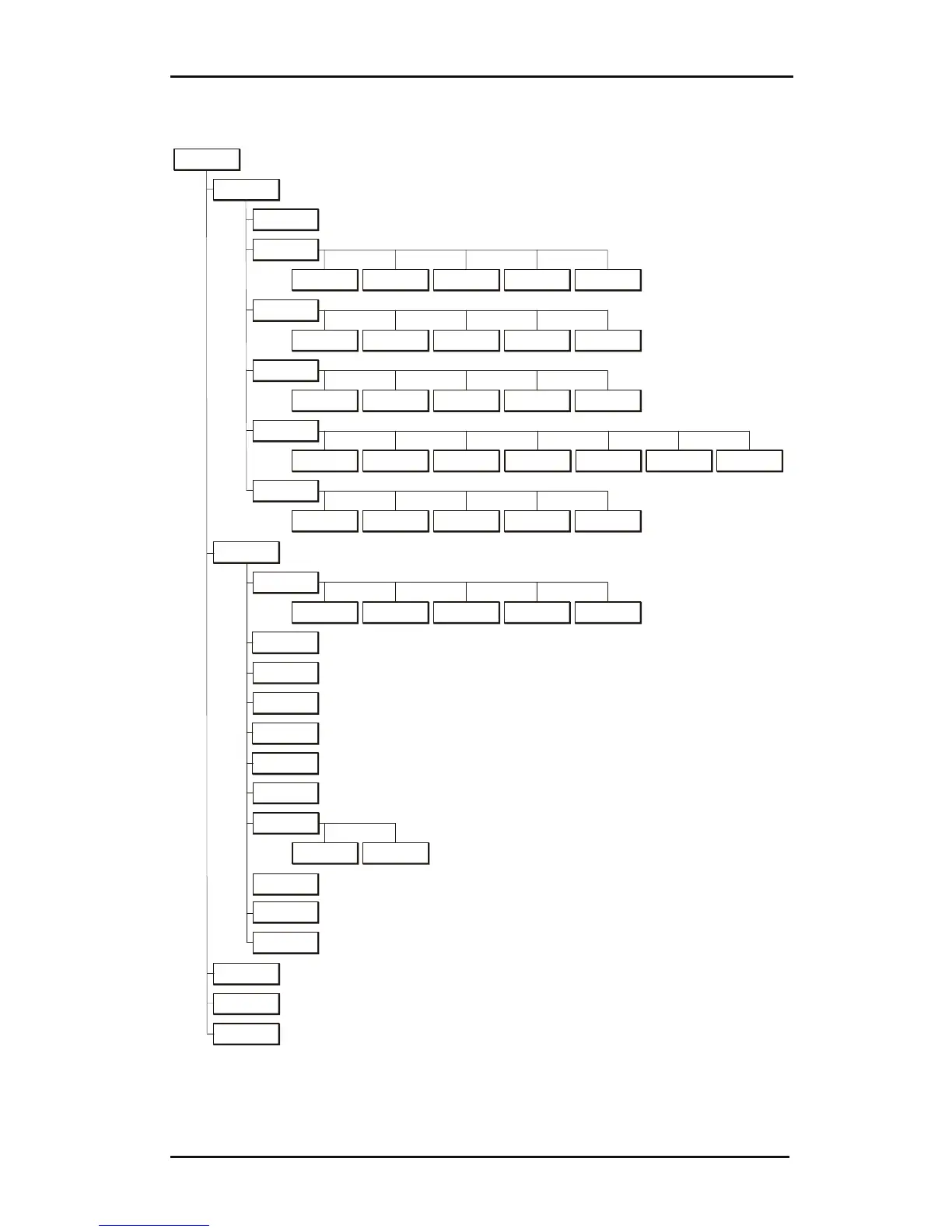
4.3 Configuration Menu
Configuration
Advanced
Cutting
Overcut OptiCut FlexCut Smoothin
g
Concatenation
Settings
Tool
General
Media Sensor Language Panel Units Recut Offset
A
utoload
OPOS X
Calibrate OPOS Calibrate
media (OPOS)
Alignment mode OPOS sheet
mode
OPOS
Parameters
Communication
Baudrate
(RS232)
Parity (Rs232) RTS/DTR
(RS232)
Speed
in detail
Velocity Up velocity Down
acceleration
Up
acceleration
TurboCut
Tests & Setup
Len
g
th
calibration
Calibrate knife
Factory
Default s
Media sensor
setup
Back Sensor Front Sensor
OPOS X
Calibrate OPOS Calibrate
media (OPOS)
A
li
g
nment mode OPOS sheet
mode
OPOS
parameters
Coil setup
Confidence test
DIN A4 Test
RS232 Test
V
elocity
Tool properties
User
(*) Tool properties will vary according to the chosen tool
Rom Revision
Emulation
Language
HPGL Ori
g
in USB Class
(*) Only when tangential tool is the current tool
DMPL
addressin
g
Calibrate touch
screen
(*) Only when drag knife is the current tool
FIG 4-2
4-2 CONFIGURATION MENU

Table of Contents

Related product manuals