Detailed Operation 4-1
4 Detailed Operation
4.1 Introduction
This section is a detailed list of all parameters that can be changed and tests that can
be initiated from the touch screen.
Section 1 and 2 of this manual describe in detail the most commonly used touch
screen manipulation.
This section may be used as a reference for locating a certain parameter setting or
test. The less frequently used parameters are also explained in this section.
4.2 Action Menu
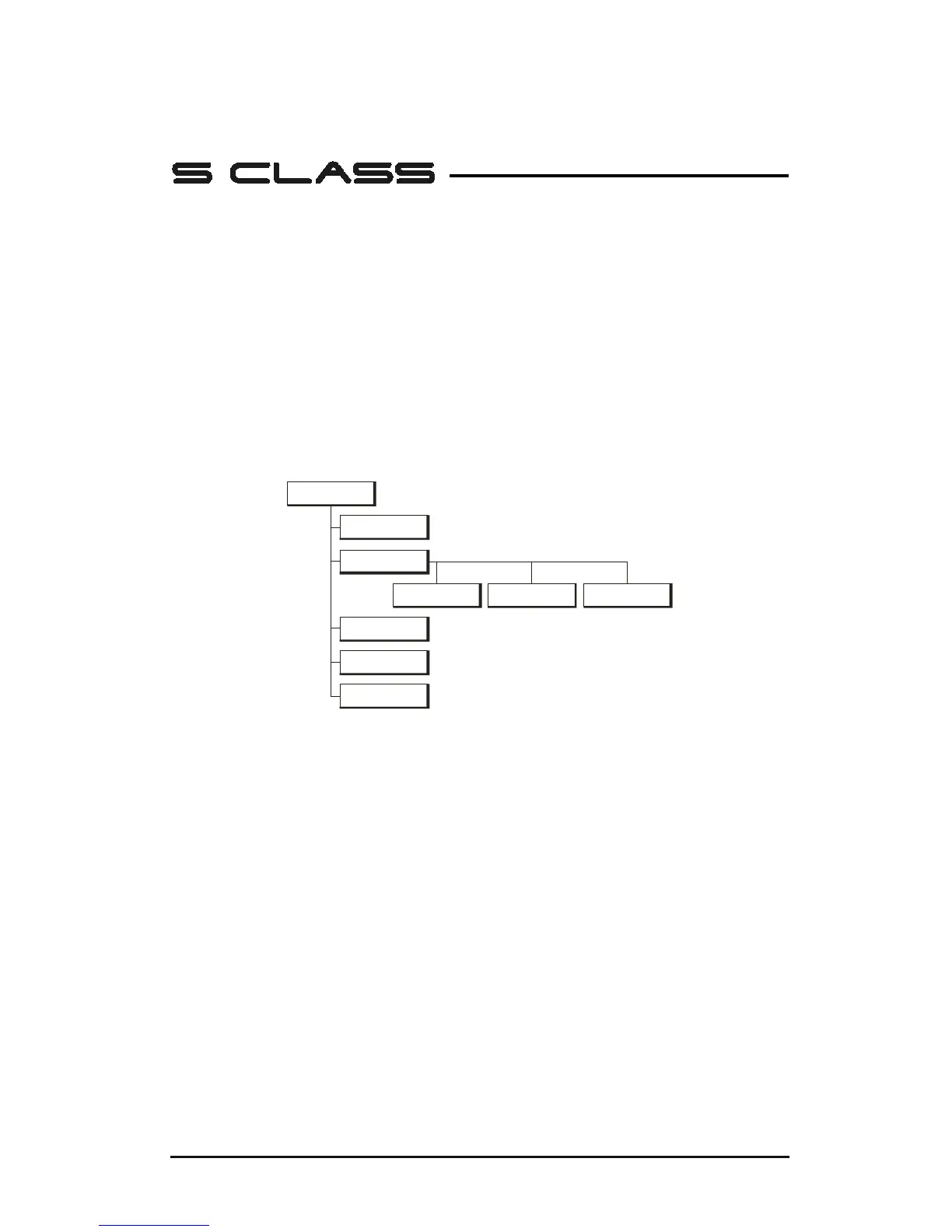
Actions
Load
Roll Sheet
Set Origin
Reset
Media
Alignment
Replot
Extended
FIG 4-1
4-1 ACTION MENU
Most of the explanation of this menu is covered in previous sections.
Set Origin: Used to change the origin of the tool carriage on a loaded piece of media.
After this button is pressed, arrow keys will appear to allow the user to go to the new
origin.
Load: The loading procedure is explained in section 1.5.4.
Reset: Used to interrupt an ongoing job.
Special Load: Starts the loading procedure for contour cutting; see section 3.3.5.
Replot: Each job is stored in the cutter’s memory until a new job is sent. Pressing
replot allows the job to be replotted. After this button is pressed, the user may choose
the number of replots. The replot button does not work if there is no job in the
memory, or if the previous job was larger than the cutter’s memory.











 To Next Page