SWDE200B Operation & Maintenance Manual
2.4.3 Inclination Interface
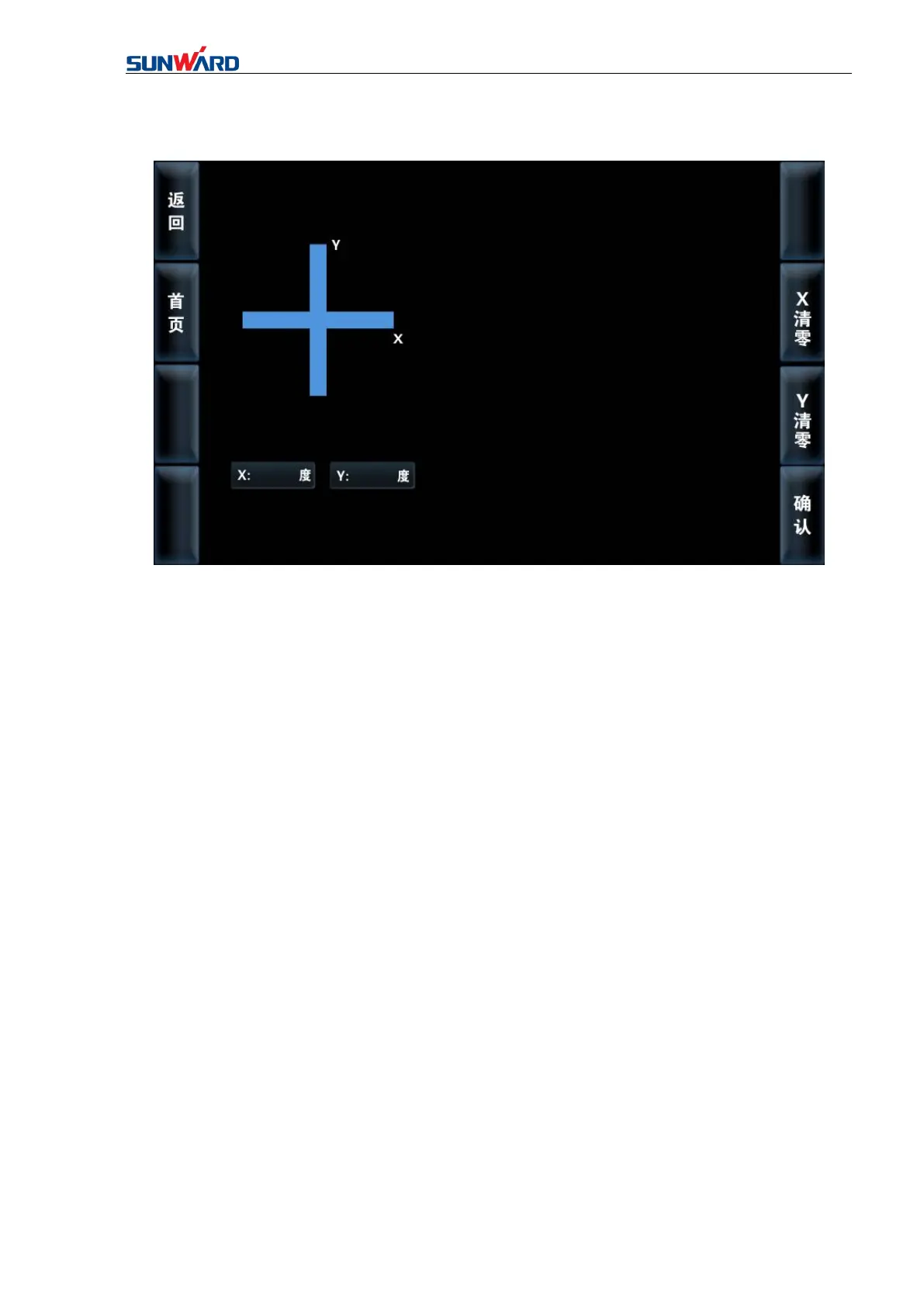
Figure 3.5 Inclination Interface
Press “INCLINATION”on main operating interface(figure 3.2), you will
enter“inclination interface”. Click the corresponding button on the interface to perform
corresponding operation.
If the inclination needs to be recalibrated, click X (left/right inclination)reset, then X
direction will be reset. Click Y (front/rear inclination) reset, then Y direction will be reset.
Click “Home page” (F2) to back to the main operation interface (Figure 3.2).



 To Next Page