6.0 Options
- 75 -
Valid Setting for Option 401
Upper Nibble Lower Nibble Function
0 0 Loop Mode
0 1 Fallback Mode
0 2 All Mode
0 3 IP Fallback Mode
0 4 Automatic IP Fallback Mode
1 0 Loop Mode - Split Report
1 1 Fallback - Split Report
1 2 Invalid Selection – mode will be placed back to Default (04)
1 3 Invalid Selection – mode will be placed back to Default (04)
1 4 Automatic IP FallBack - Split Report
- - Any other value shall force the mode back to Default (04)
For example, setting option 401 to 10 (0001 0000) enables the Split Reporting function and Loop mode. The programming option can be viewed as an
option list in the programming menu.
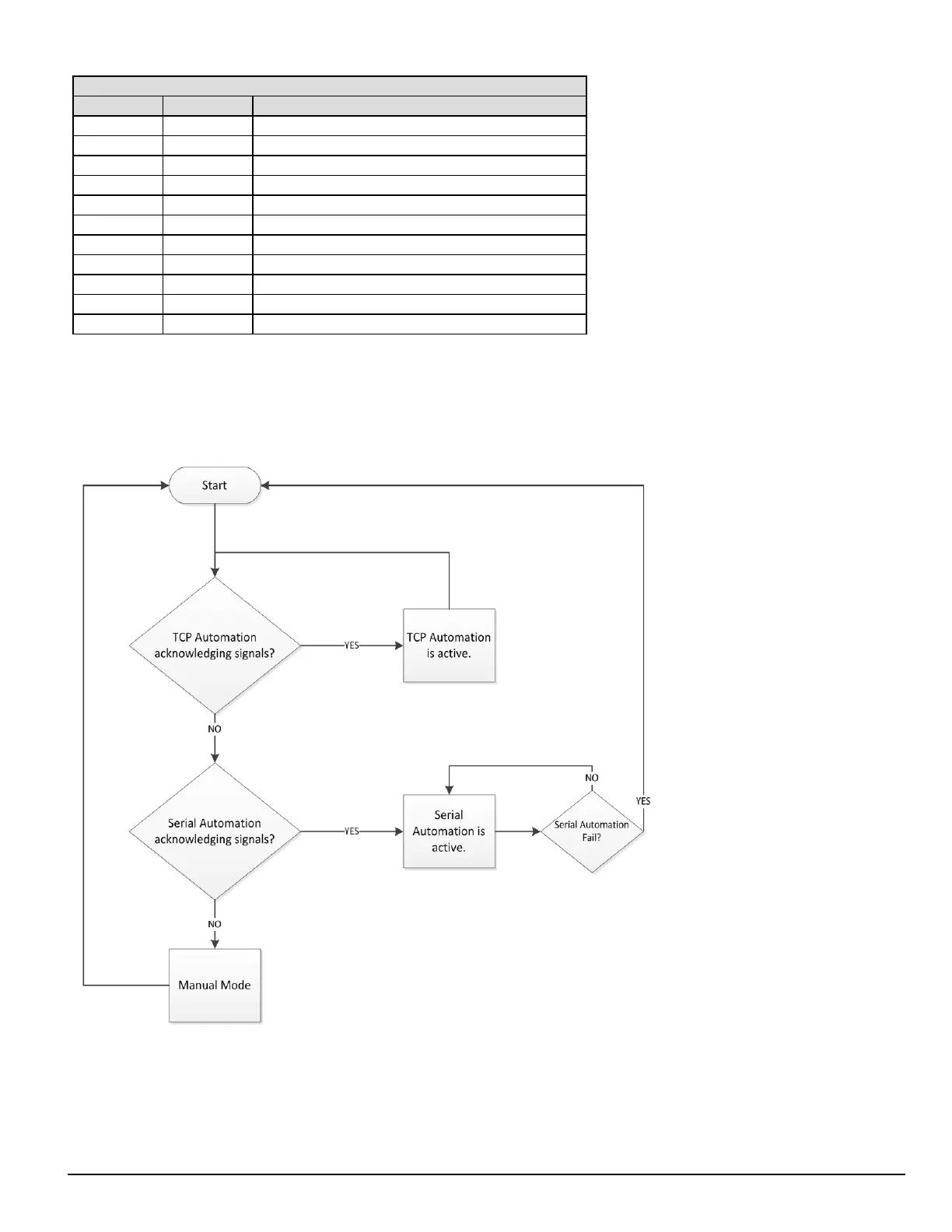
Automation Mode diagrams
FIGURE 6-2: Flow diagram for Loop Mode (0)



 To Next Page